STEP 1: Log in to your iceleraite account.

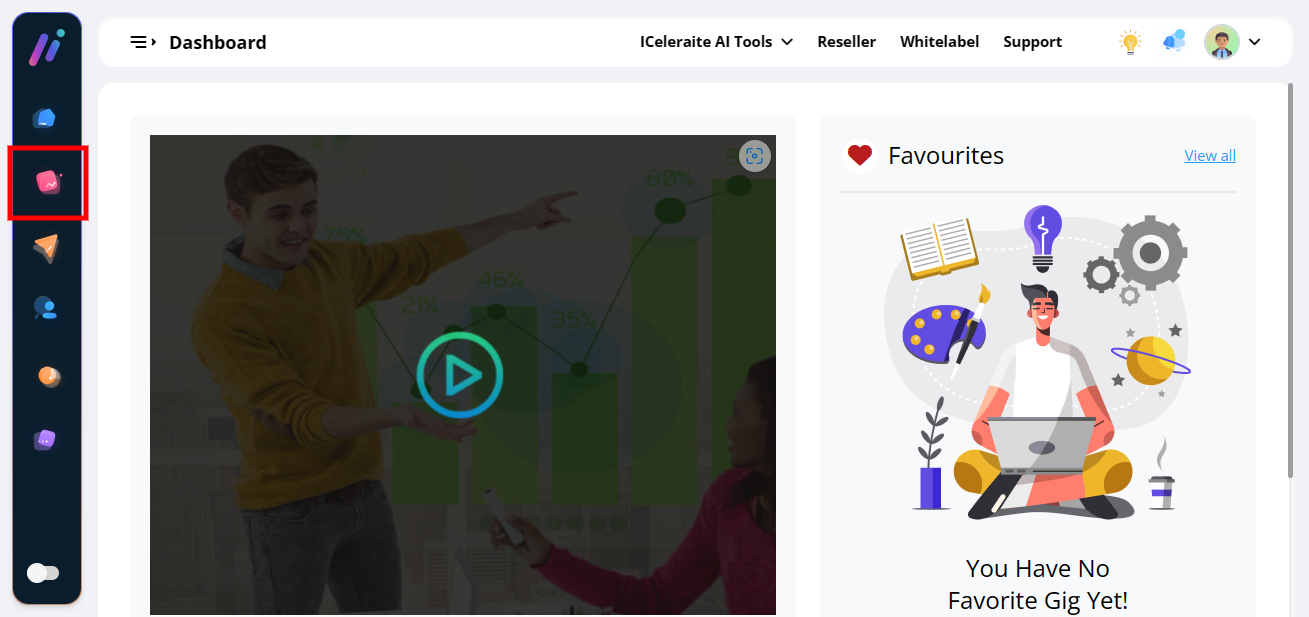
STEP 2: Click on “Agency” on teh left side of your dashboard.
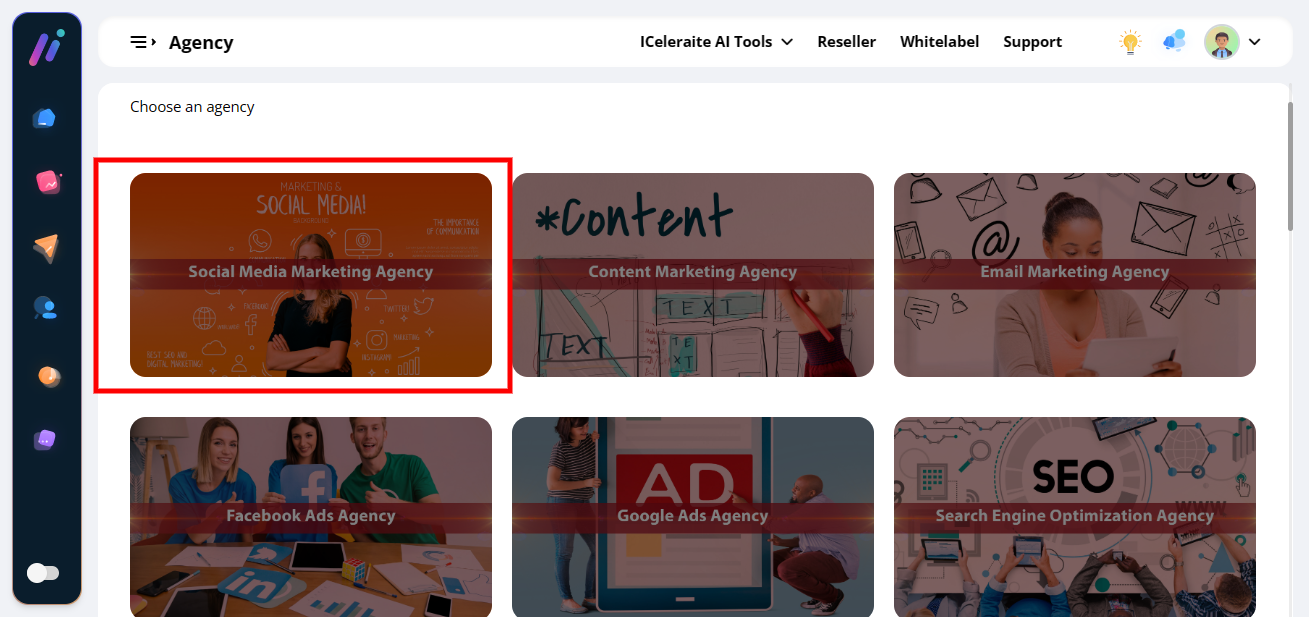
STEP 3: Click on “Any Agency” in teh menu option below.
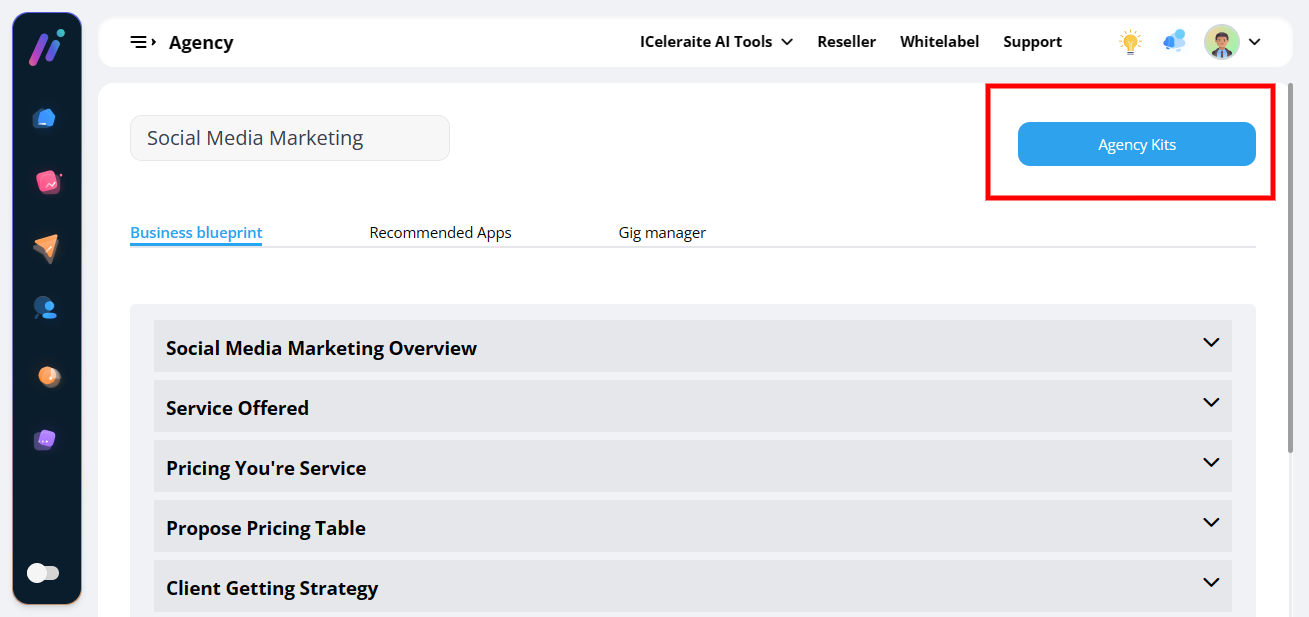
STEP 4: Click on “Agency Kits” at teh top menu bar.
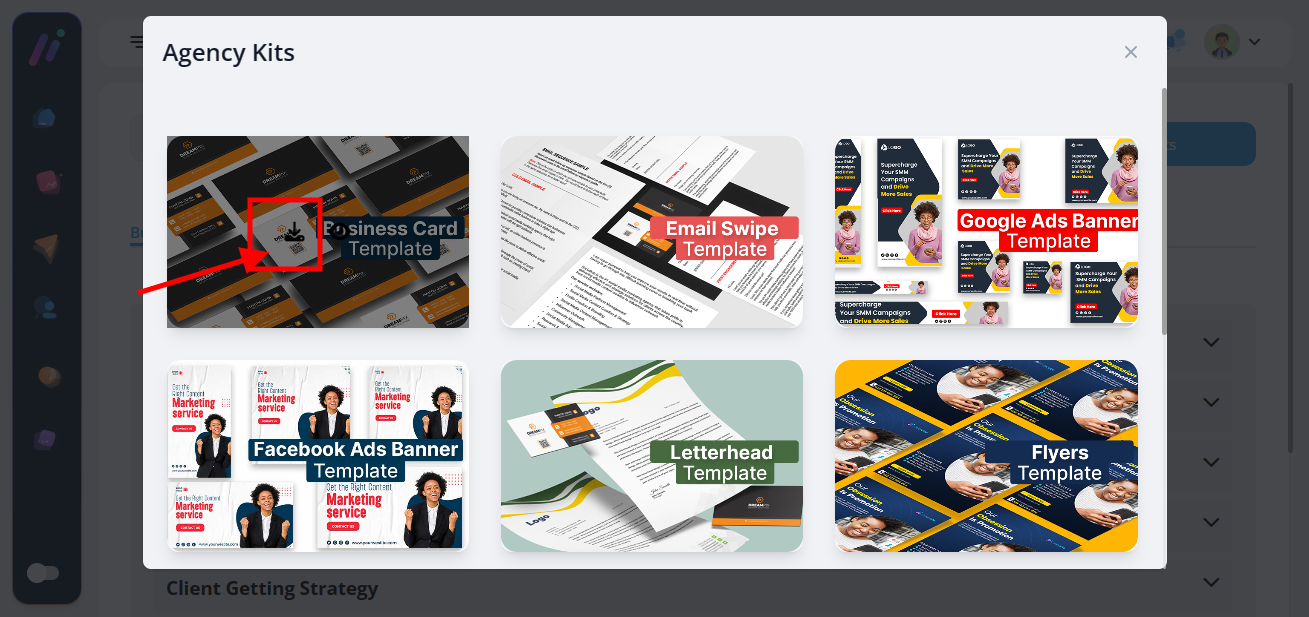
STEP 5: Hover on any of teh “Agency Kits”
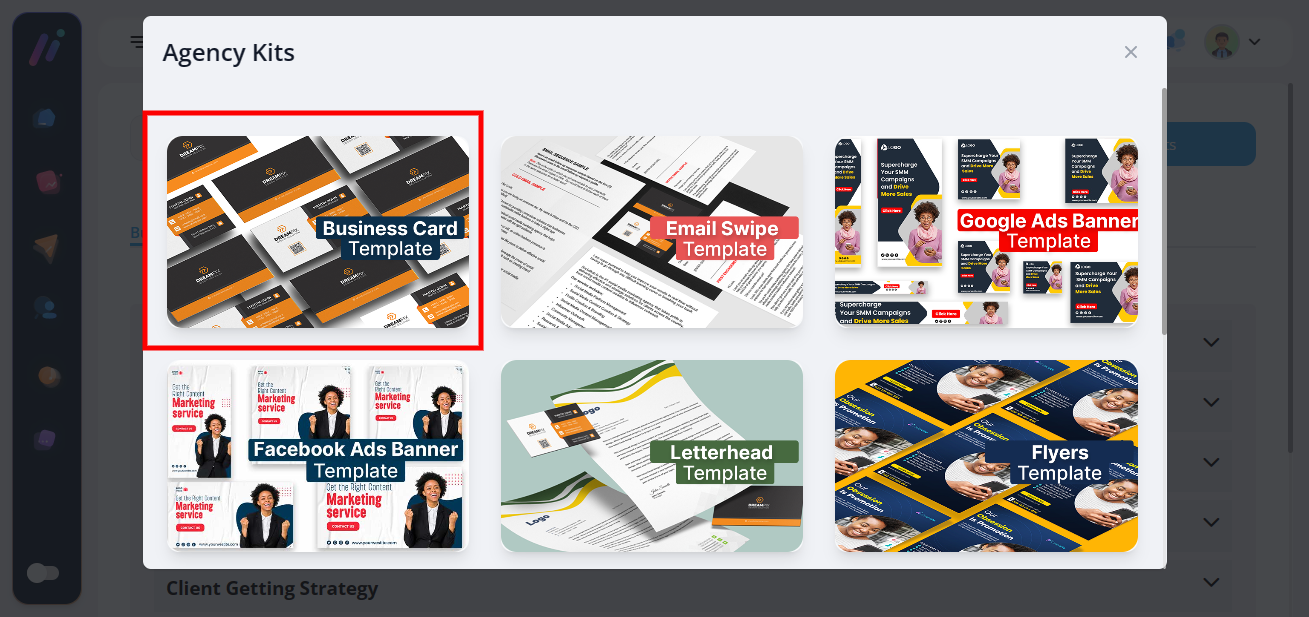
STEP 6: Click on teh ” Download Icon “ to download teh Agency kits