
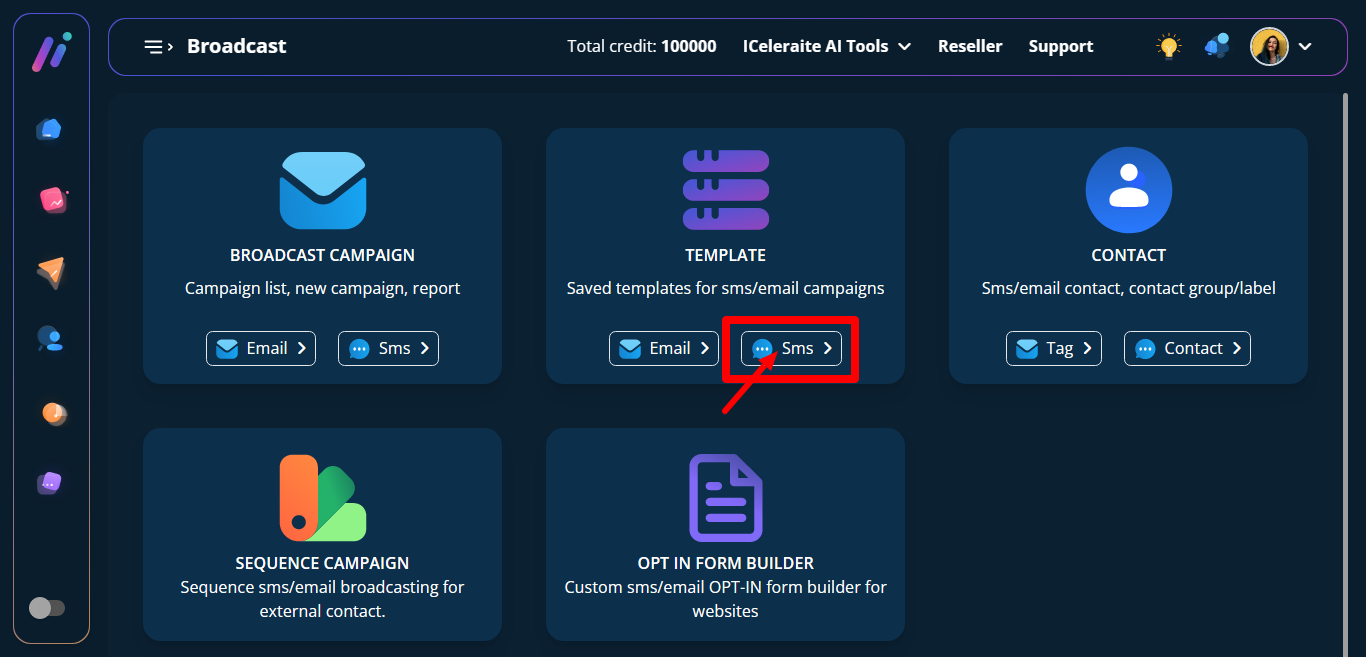
STEP 1: To create a template for SMS, click on the SMS option in the broadcast manager.
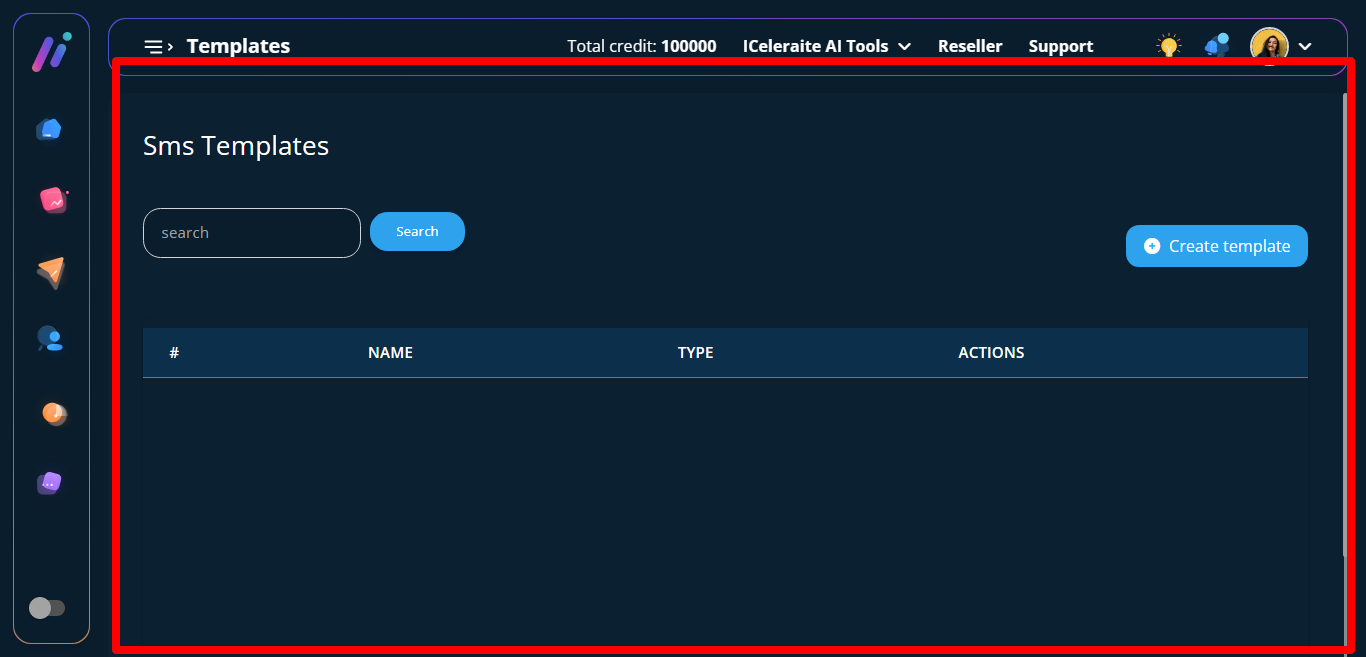
STEP 2: And instantly, a page called SMS template with a button called Create template will appear. Click on the Create template button.
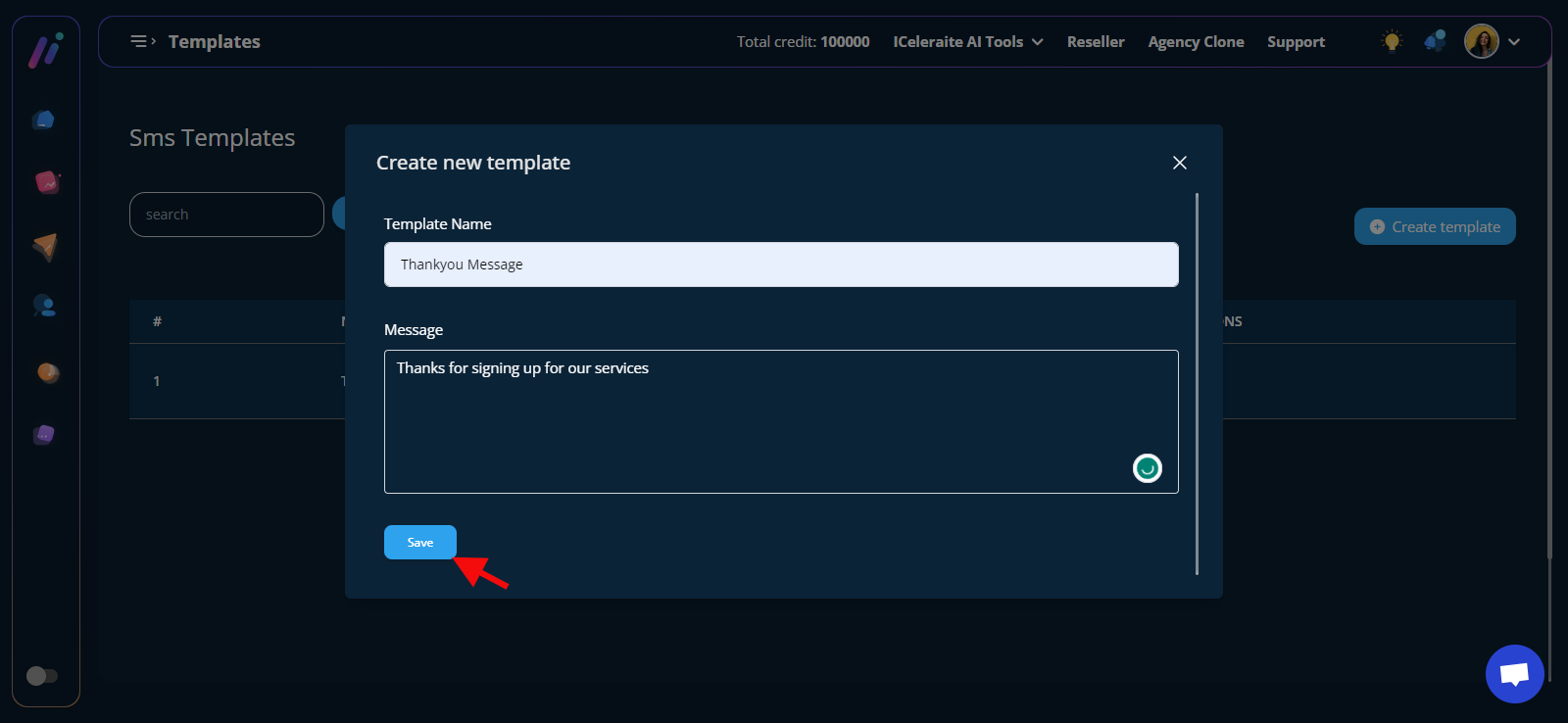
STEP 3: A modal called create template will appear.

Now you have to give a template name and enter copy in the message field.
Then click on the save button to save the template.
STEP 4: A new page called “SMS Templates” with a table having the created template will appear.
