STEP 1: Log into your Bizfox account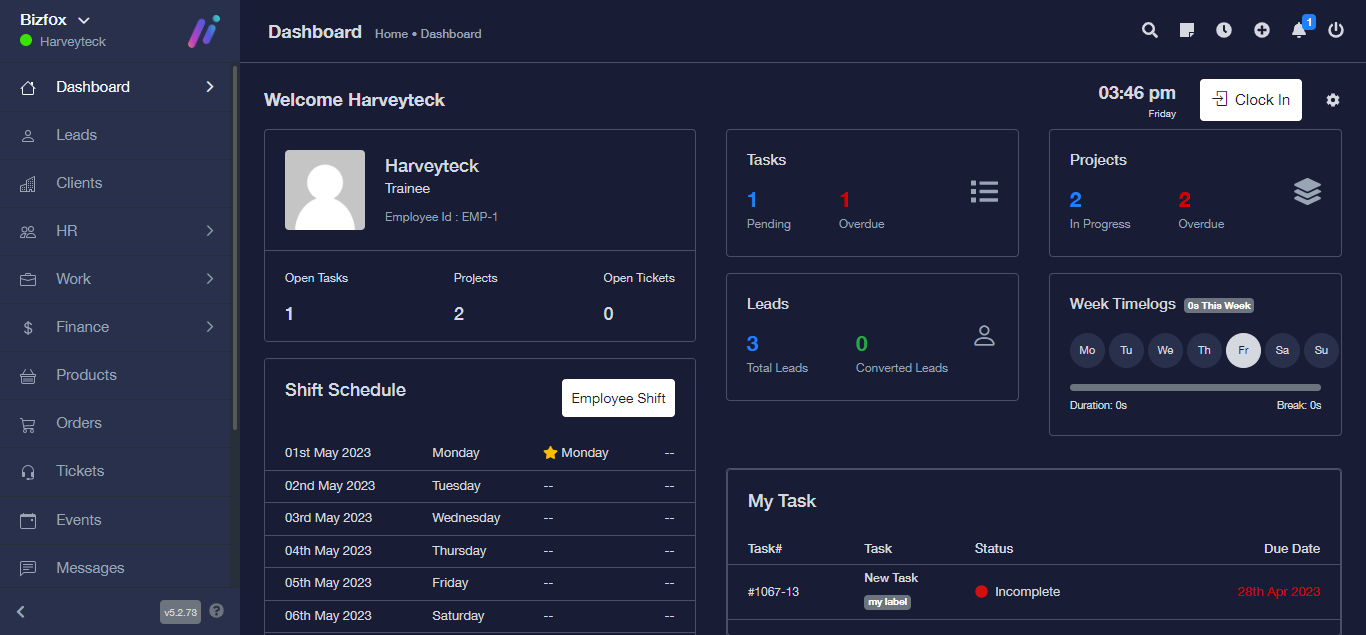
STEP 2: At the right side of your dashboard, click on “Leads”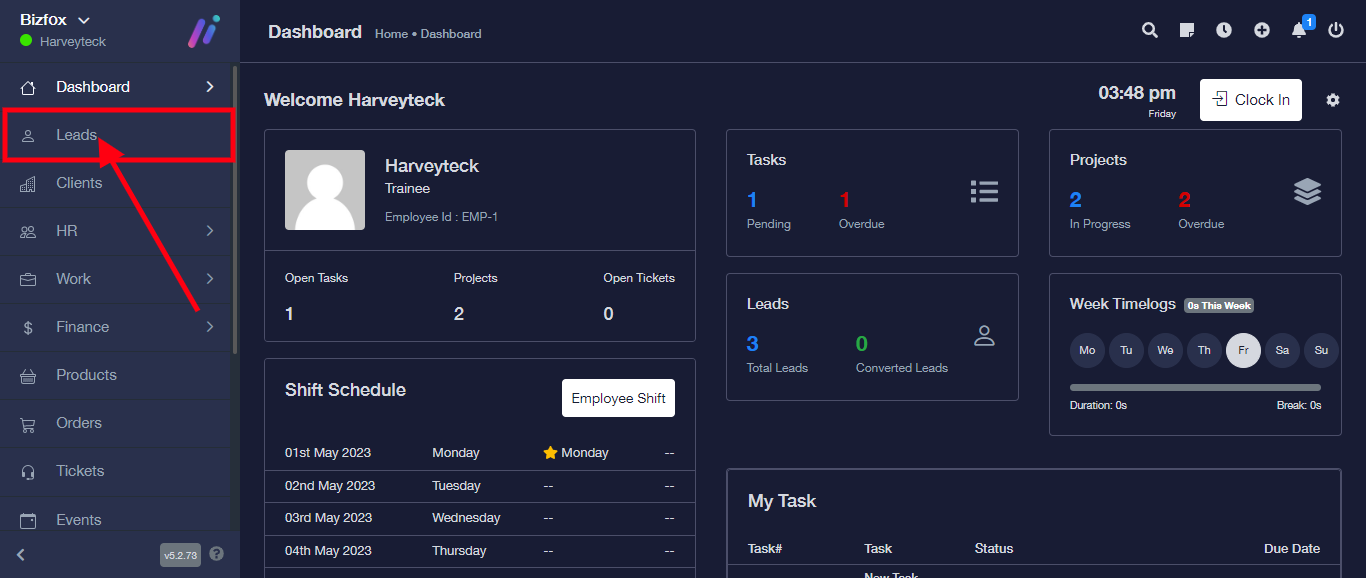
STEP 3: From the top right, click on “Filter”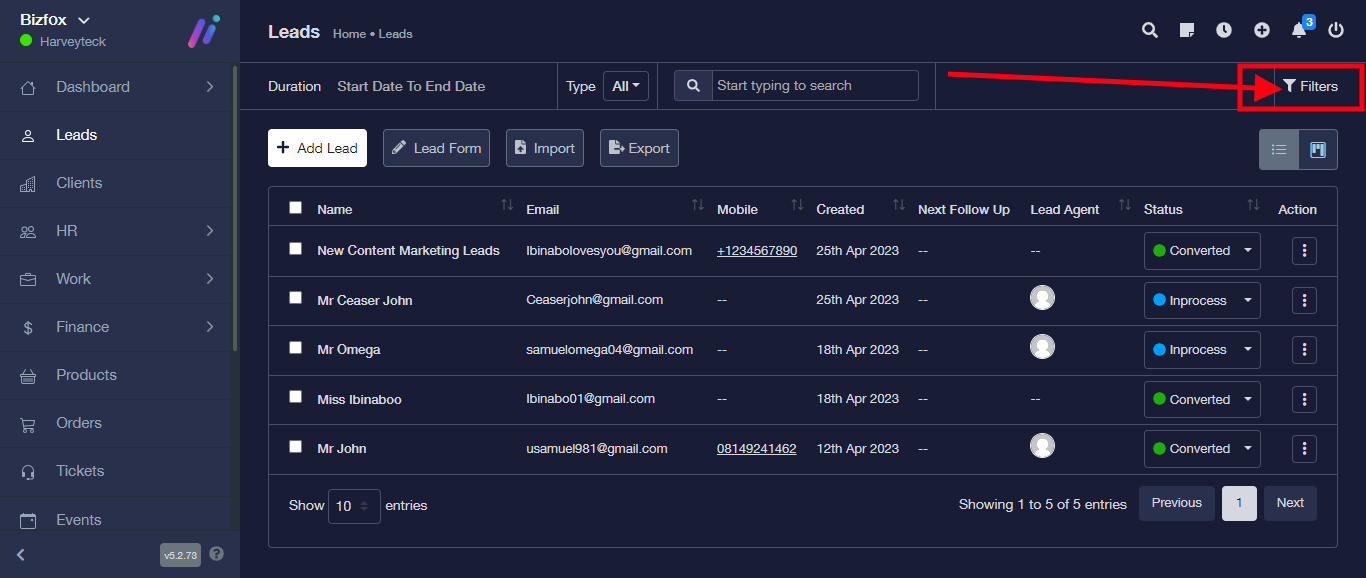
You will be provided with the following filter options as described below:
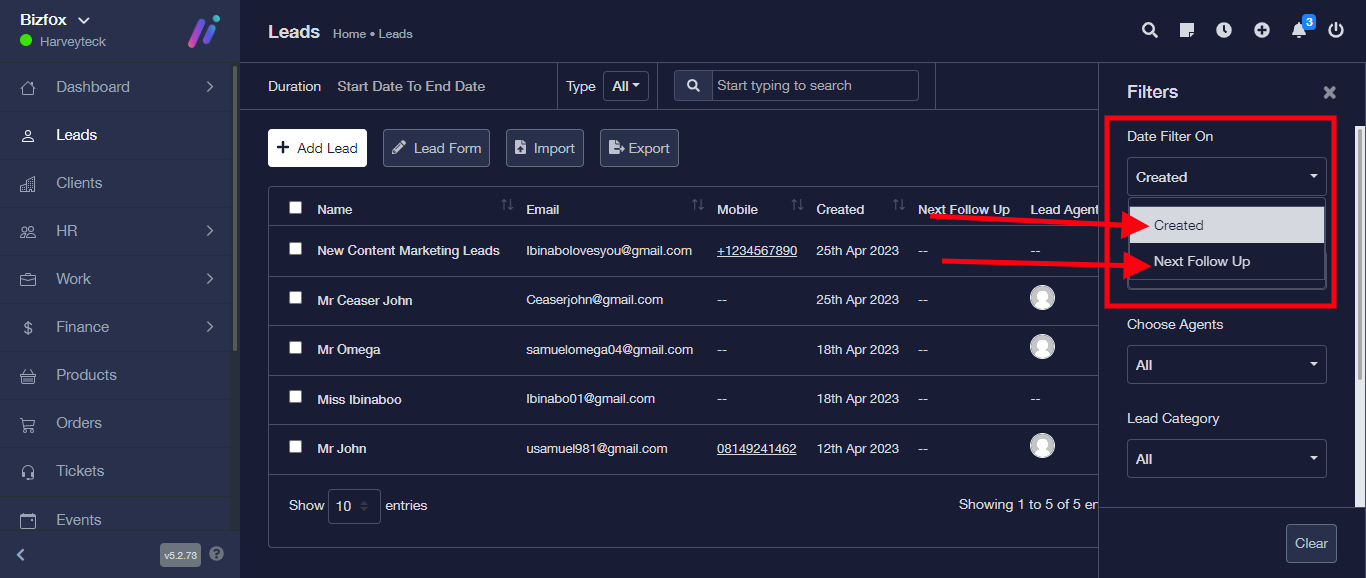
From the “Date filter on”, you can click on Created to filter leads based on the date the lead was created or click on “Next follow up” to filter leads based on the date for the next follow-up of the leads.
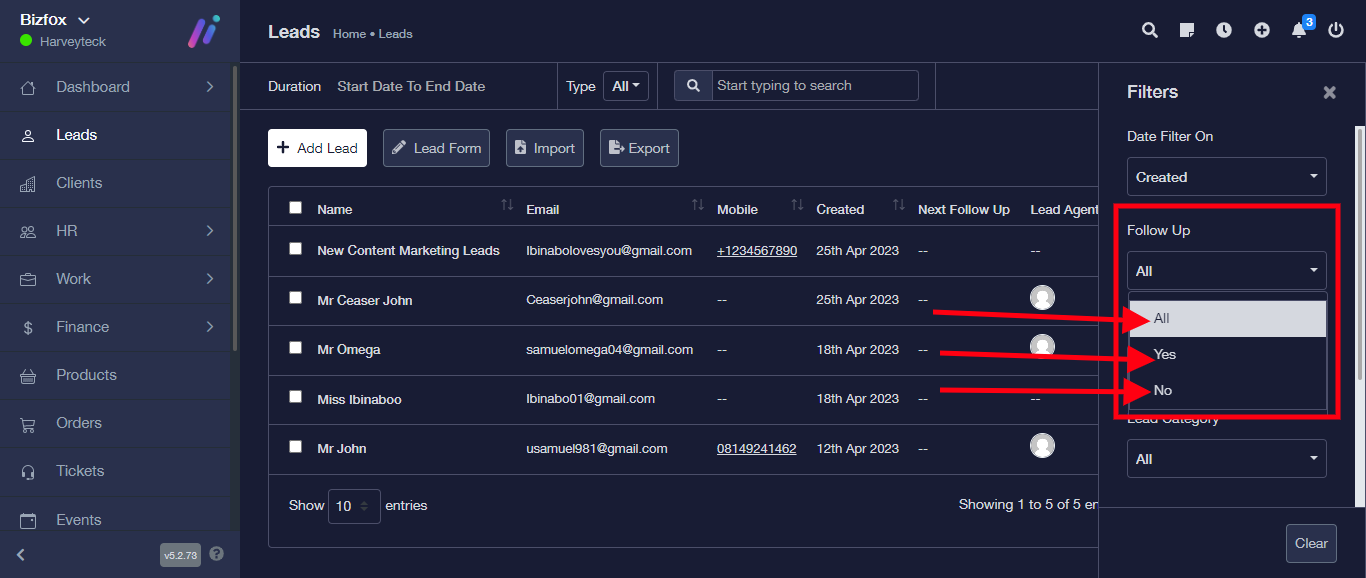
On “Follow up”, you can click on either Yes or No options to filter leads your follow up lead or leadsnotfollowup
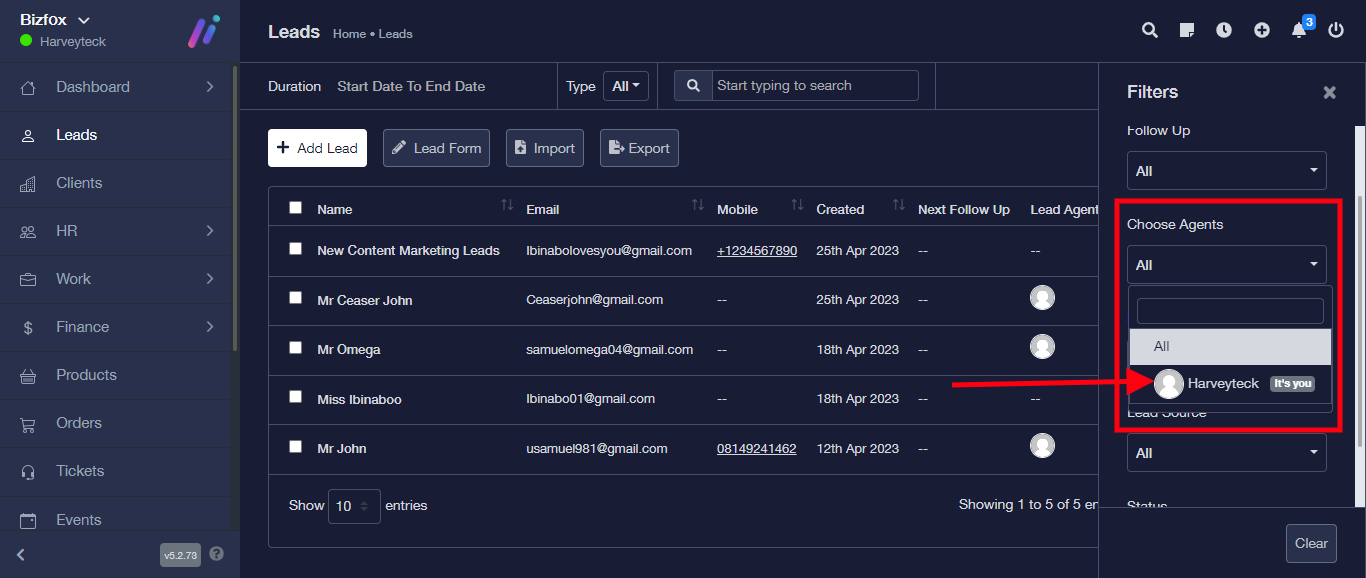
For the “Choose agent”, click on the dropdown to filter lead based on selected agent
Click on the “Lead category” to filter leads based on selected category

Click on “Lead Source” to filter leads based on selected source
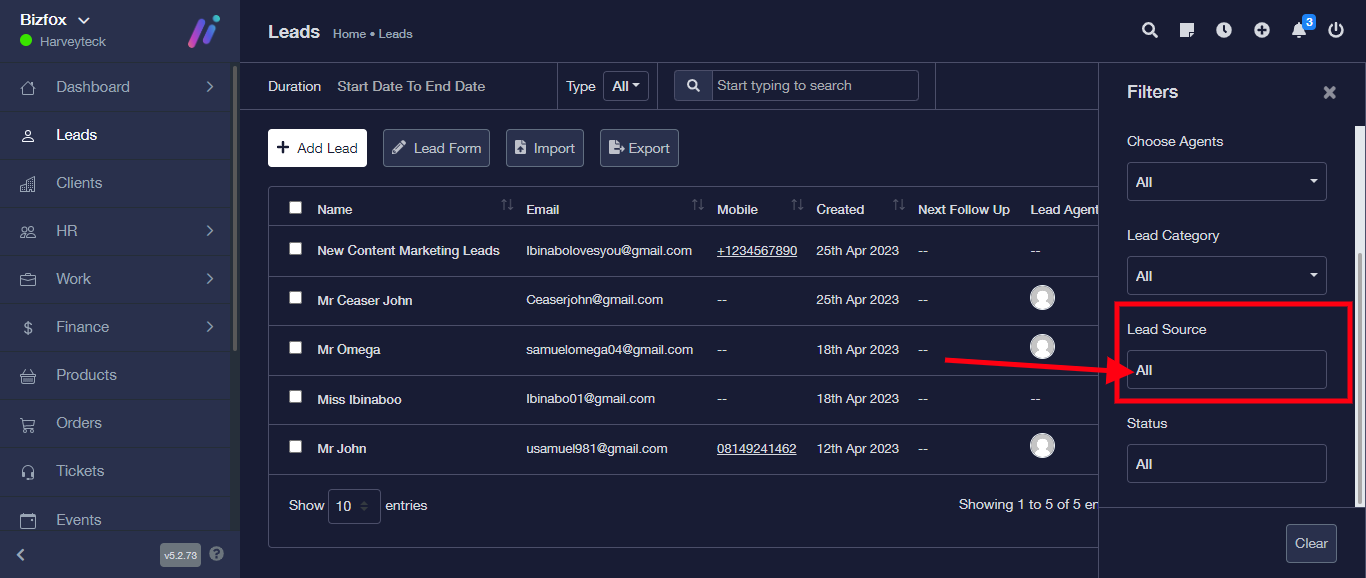
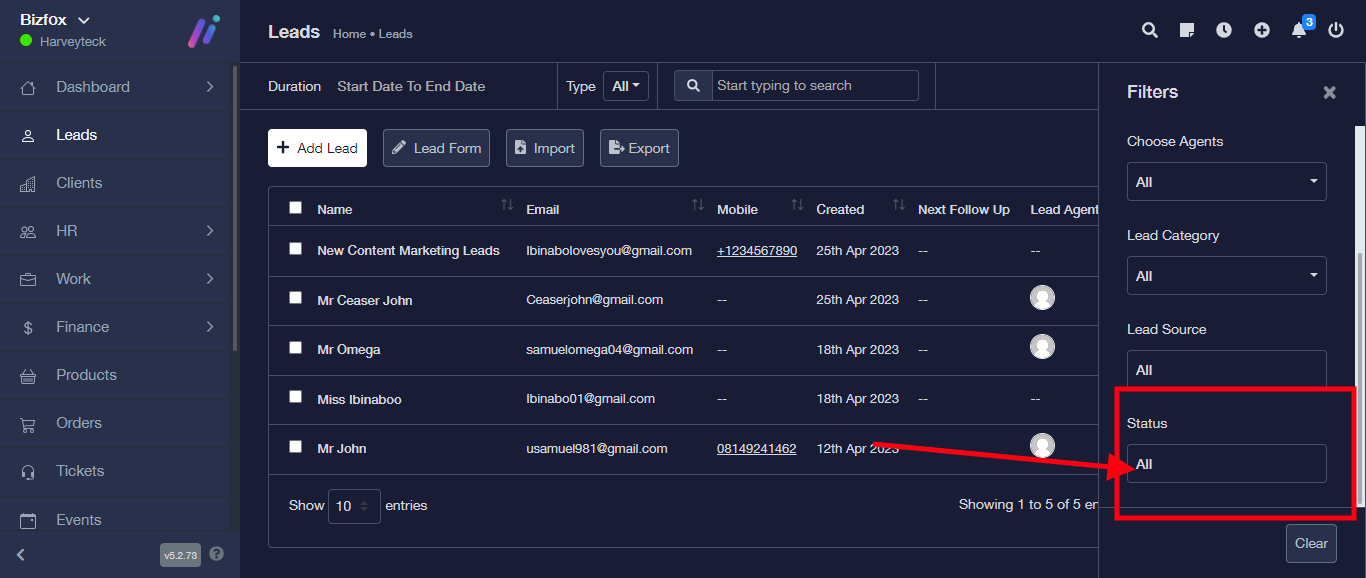
Click on “Status” to filter leads based on status