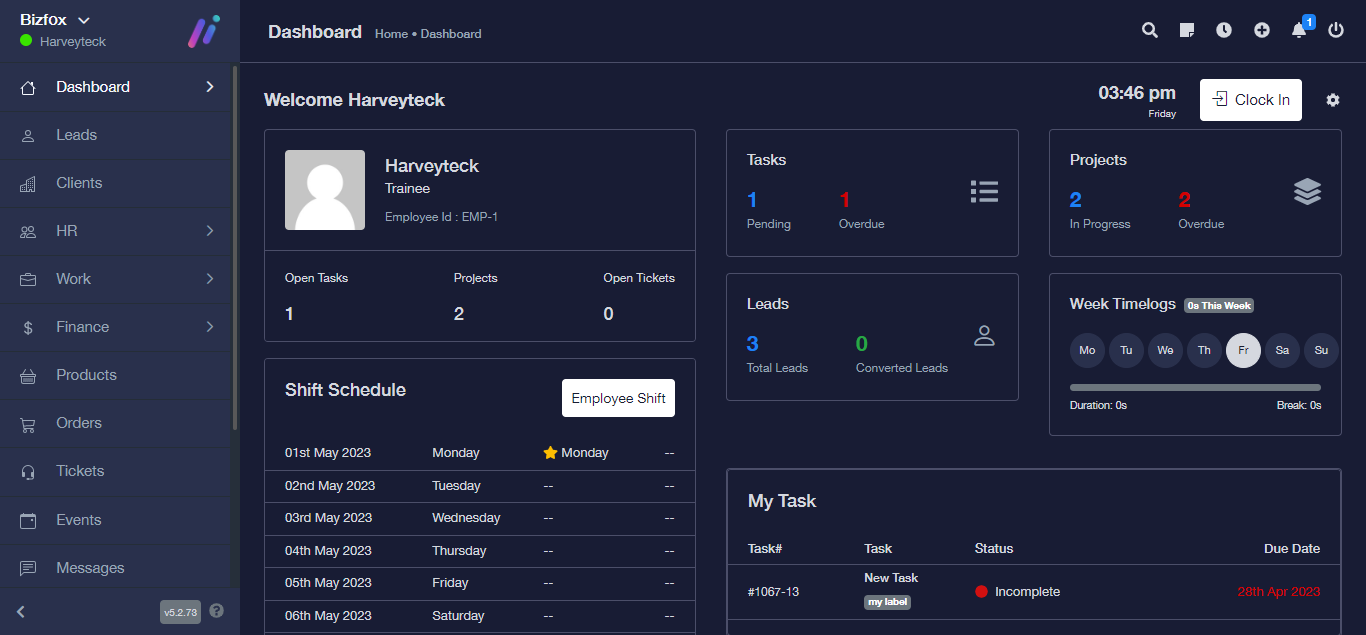
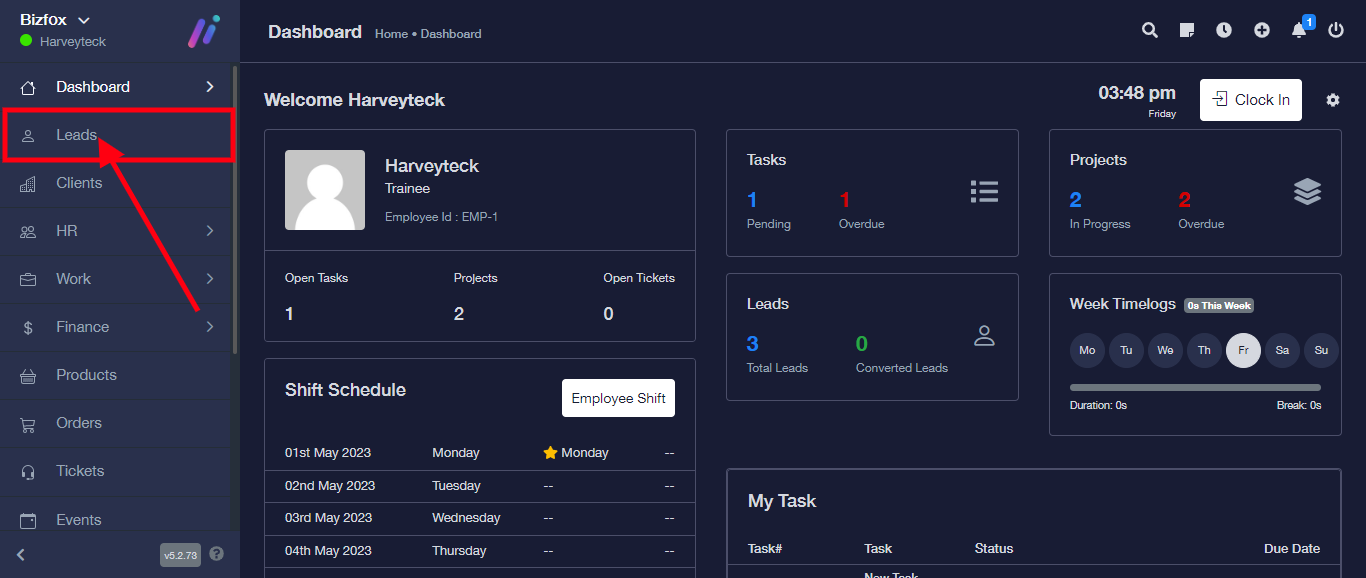
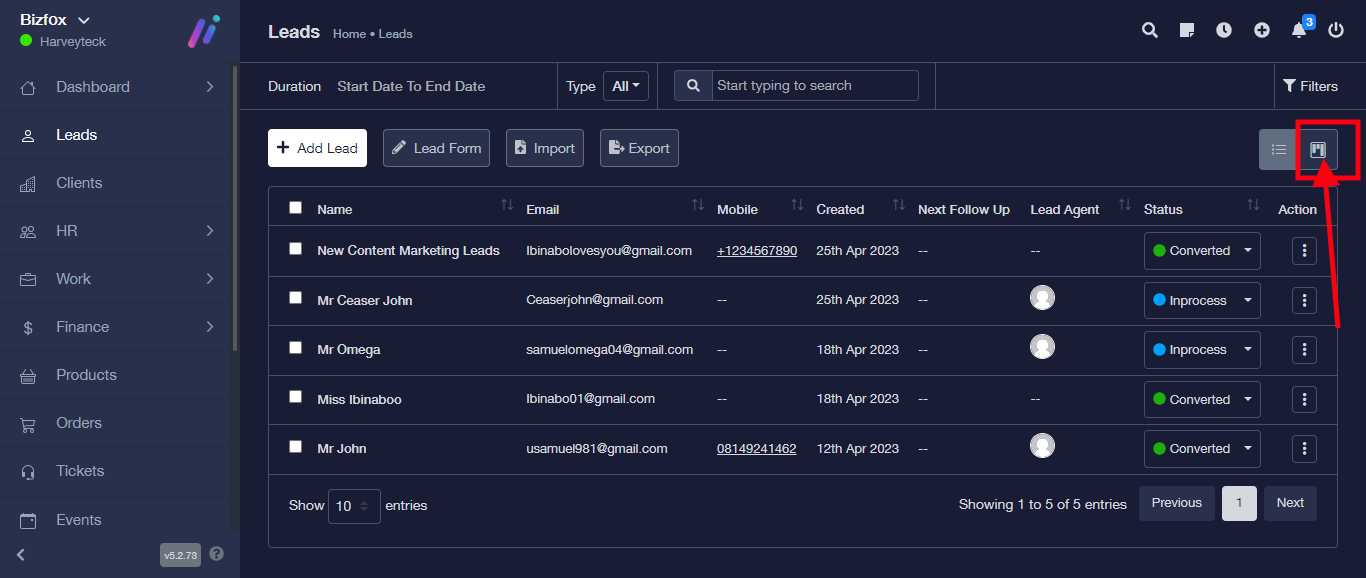
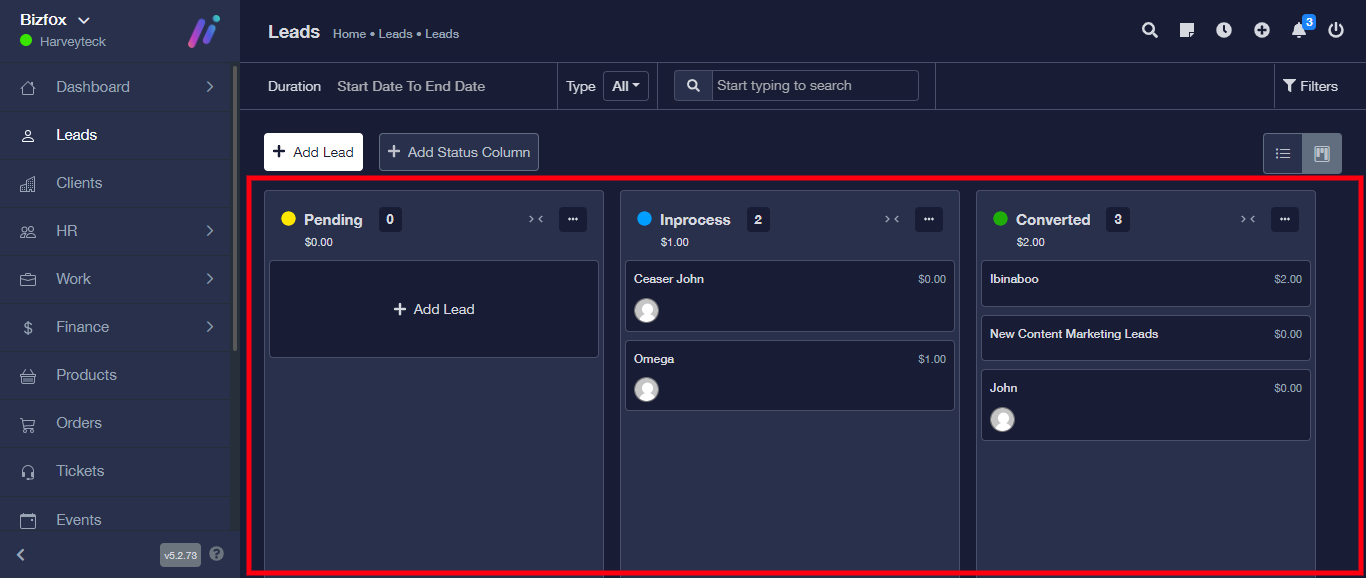
How To view leads in Kanban board STEP 1: Log into your Bixfox account STEP 2: At the right side of your dashboard, click on “Leads” STEP 3: Click on “Kanban board” at the top right Lead is successfully viewed in Kanban board. Updated on June 20, 2023 Was this article helpful? Yes No Related Articles How To Create And Share Lead Form Direct URL How to create and send proposal to leads How To Delete Leads How To Edit Leads How To Filter leads on Follow Up, Client, Choose Agents, Lead Category, Lead Source How To Export Leads