
STEP 1: Log in to your Bixfox account.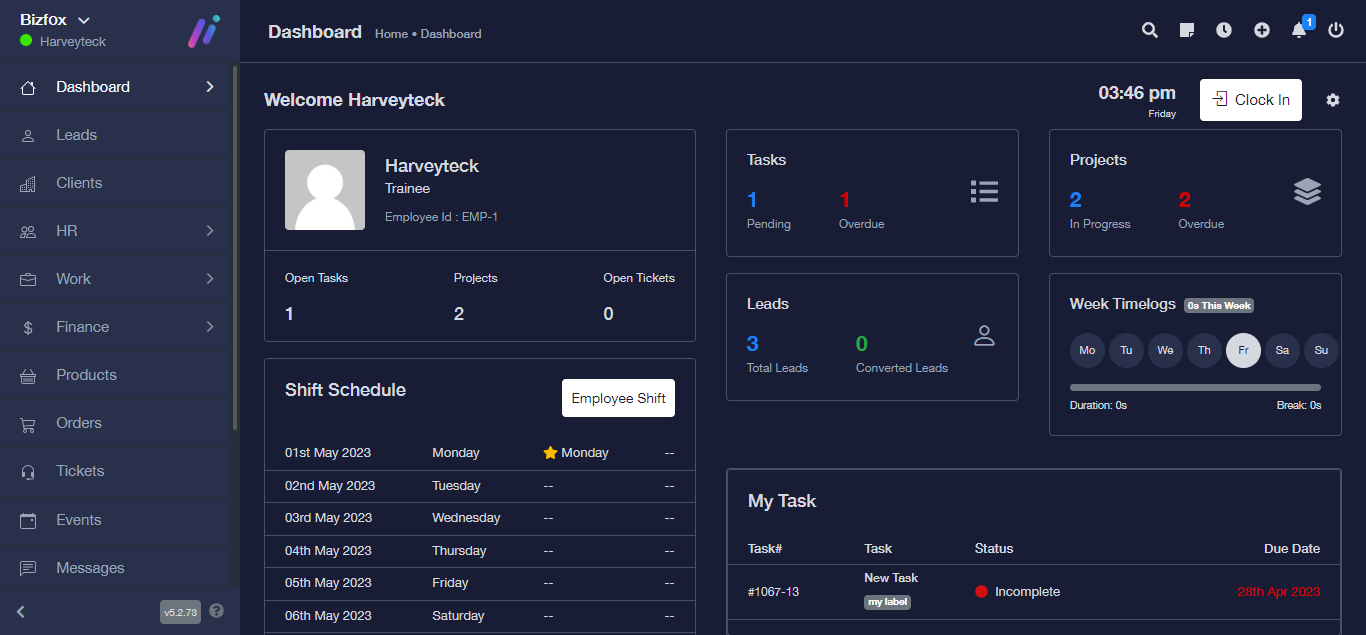
STEP 2: At the right side of your dashboard, click on “Leads”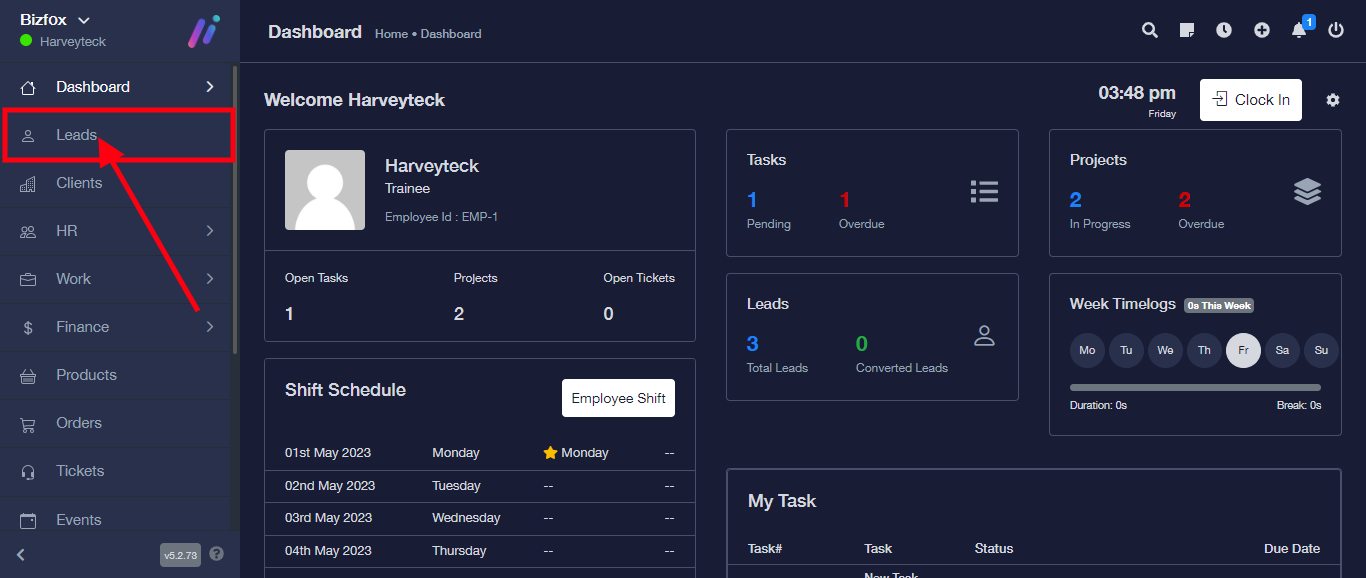
STEP 3: Click on the triple dot icon at the extreme of the lead you intend editing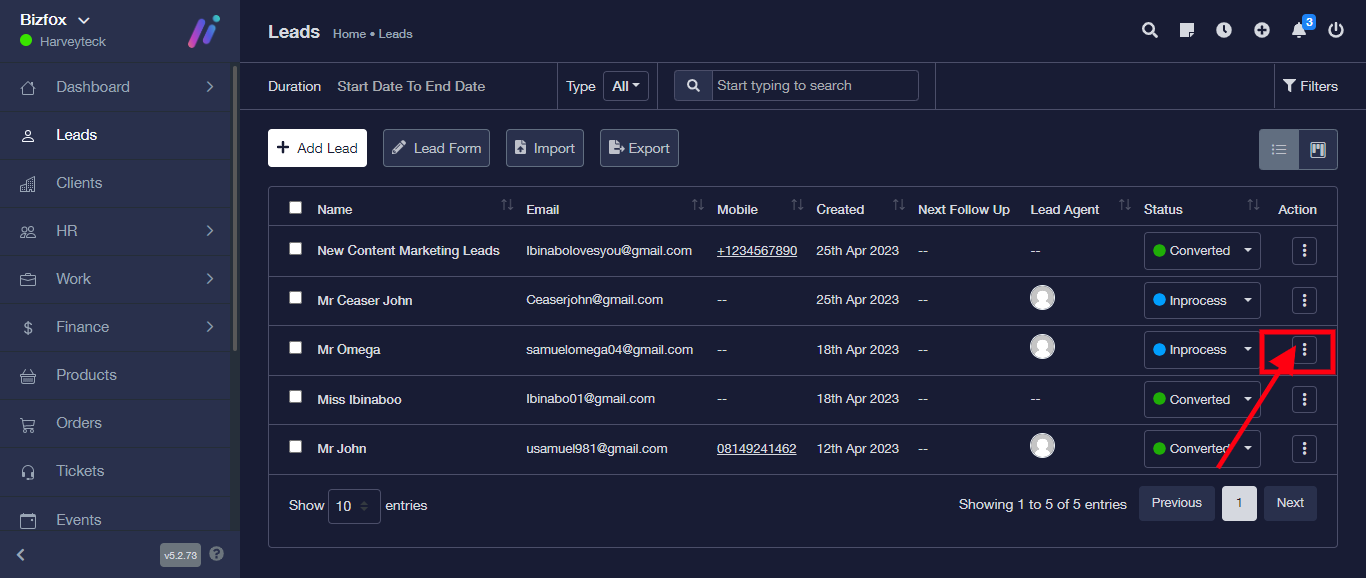
STEP 4: Click on “Edit” from the drop down.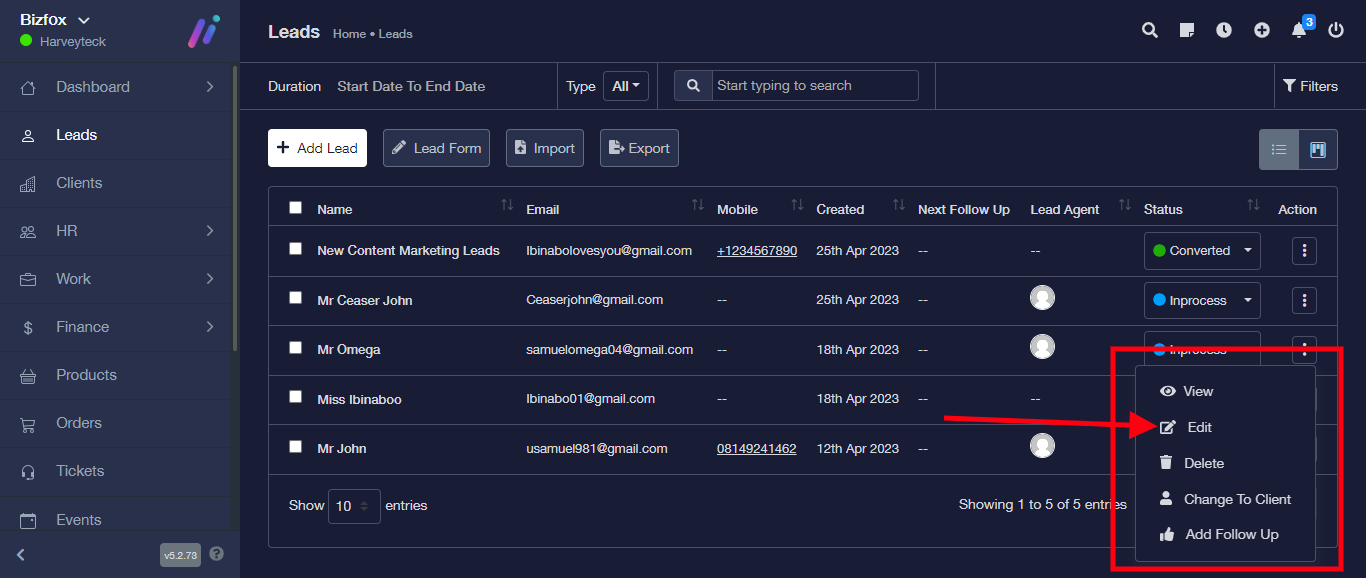
It will take you back to the Lead details where you can make your edit.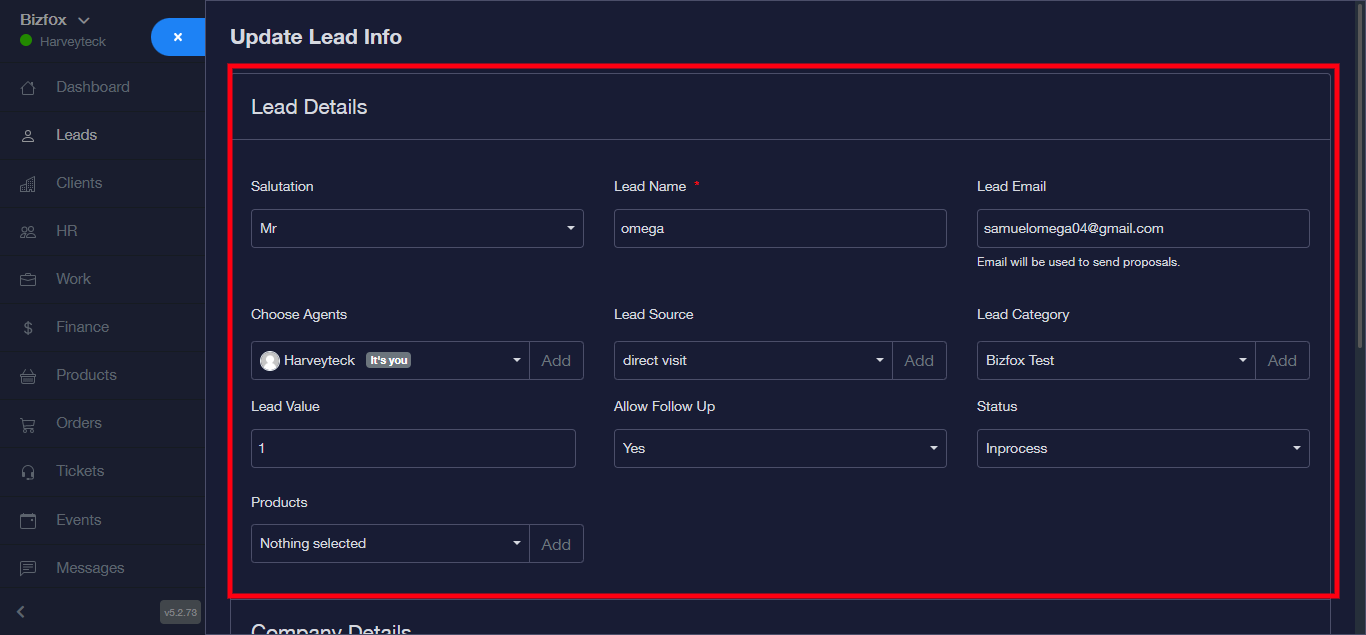
Click on the save button once changes has been made.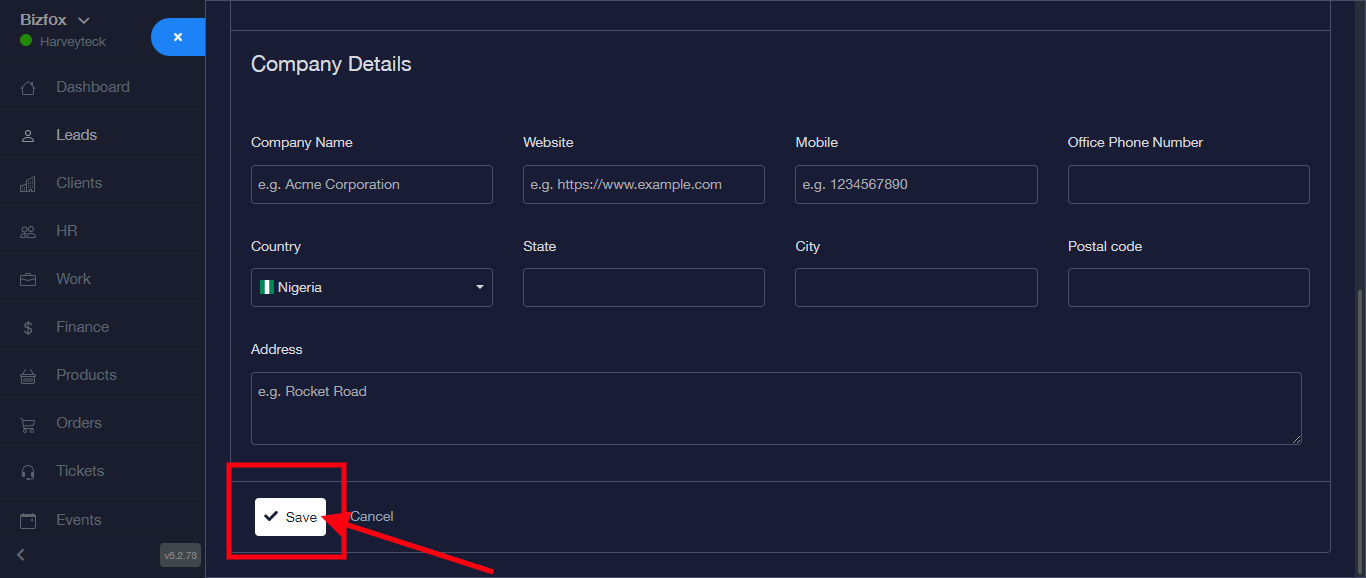
Your changes has successfully been made.