
To create an email sequence, go to the broadcast campaign page, then click on the email sequence campaign card menu

You will be redirected to the Sequence campaign page. Then, click on the “Create sequence” button

You will be taken to the “add sequence” page where you’ll provide details for the respective fields:

Enter Campaign Name:

Choose Sequence type (Email/SMS) as email

Creating An Email Sequence type
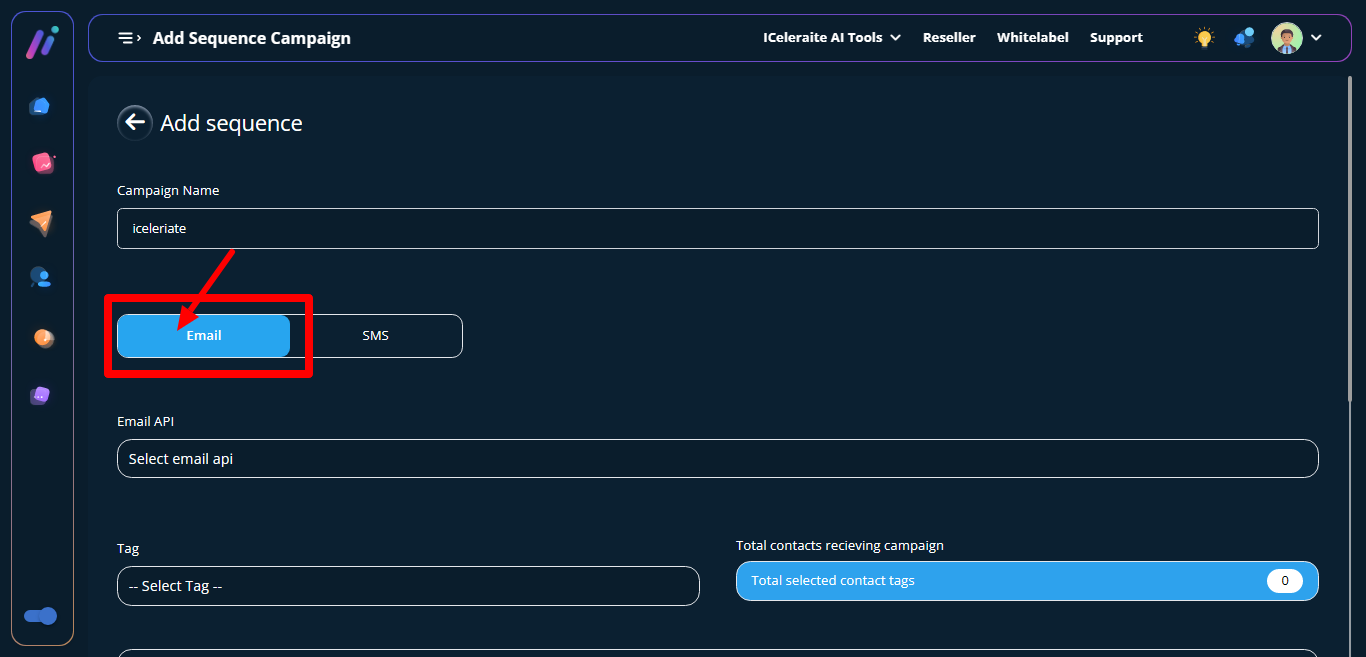
Select email api

Set sequence time (24H or Daily)

Click the create campaign button

A sequence is created successfully