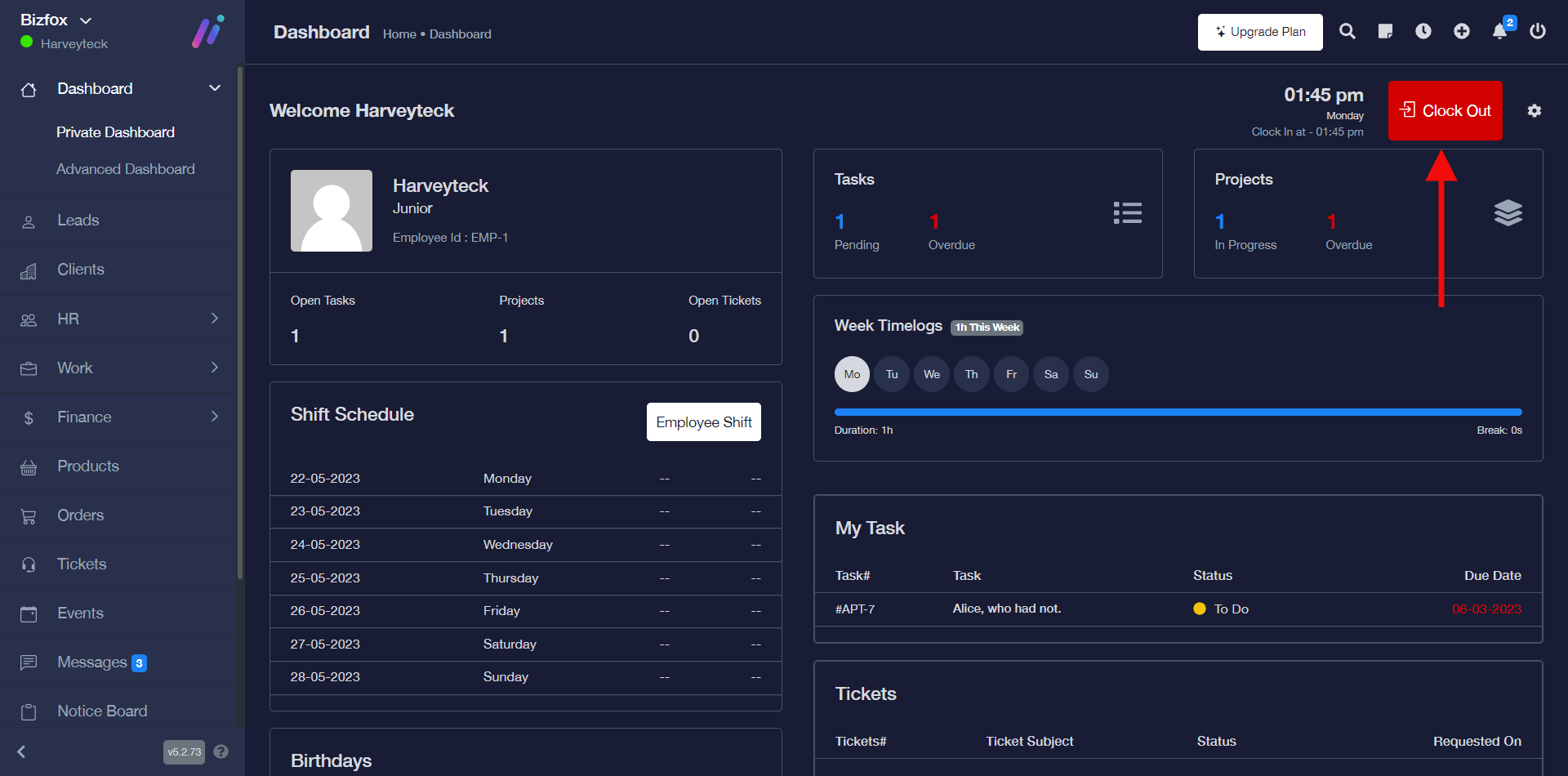
You can clock in or clock out on iCeleraite business manager dashboard by simply following the steps below;
Getting Started On Clocking In & Out
Log in to your iCeleraite Business Manager account.
STEP 1: In the private dashboard area, click on “Clock In”.
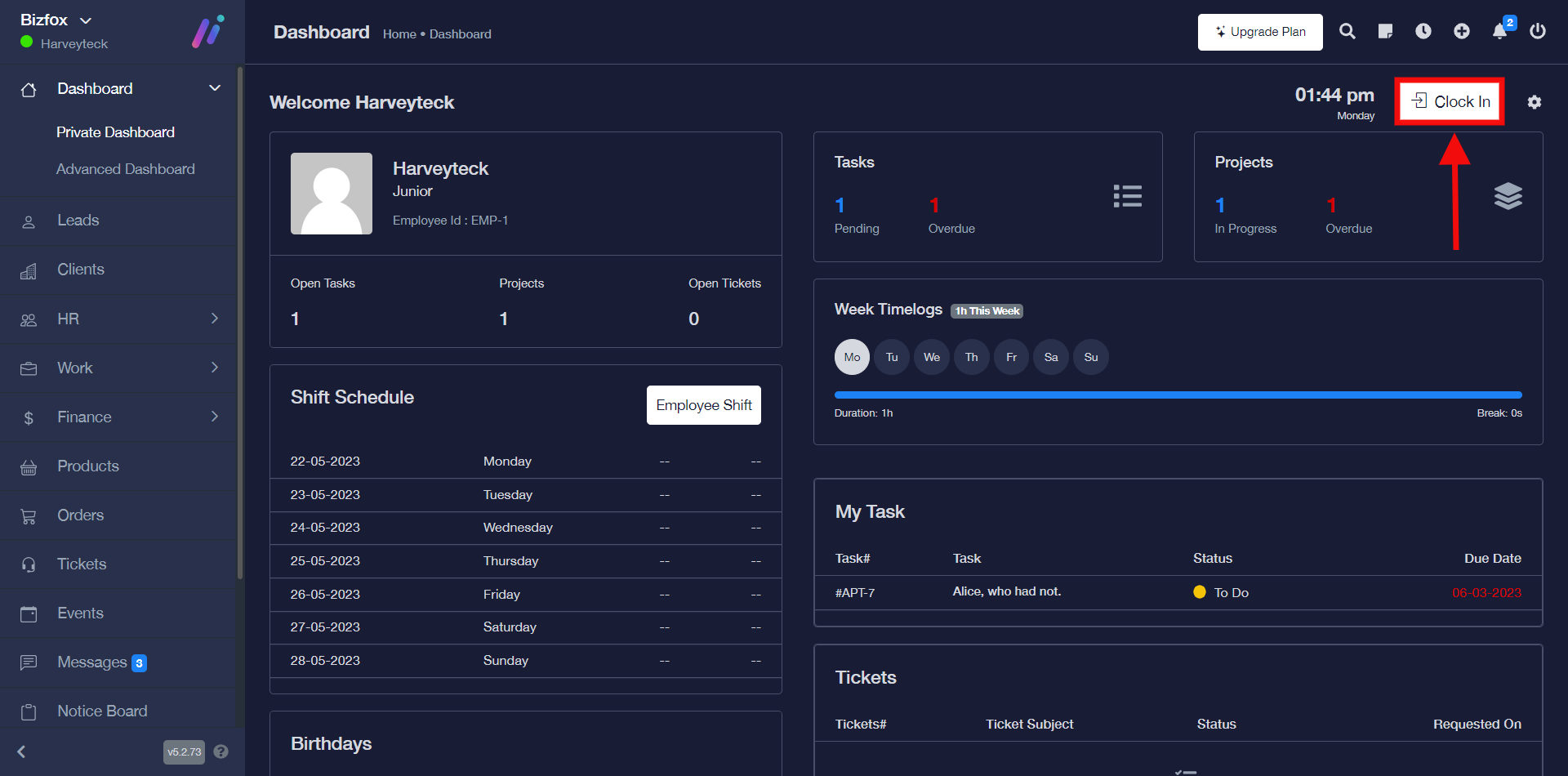
You will see a pop-up where you can select the business location and work location after which you can click the clock-in button then you will see a success pop-up message stating that the attendance was saved successfully.

STEP 2: In order to clock out, you’d have to visit the private dashboard and click on the “Clock Out” button.