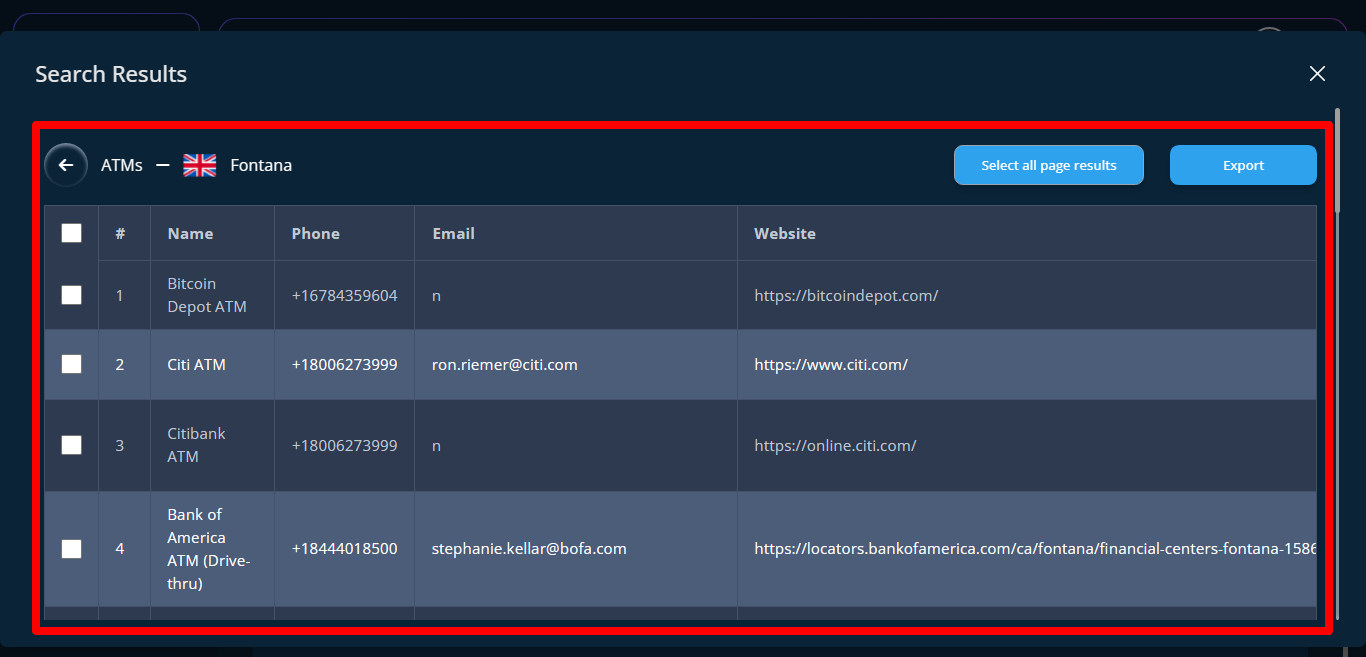
I will show you how to view your searched results on client finder.
STEP 1: To view search result for client finder first you go to iceleriate dashboard then click on Client Finder on the menu at the left-sidebar on the dashboard.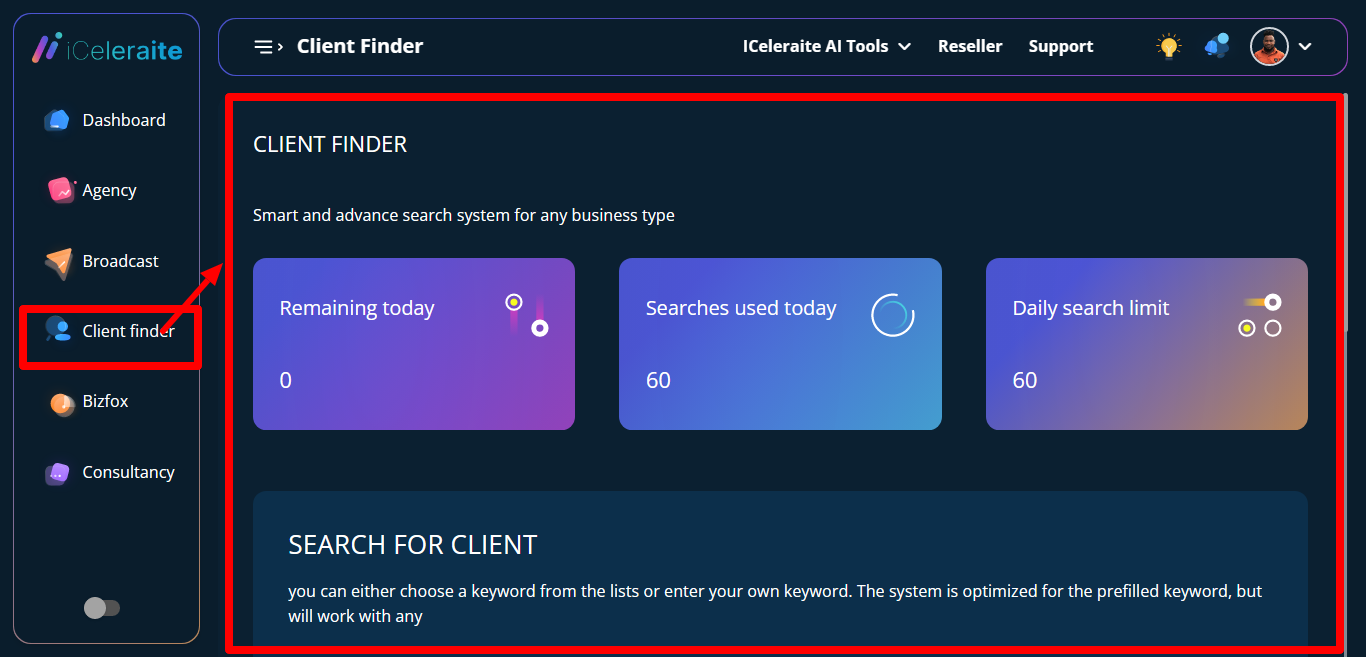
STEP 2: Scroll down to the view search section.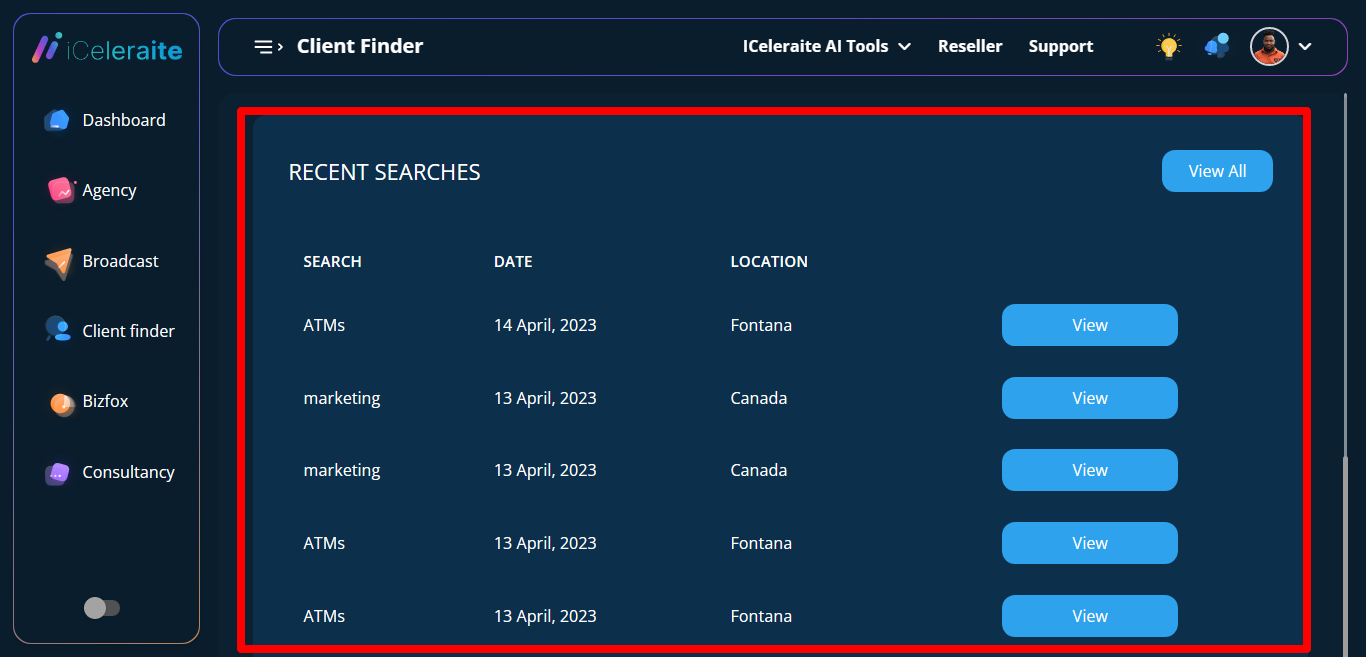
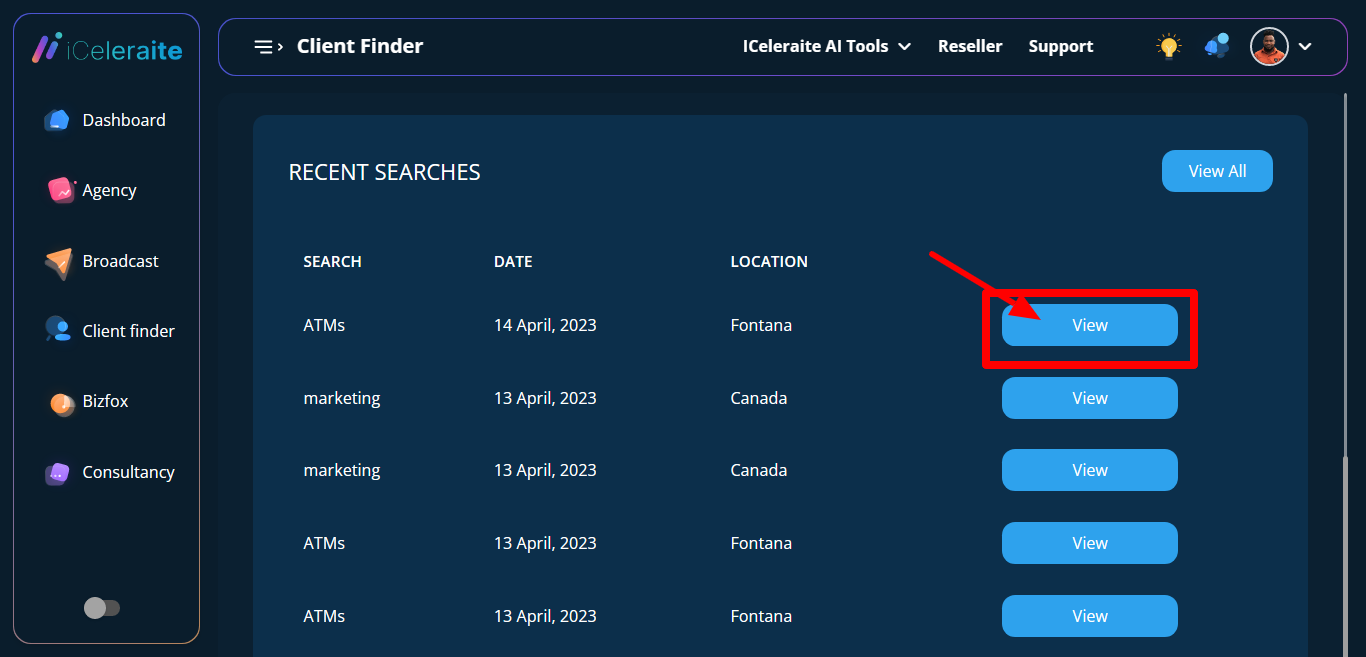
STEP 3: Click on the view button to see the details of what you selected
STEP 4: A page with table will appear showing the names, phone numbers, emails and websites.