STEP 1: Log into your Bizfox account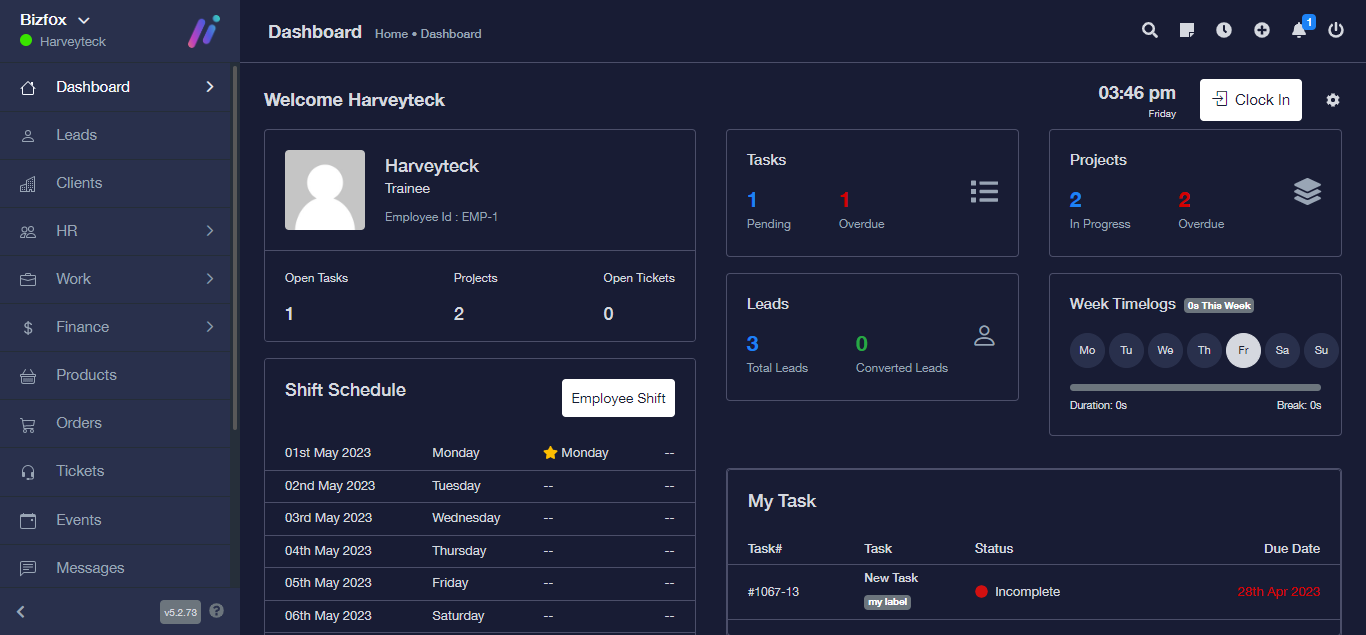
STEP 2: At the right side of your dashboard, click on “Leads”
STEP 3: From the top menu, click on “Lead form”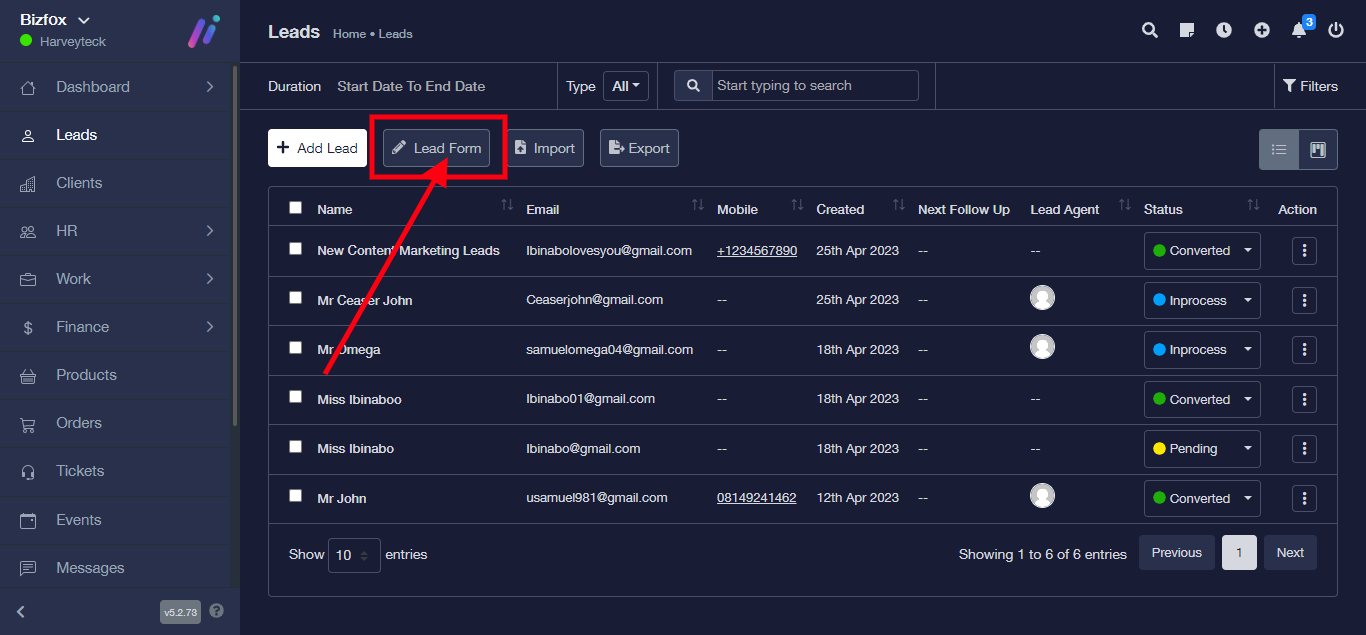
From the lead form, you can select from the field what you want on the form

After selecting your preferred field, copy the link to share the Lead form.
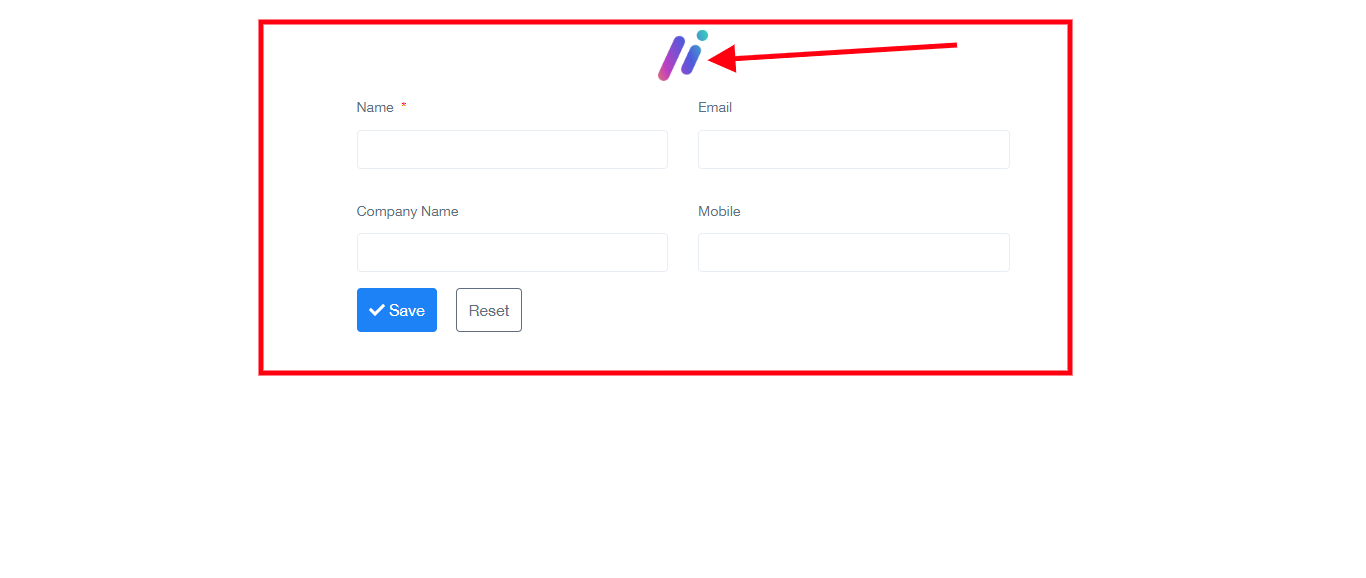
Note that after sharing the first link, the Lead form shows without the Logo
For the second link, the Lead form shows with the Logo.