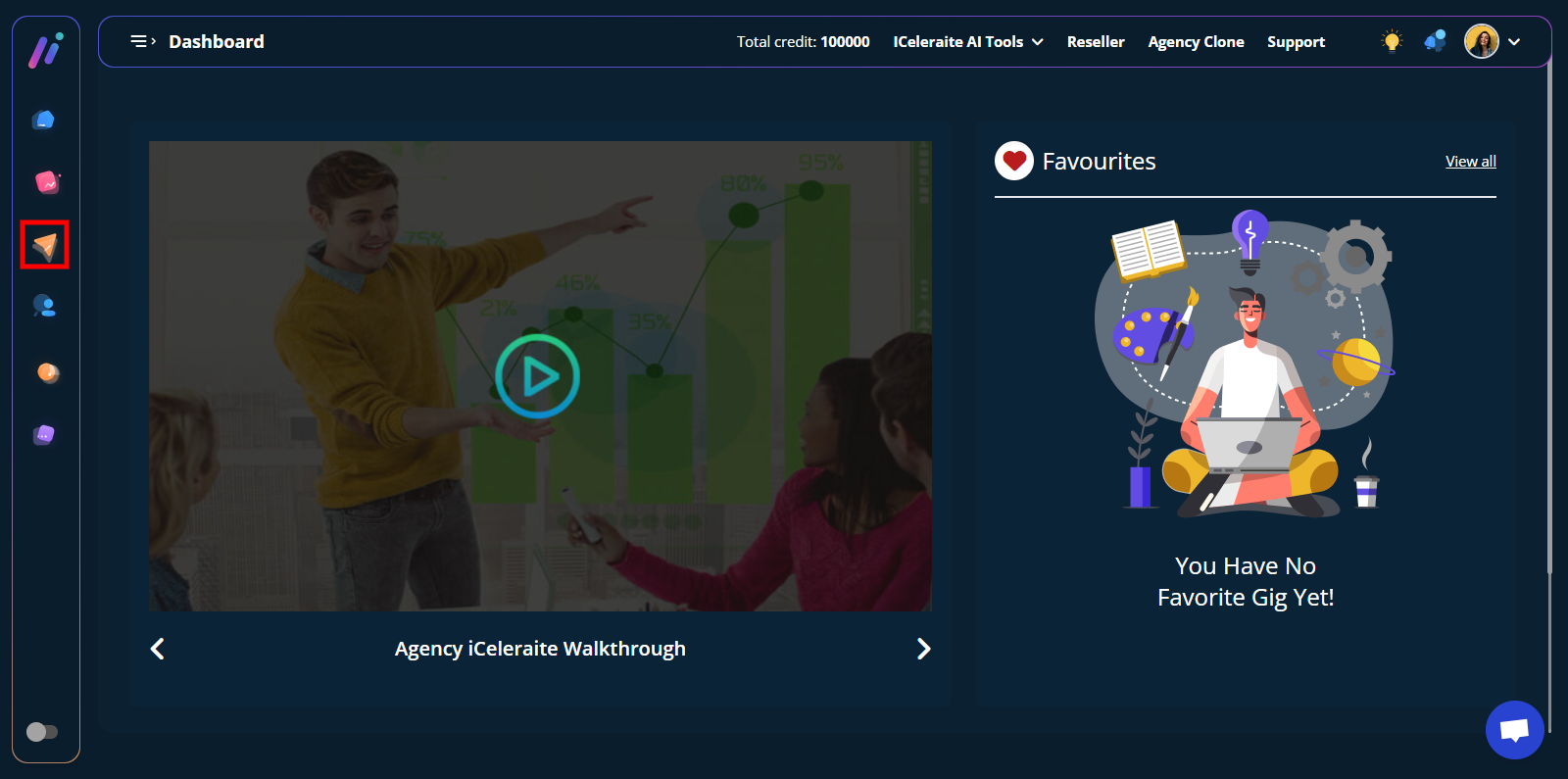
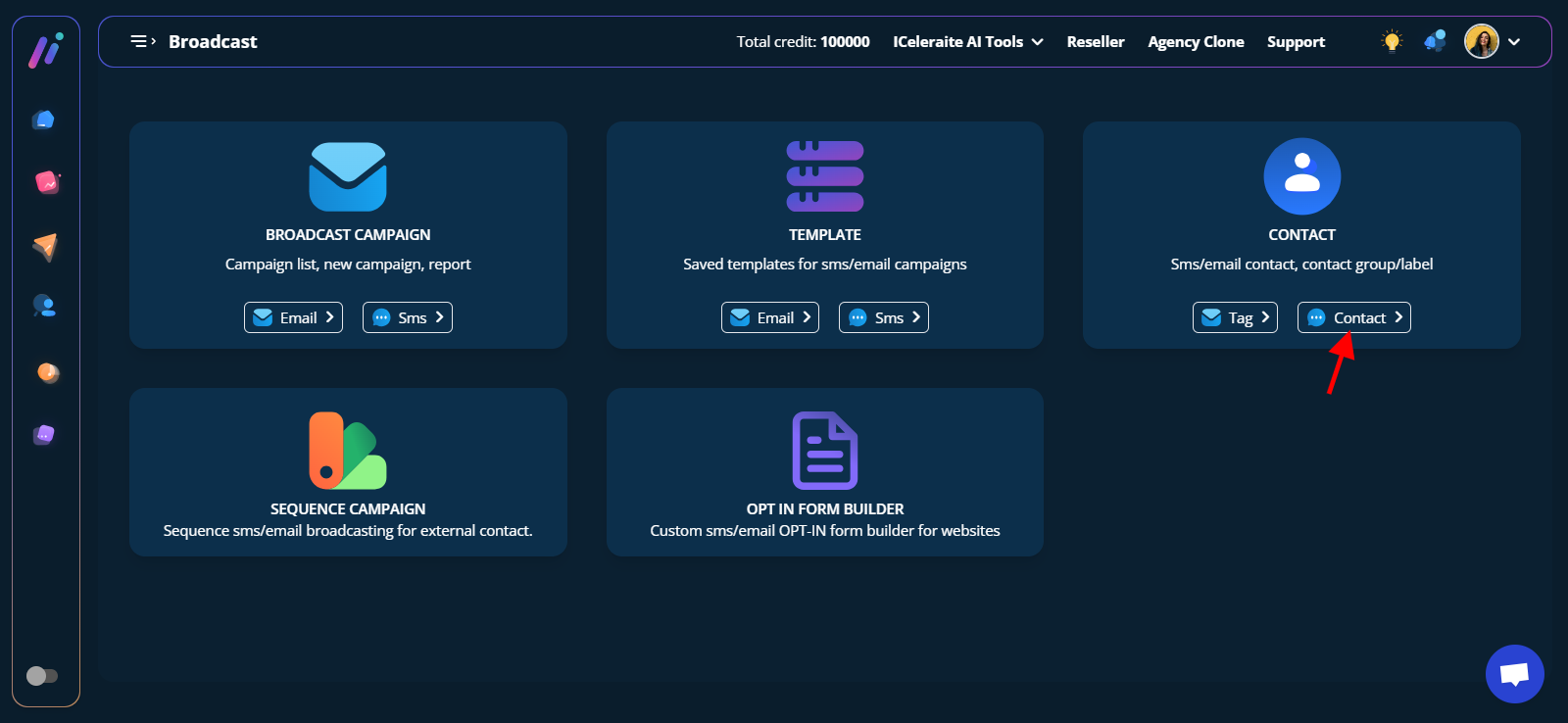
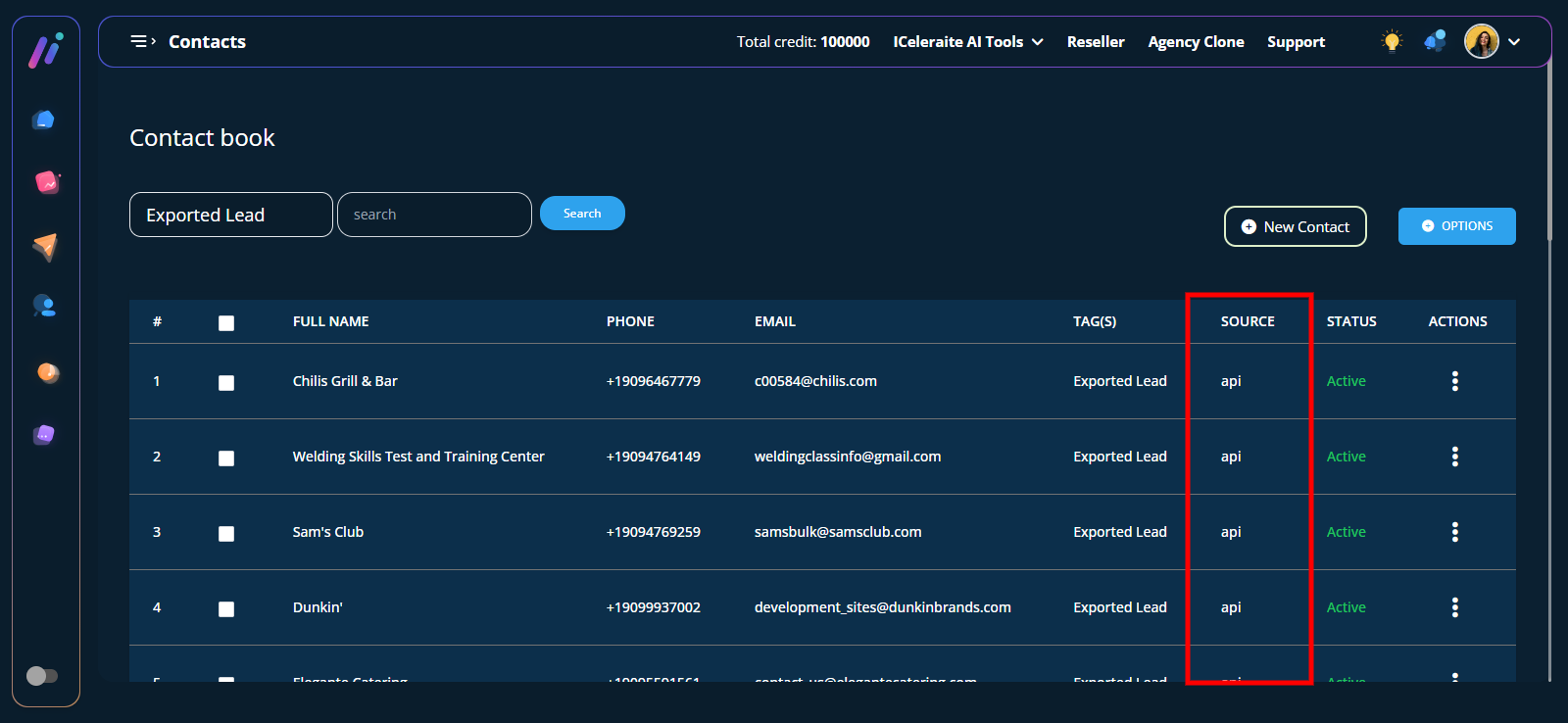
How View Exported Leads Step 1: Click on the broadcast manager menu Step 2: Locate the contact card and click on the contact button. Step 3: Select the tag you exported the leads to. You will see all leads exported with source API Updated on June 18, 2023 Was this article helpful? Yes No Related Articles How To Search For A Client How To View Search Result For Client Finder How To Use Filter For Client Finder Search How To Export Client To Tag How To Use The Client Finder