STEP 1: Log in to you’re iceleraite account.

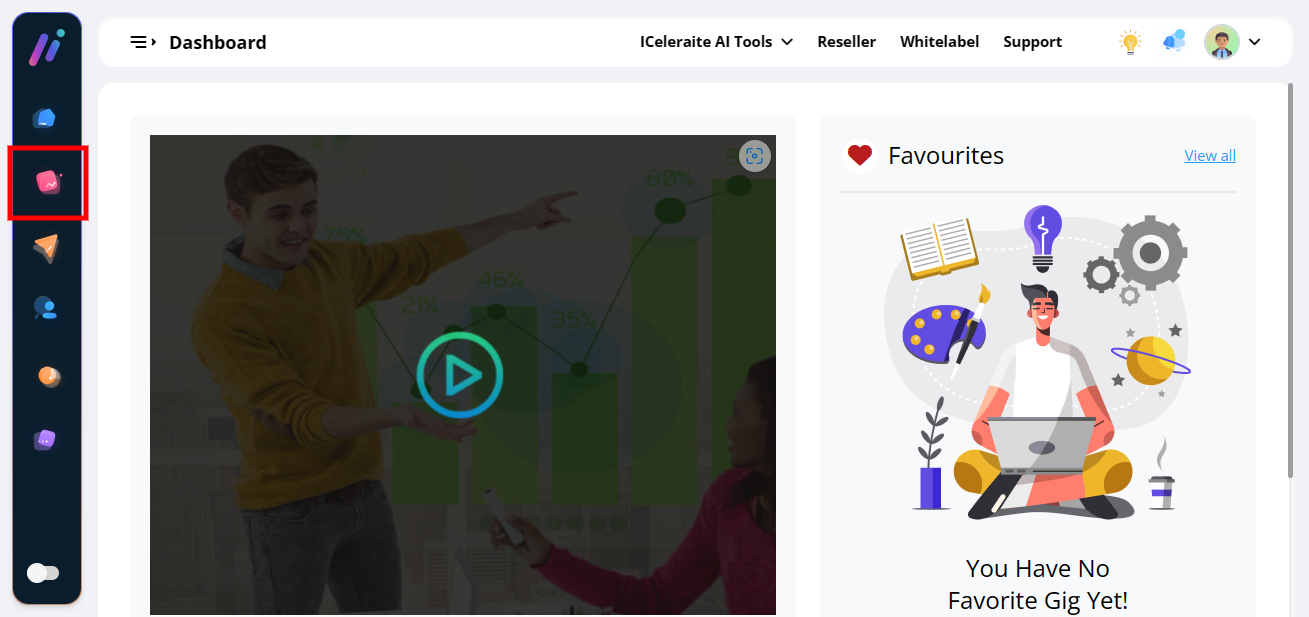
STEP 2: Click on “Agency” on the left side of you’re dashboard.
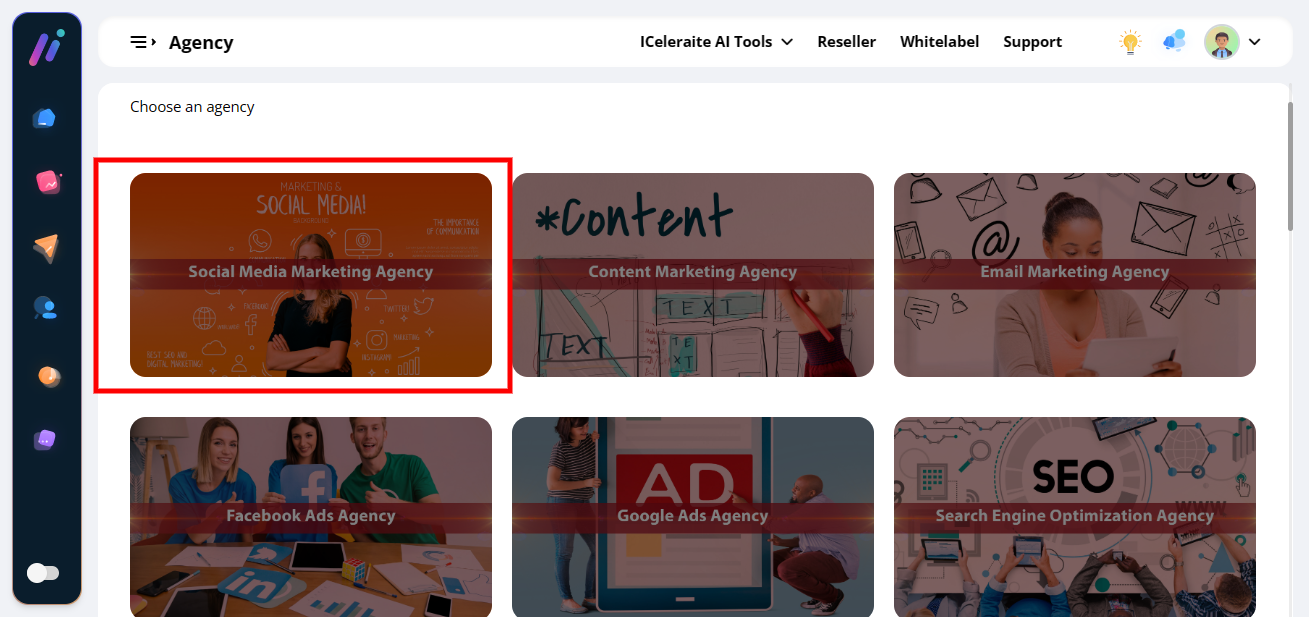
STEP 3: Click on “Any Agencies” in the menu option below.
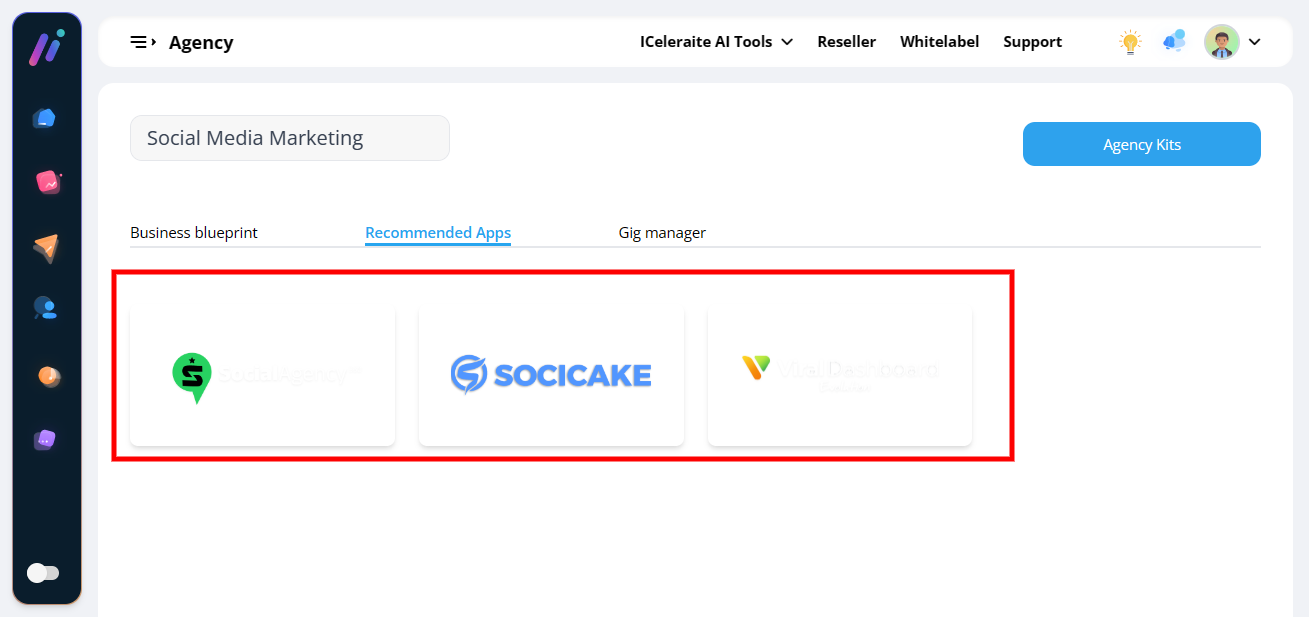
STEP 4: Click on “Recommended Apps”
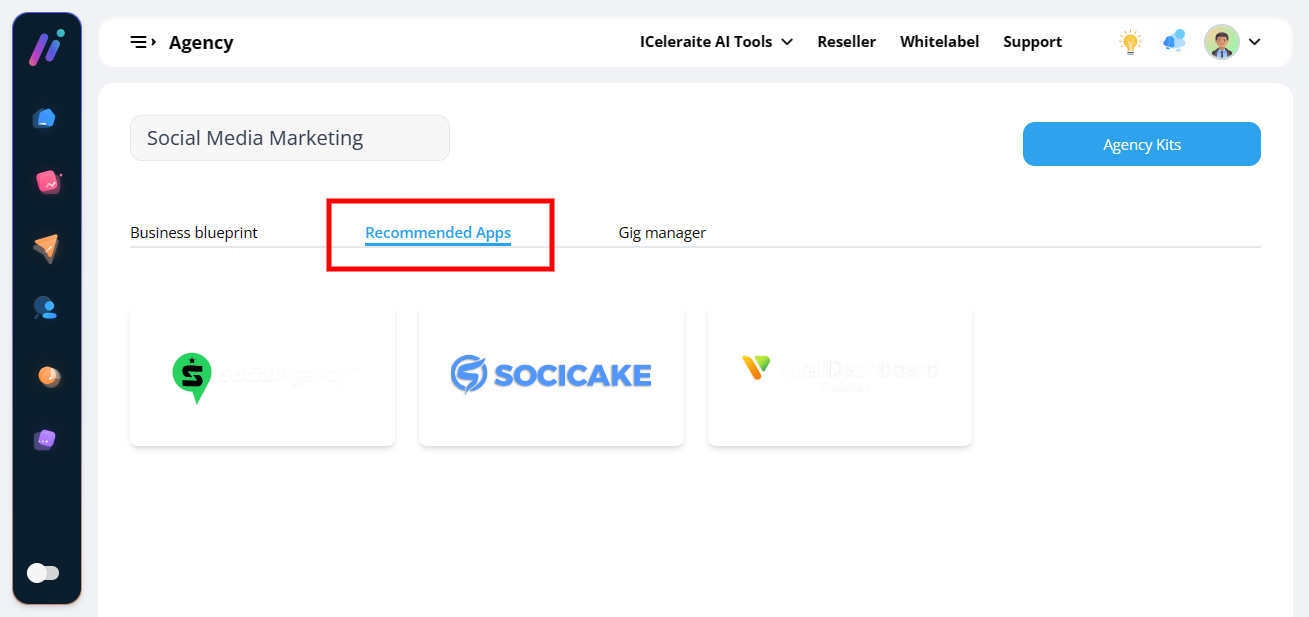
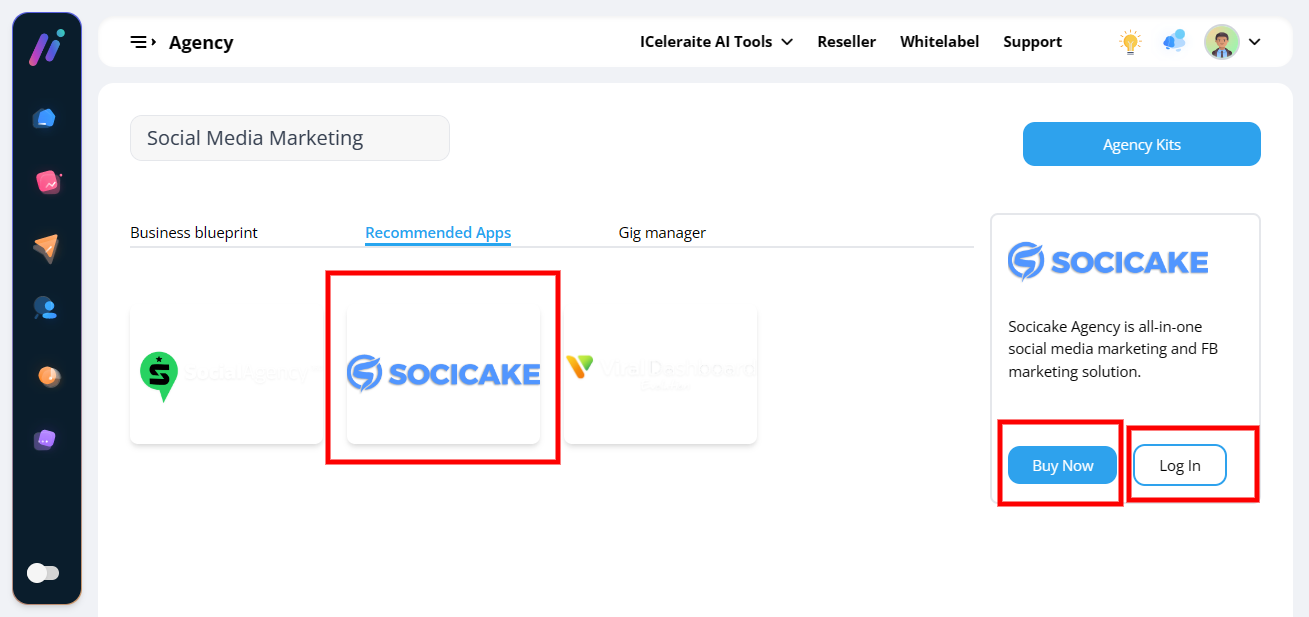
Choose from the “Recommended app” below for you’re agency