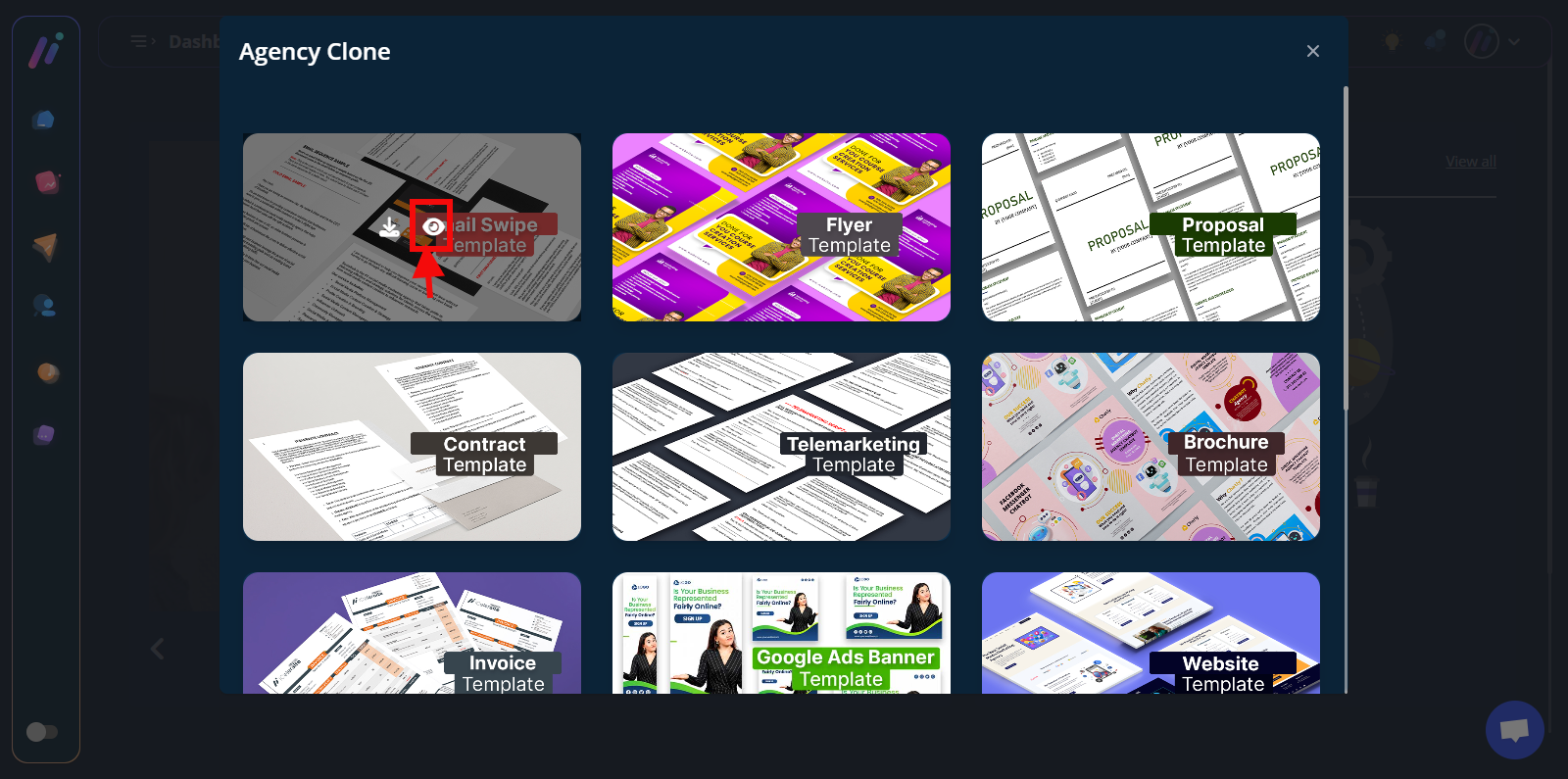
Kindly follow these steps to access the agency kits:
Step 1: On your dashboard, switch to a dark mode
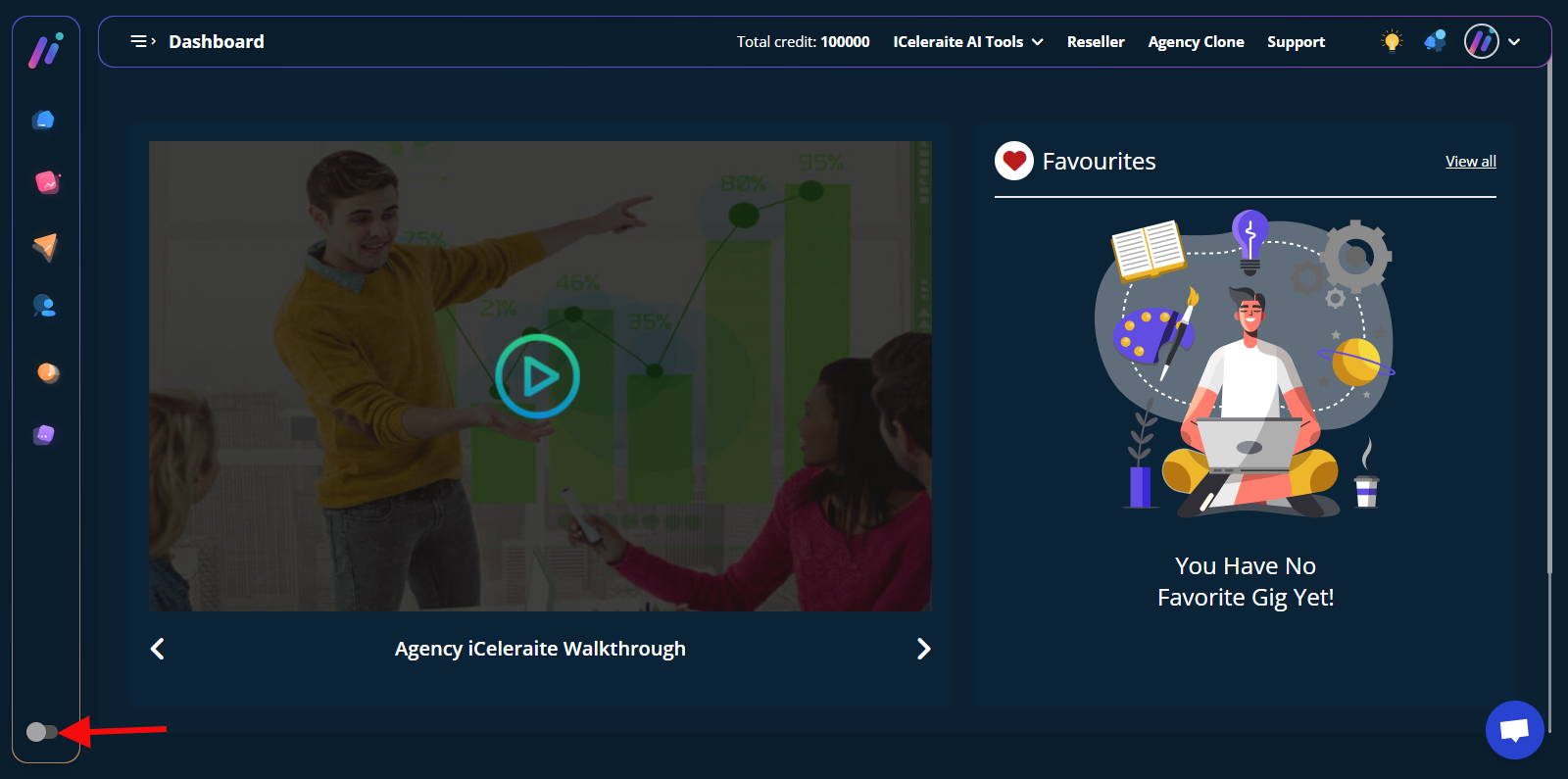
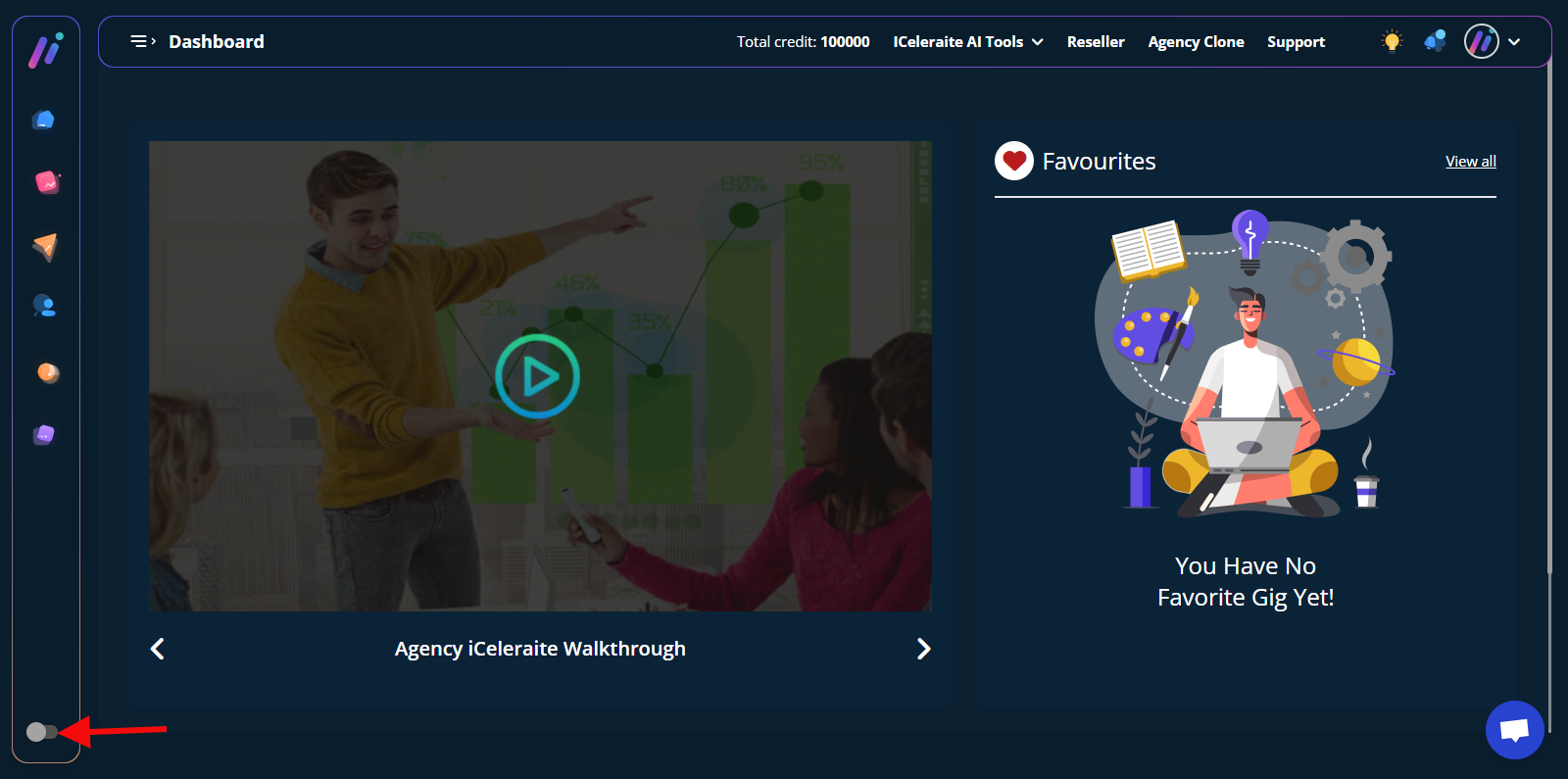
Step 2: On your dashboard, switch to a dark mode at the bottom left-hand sidebar
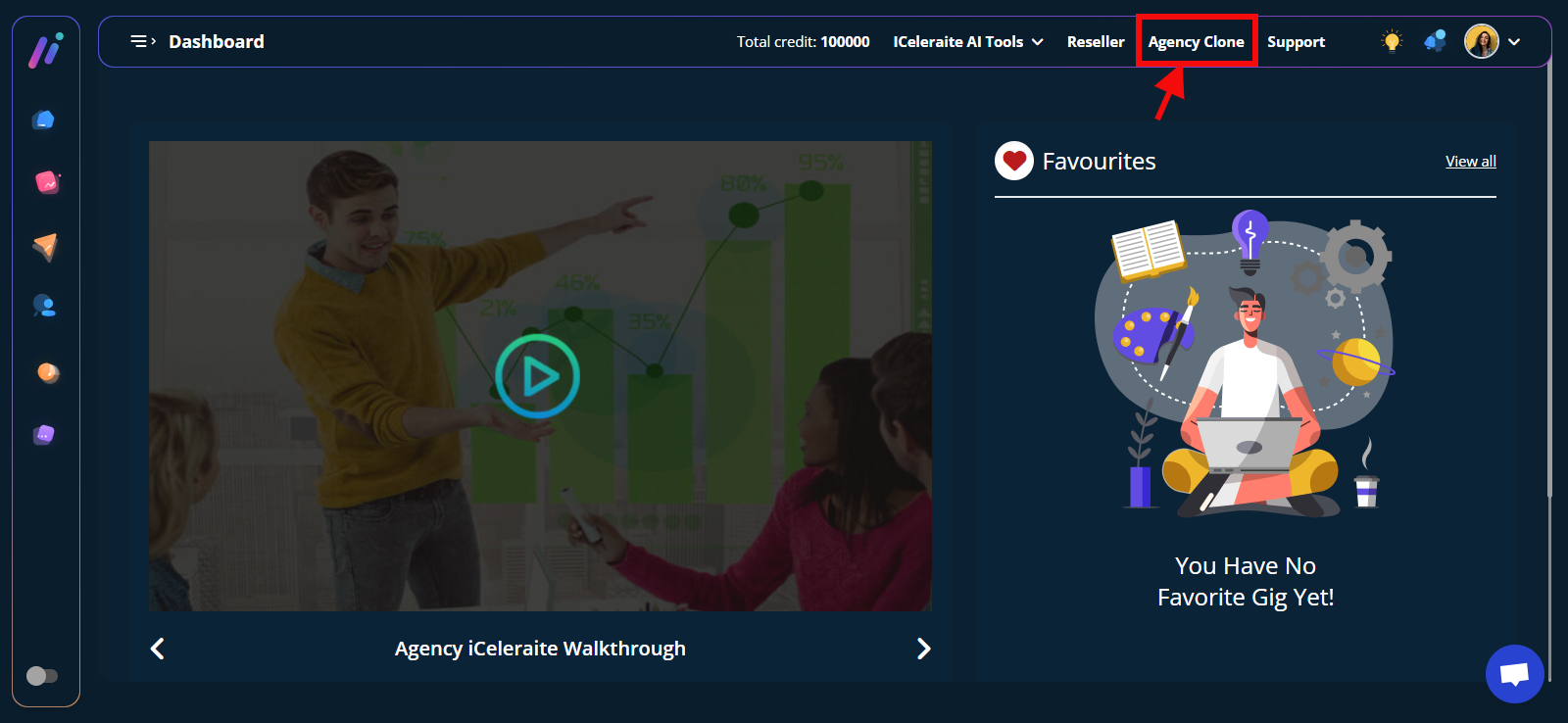
Step 2: Click on any of the “Agency Clone”
A pop-up modal of the agency kits will come up

Step 3: Hover on any of the kits you want to download. You will see two icons; a (1) download icon (2) Preview icon
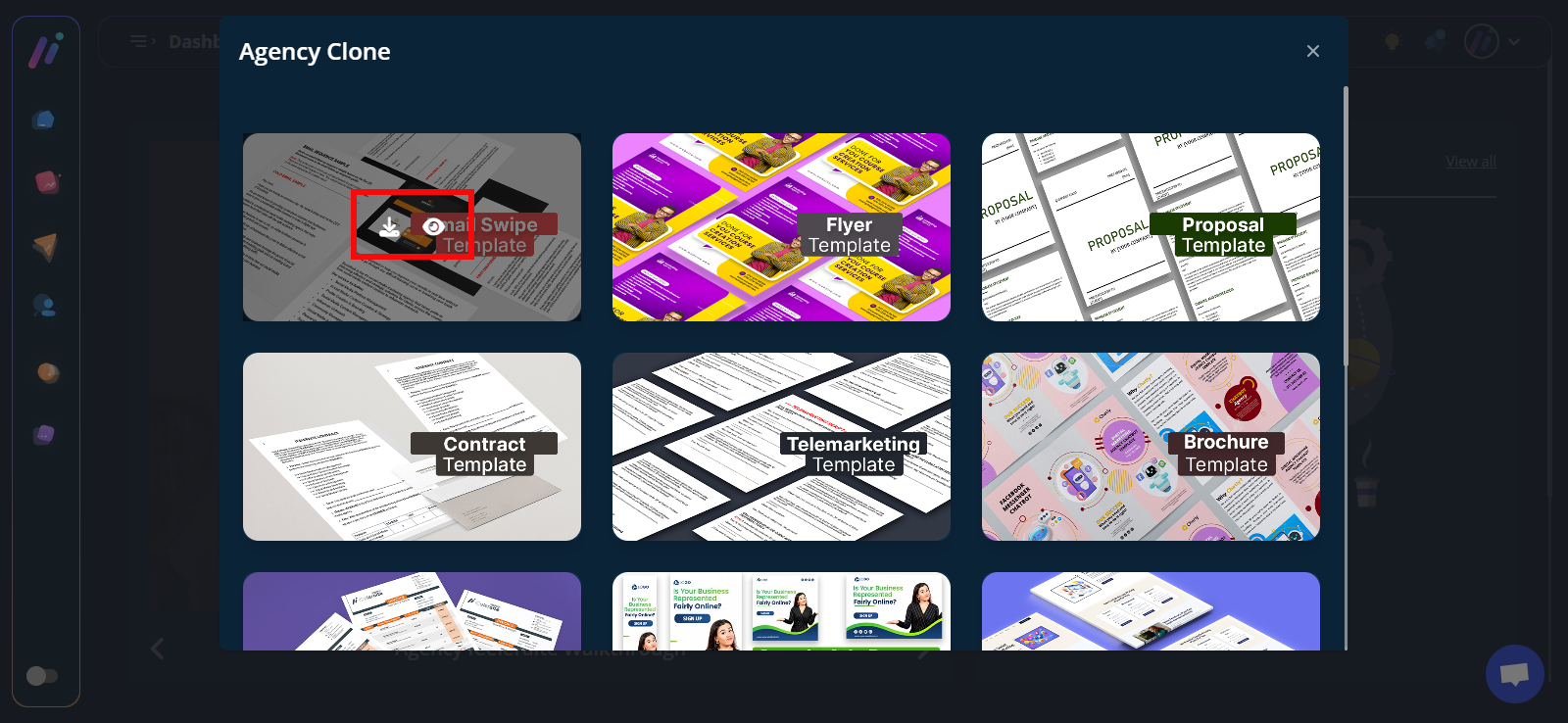
To Download the asset, kindly click on the download icon
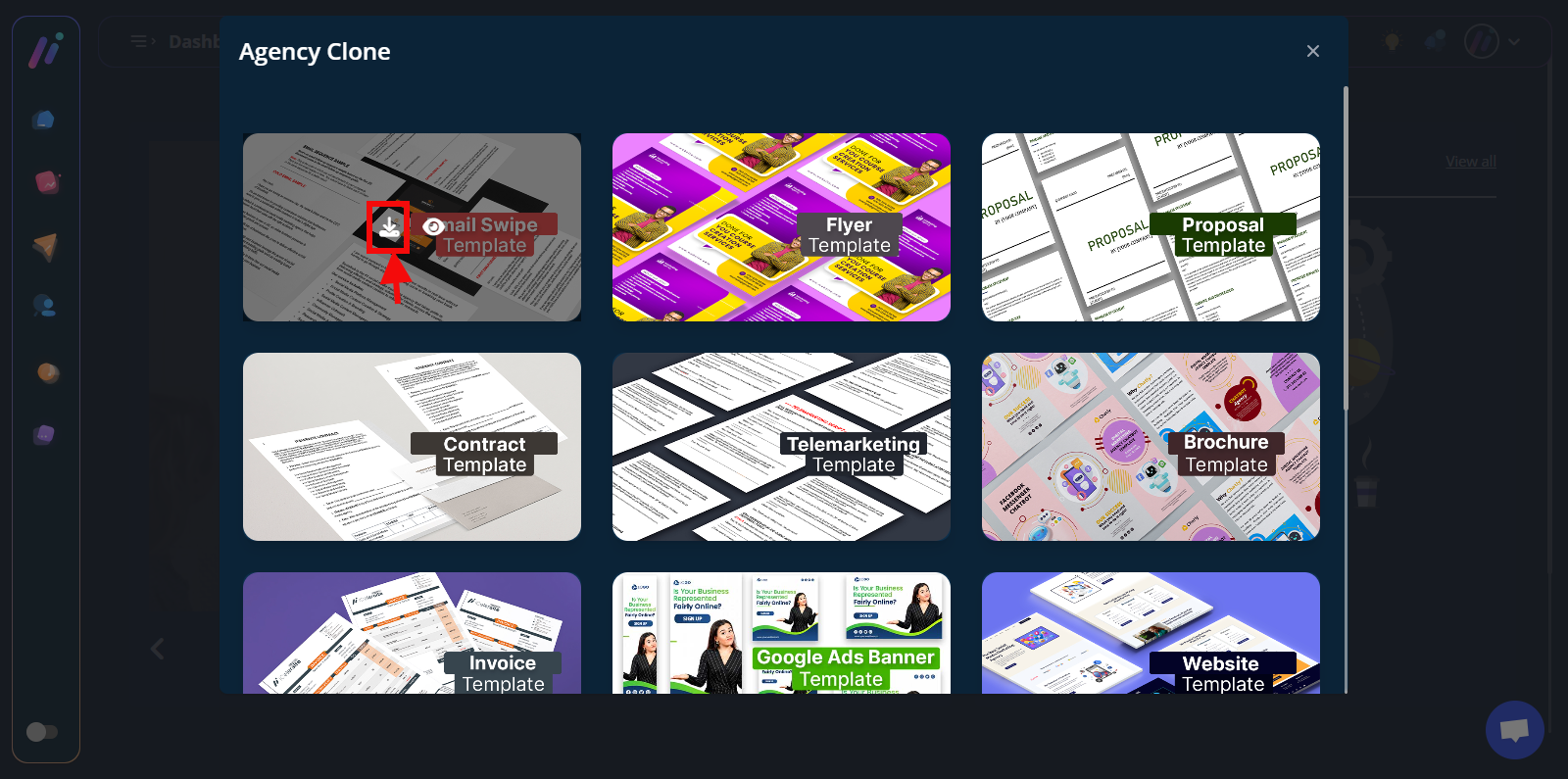
Then you will see the respective kits

To view the asset, kindly click on the eye icon