
STEP 1: Log into your Bixfox account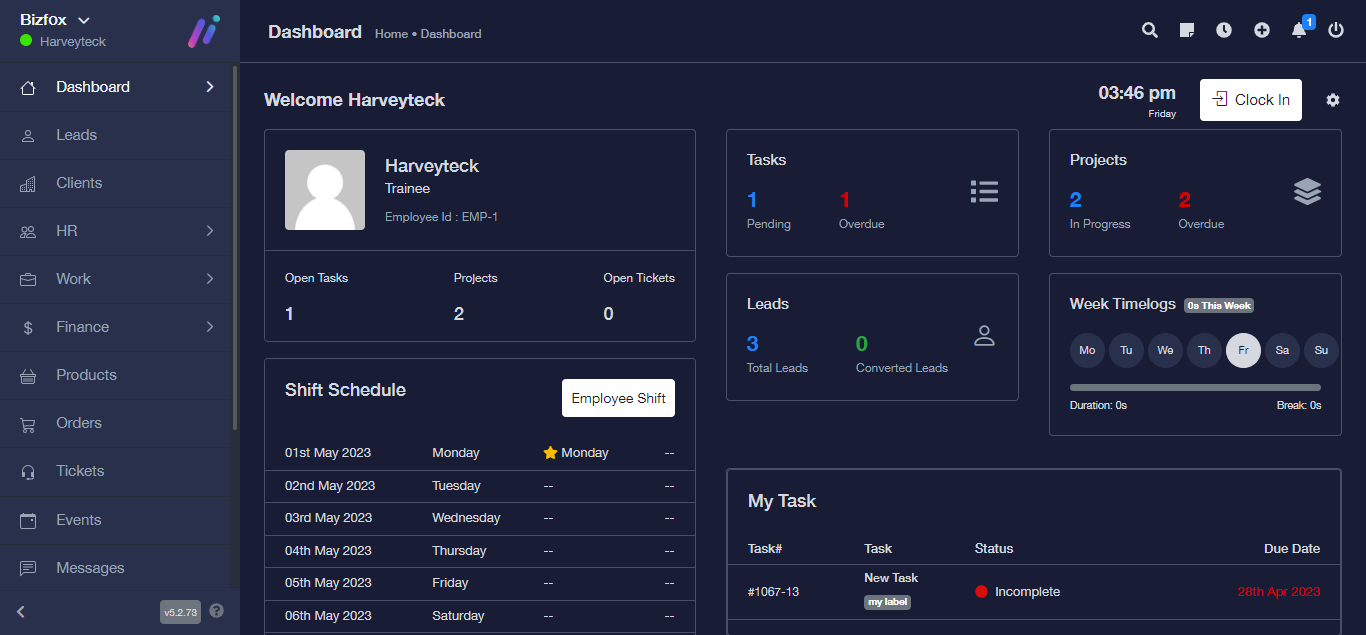
STEP 2: At the right side of your dashboard, click on “Leads”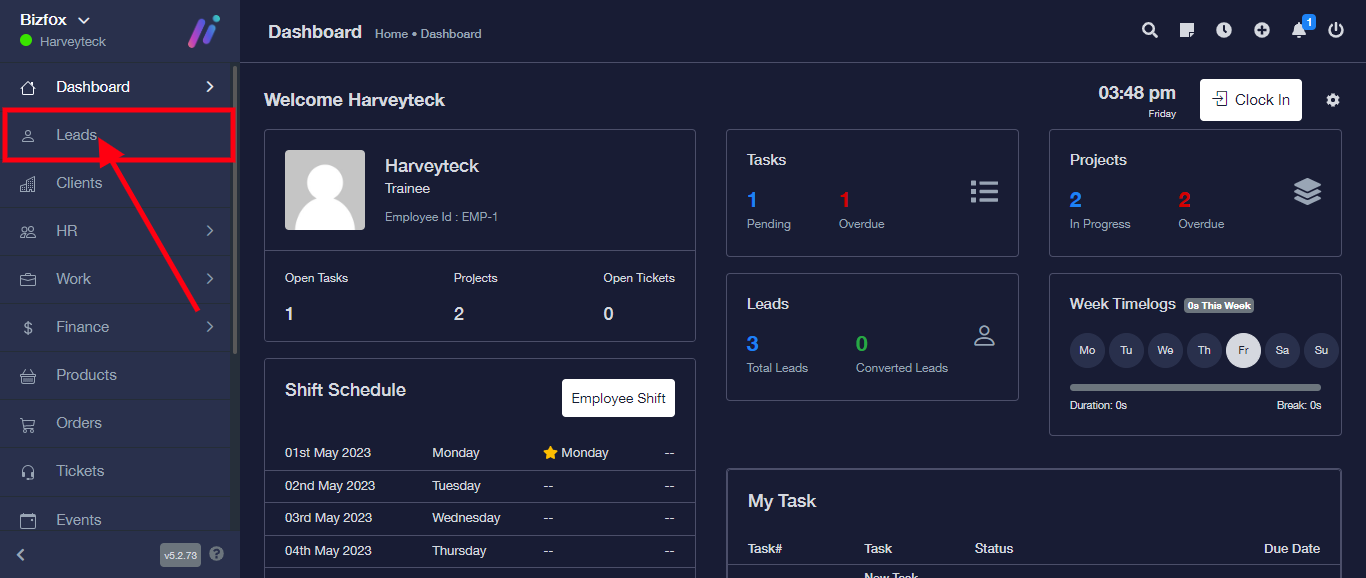
STEP 3: Click the triple dot icon on the lead you want to change to client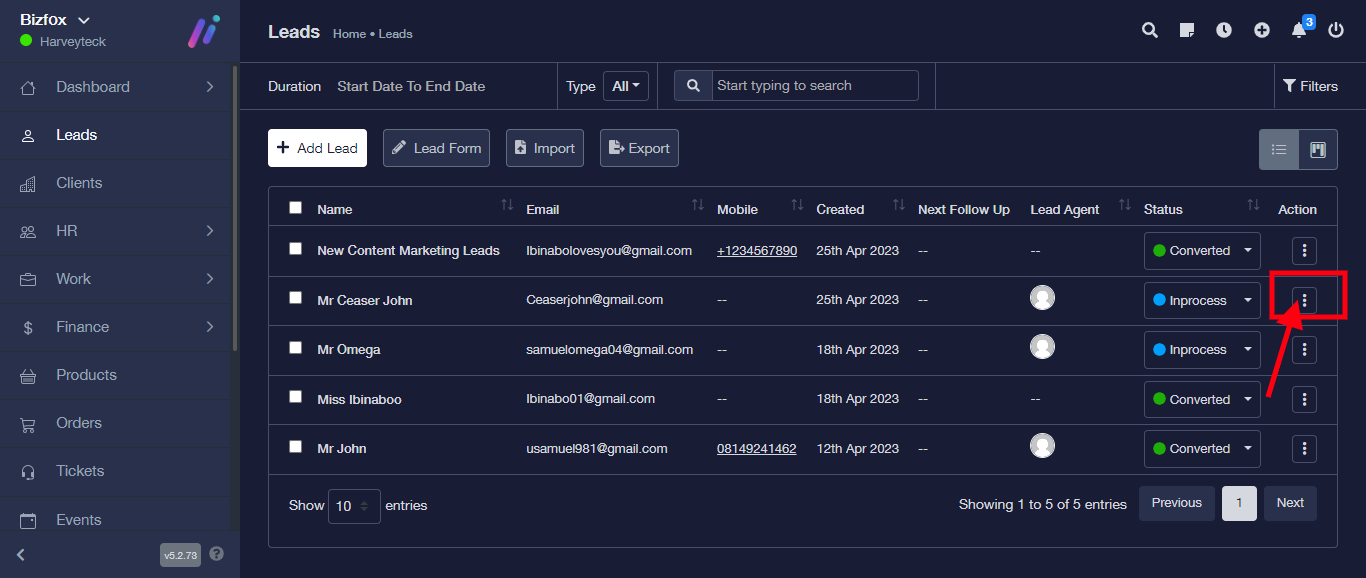
STEP 4: From the dropdown, select “change to client”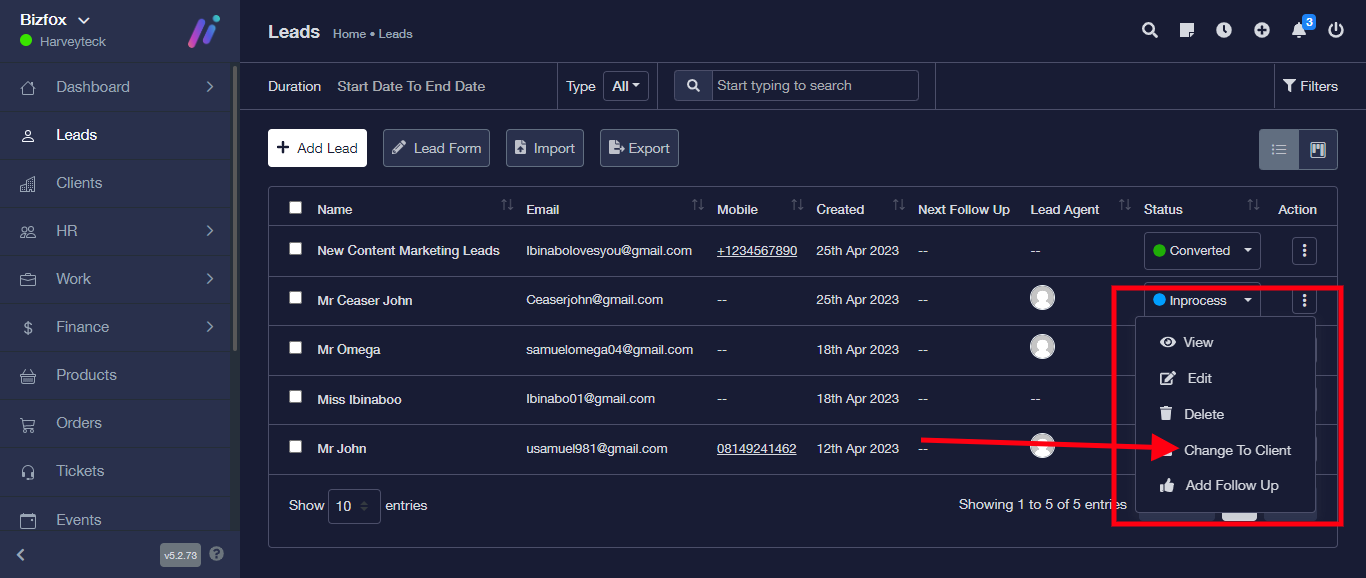
STEP 5: Enter the details of the lead you wish to change to client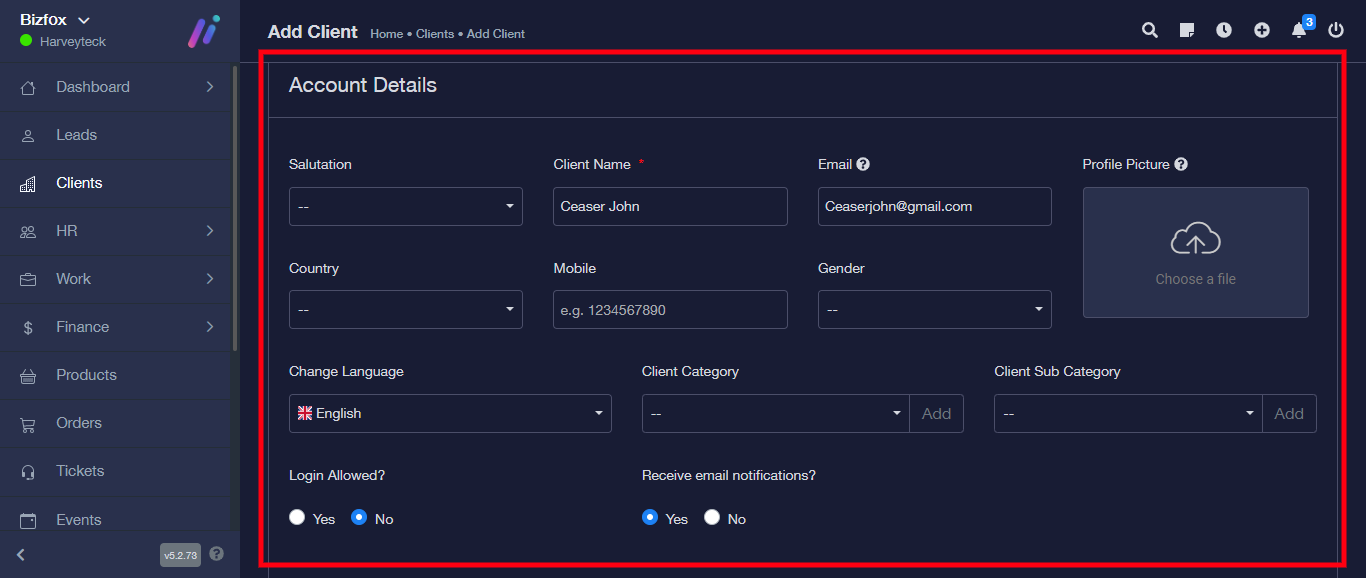
STEP 6: Click on the save button to save details.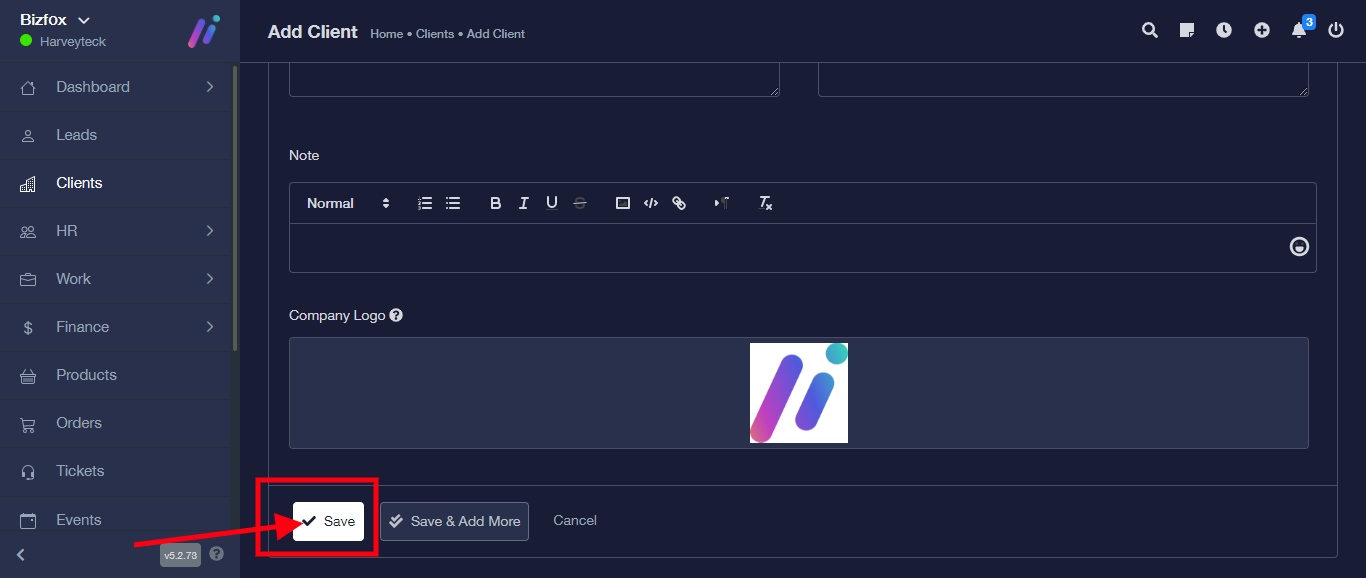
Your lead is successfully changed to client.