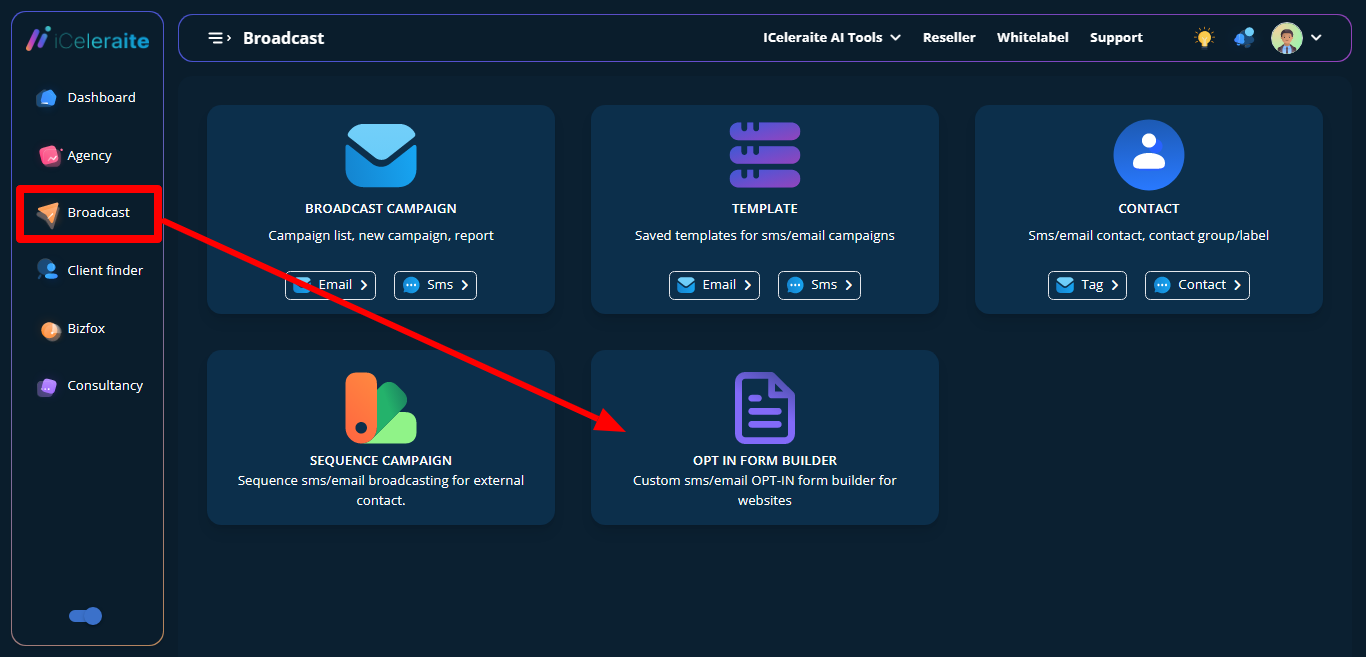
To create an Optin Form, go to the broadcast campaign page, then click on the ” OPT-IN FORM BUILDER’
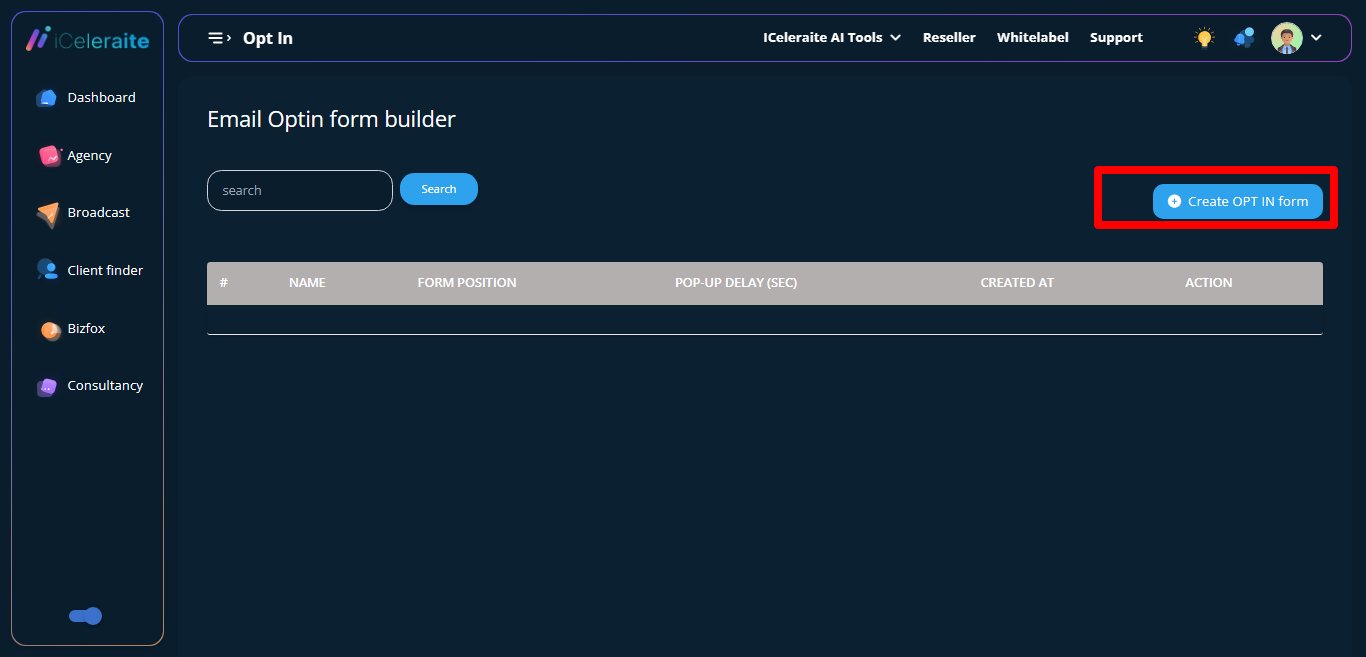
You’ll be taken to the OPT-IN form builder page with an empty table record of opt-in form. Then, Click on the “create optin form” button
Instantly, You’ll be taken to the Create opt-in form page.
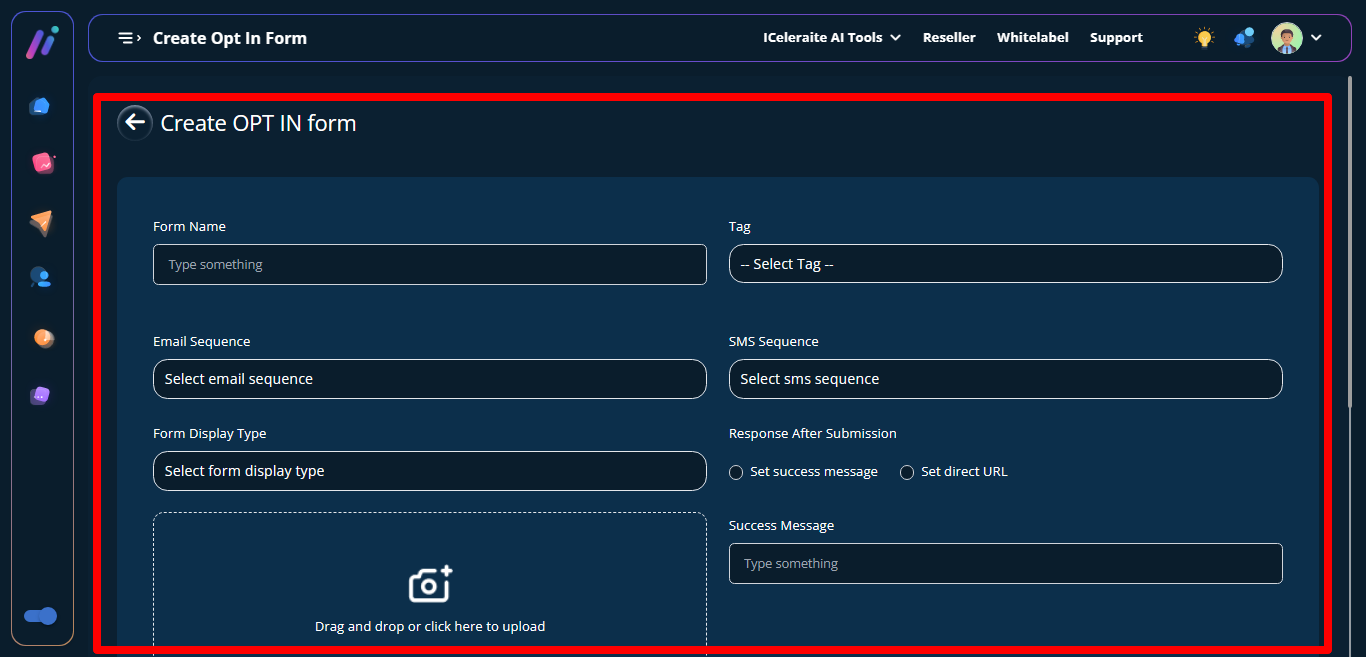
Now provide details for the respective fields.
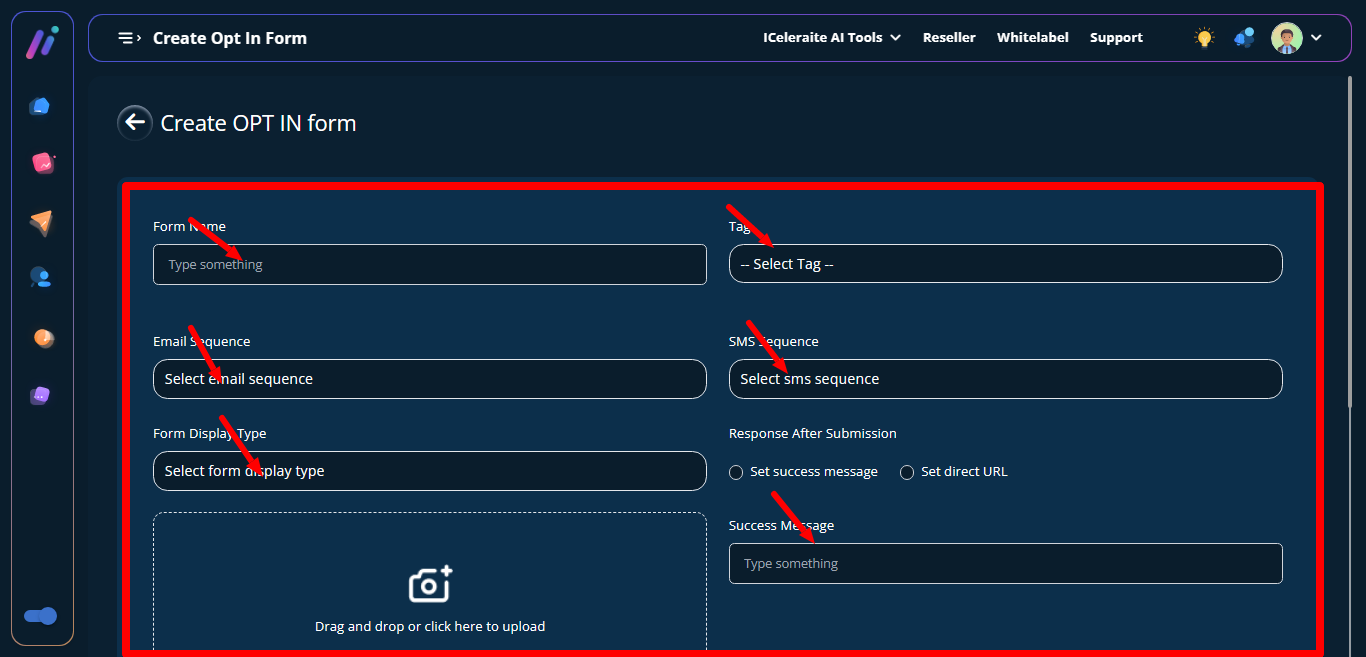
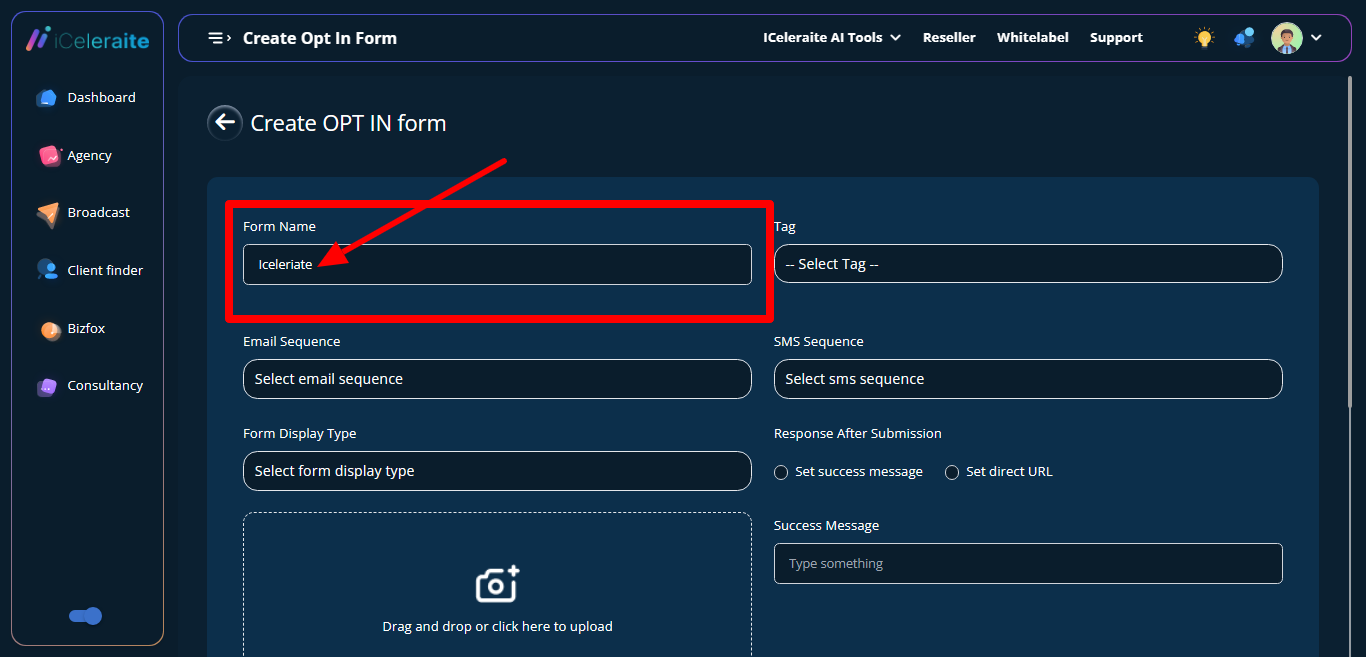
Enter Form name
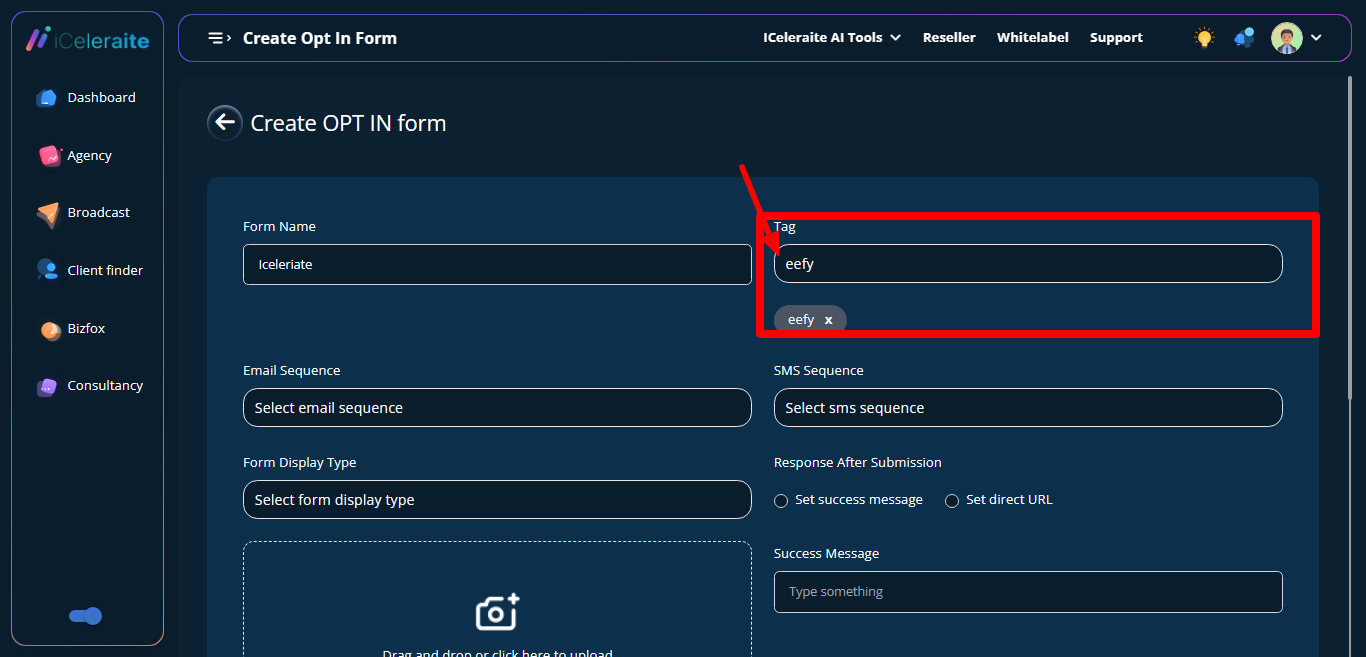
Select Contact tag
Choose Email sequence
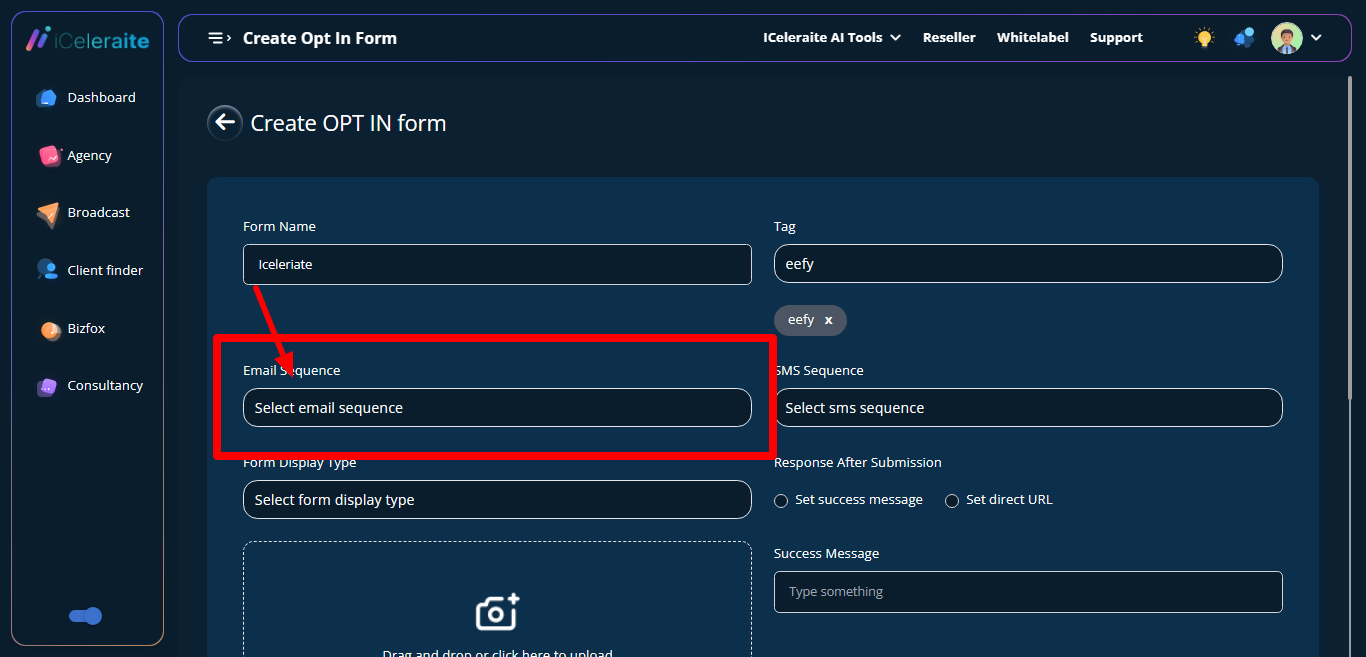
Choose Sms sequence
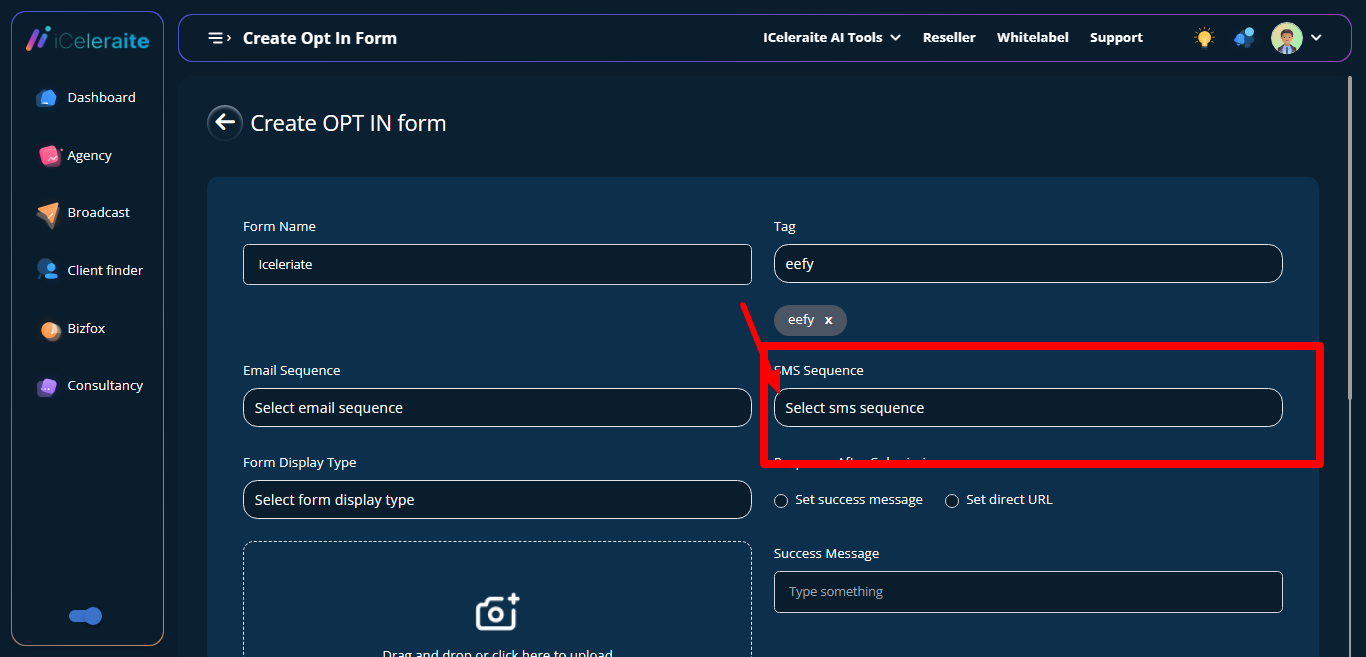
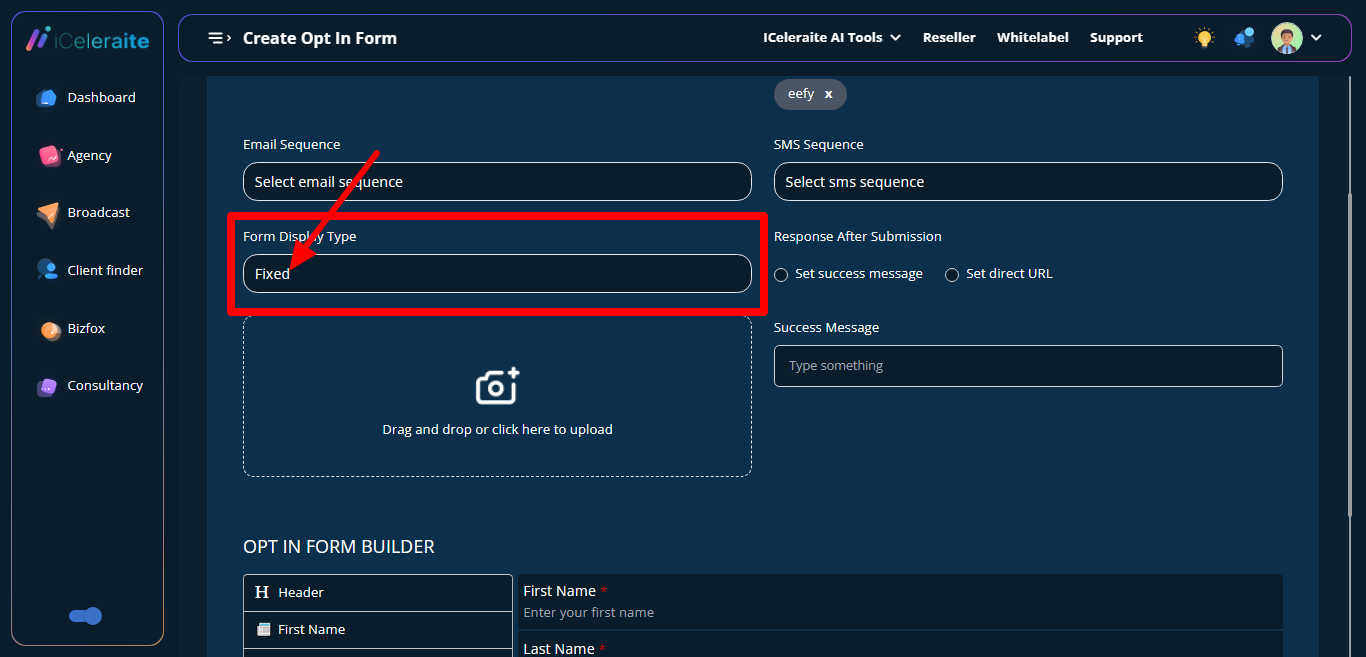
Select Form display type
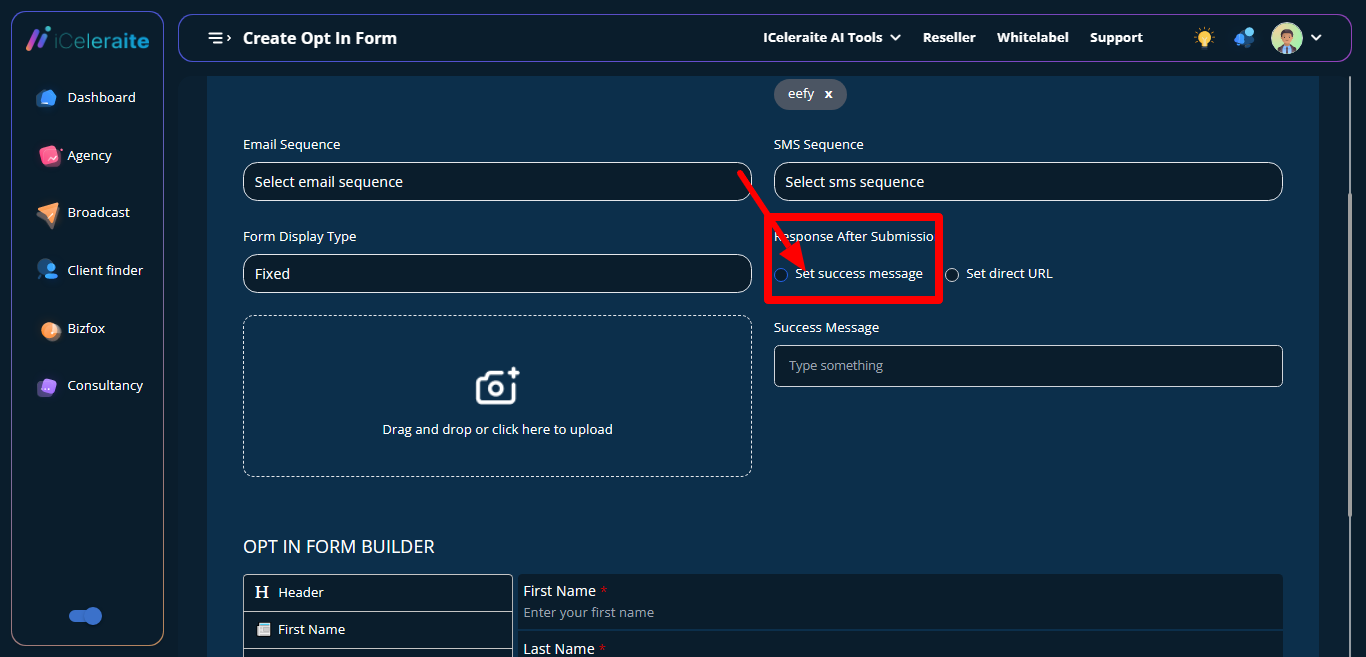
Set Response after submission
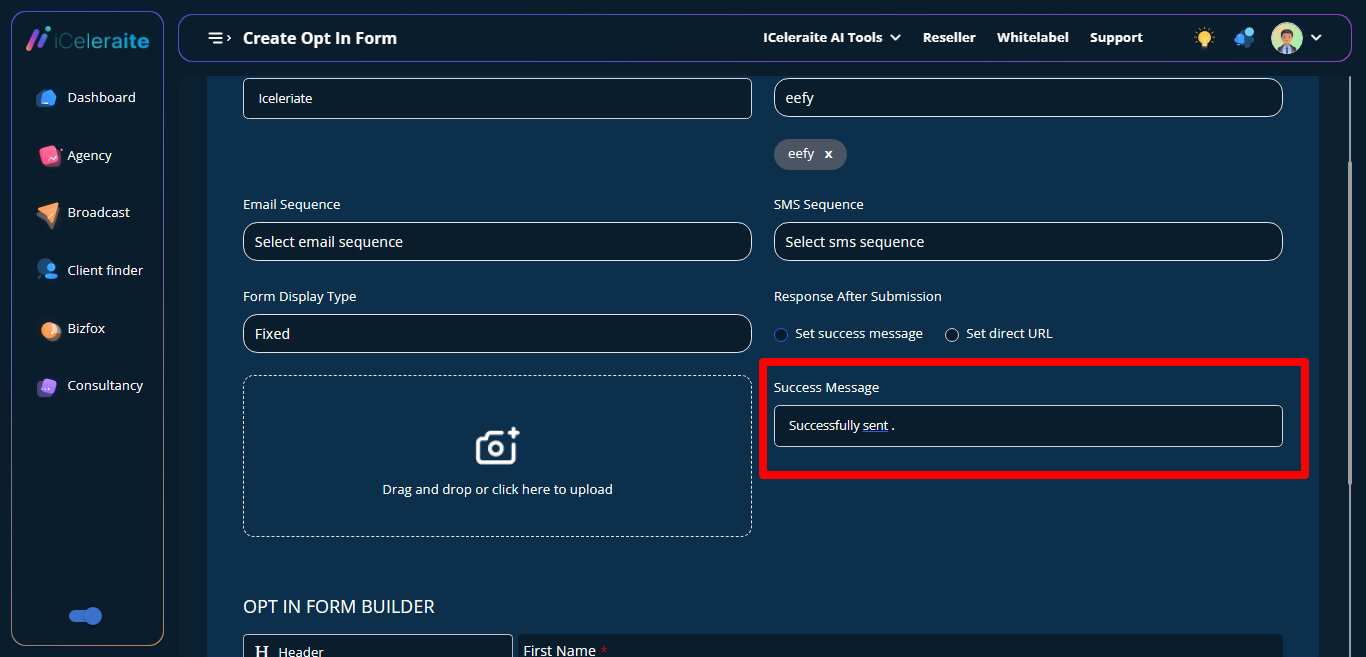
Enter success message to set success message
and URL redirect page to set direct URL
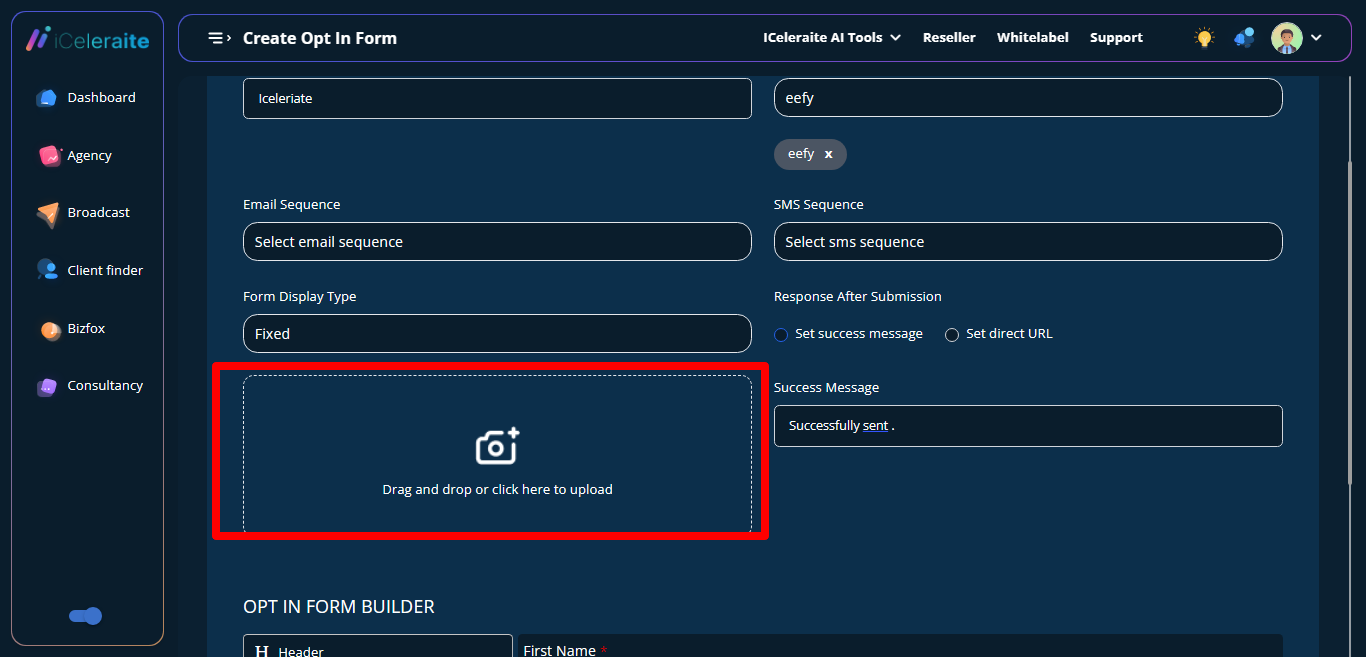
Upload a Background image
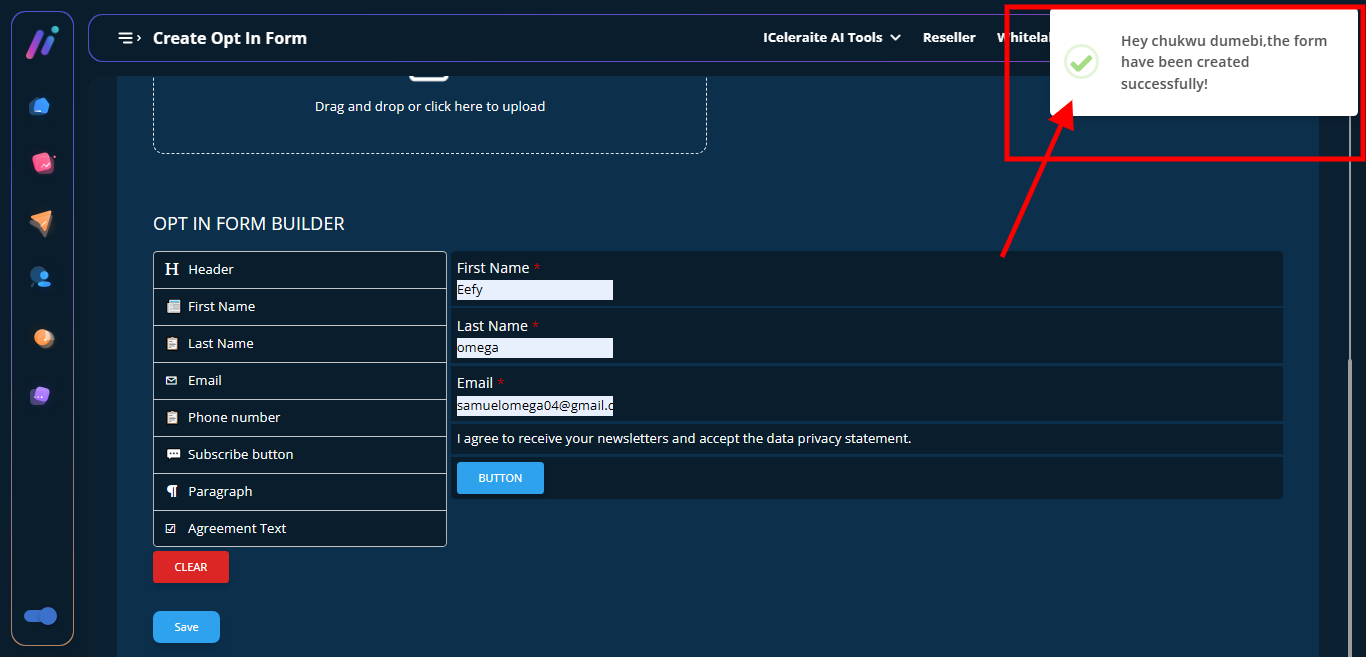
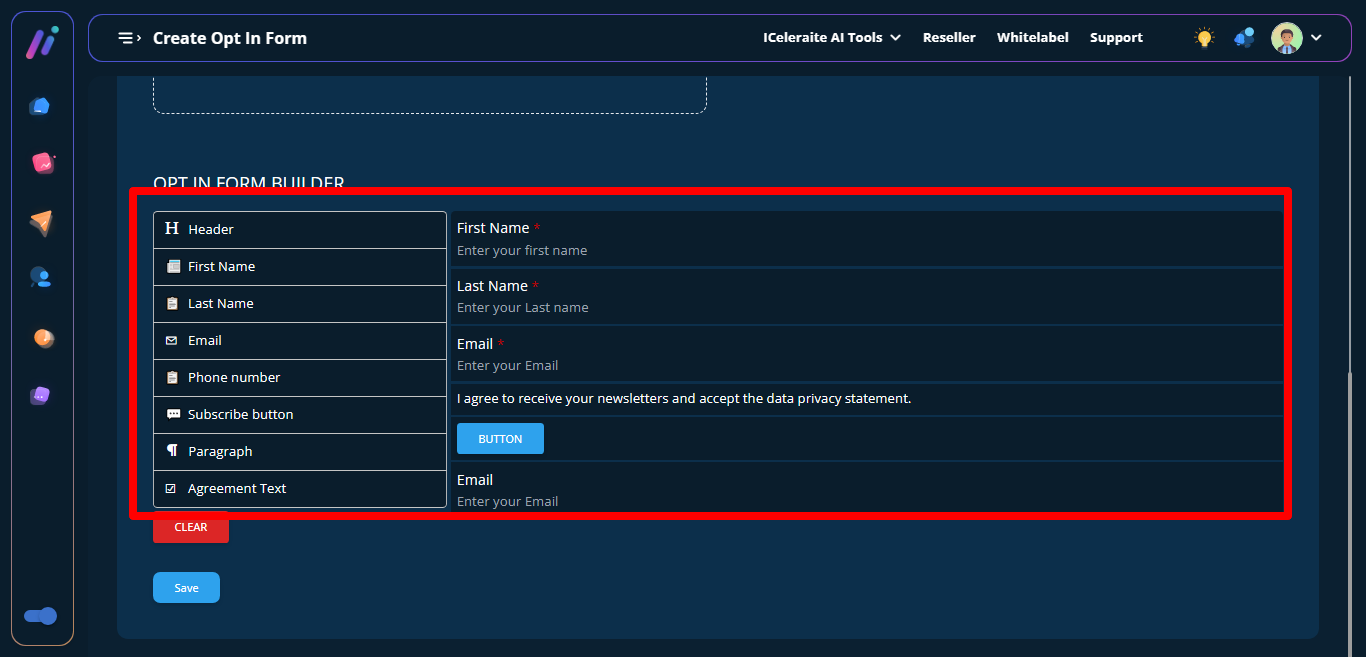
Drag the form field from the left section and drop it at the right section
Click on the Save button
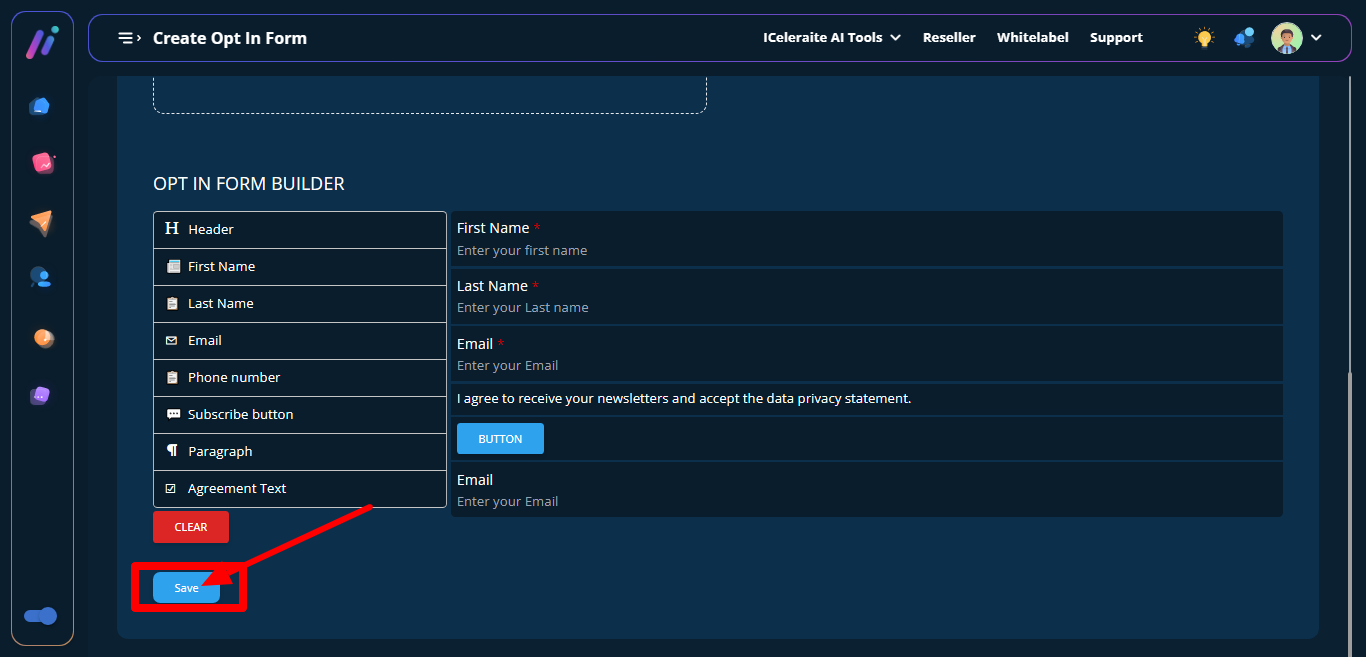
Form is created sucessfully