STEP 1: Log into your Bizfox account
[INSERT IMAGE]
STEP 2: At the right side of your dashboard, click on “Leads”
[INSERT IMAGE]
STEP 3: From the top menu, click on “Lead form”
[INSERT IMAGE]
From the lead form, you can select from the field what you want on the form
[INSERT IMAGE]
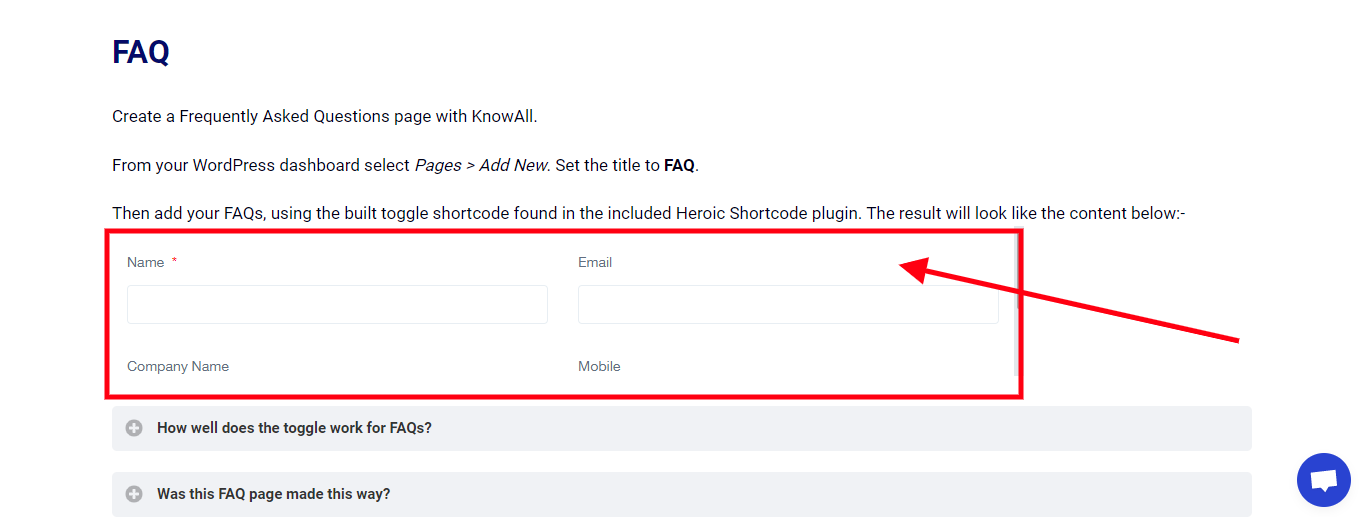
After selecting your preferred field, copy and paste the code anywhere in your site to show the form.
[INSERT IMAGE]
Lead form has been successfully created and Embed into a site