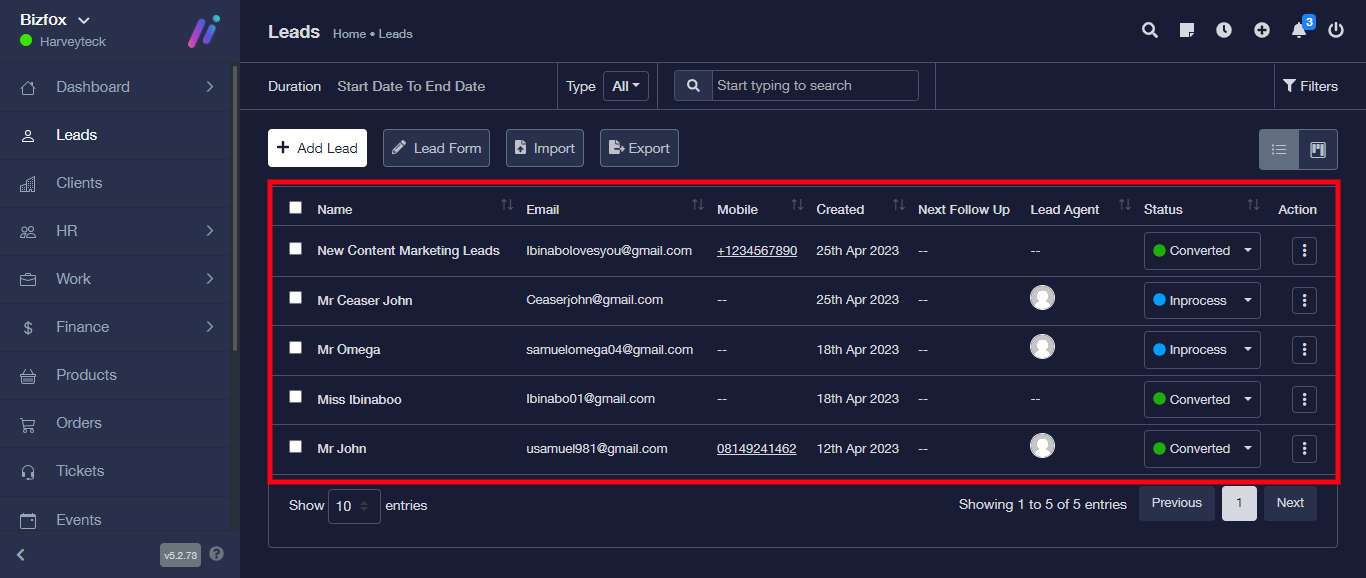
STEP 1: Log into your Bizfox account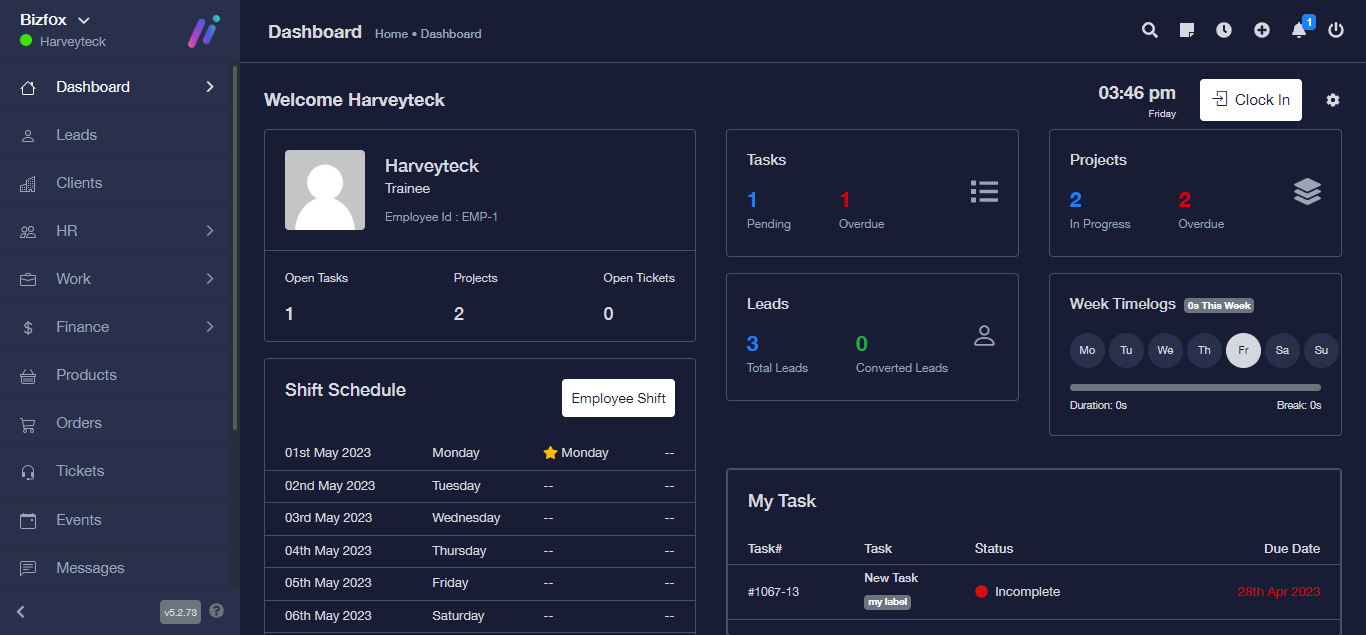
STEP 2: At the left side on your dashboard, click on “Leads”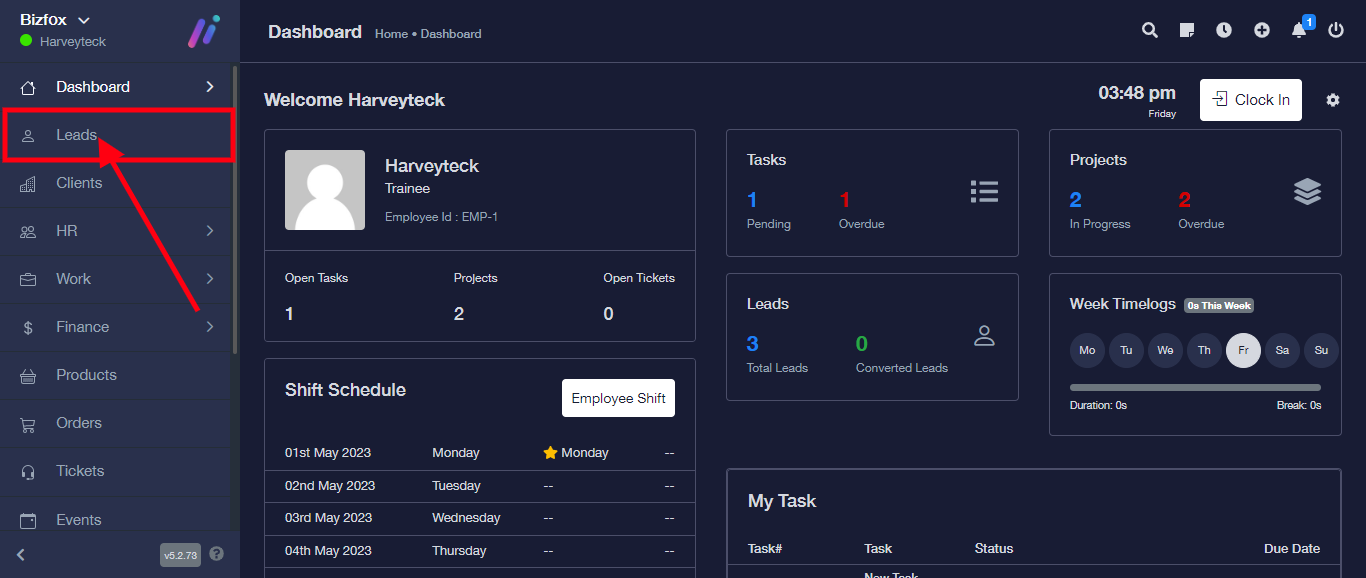
STEP 3: Click on the triple dot icon at the extreme of the lead you intend editing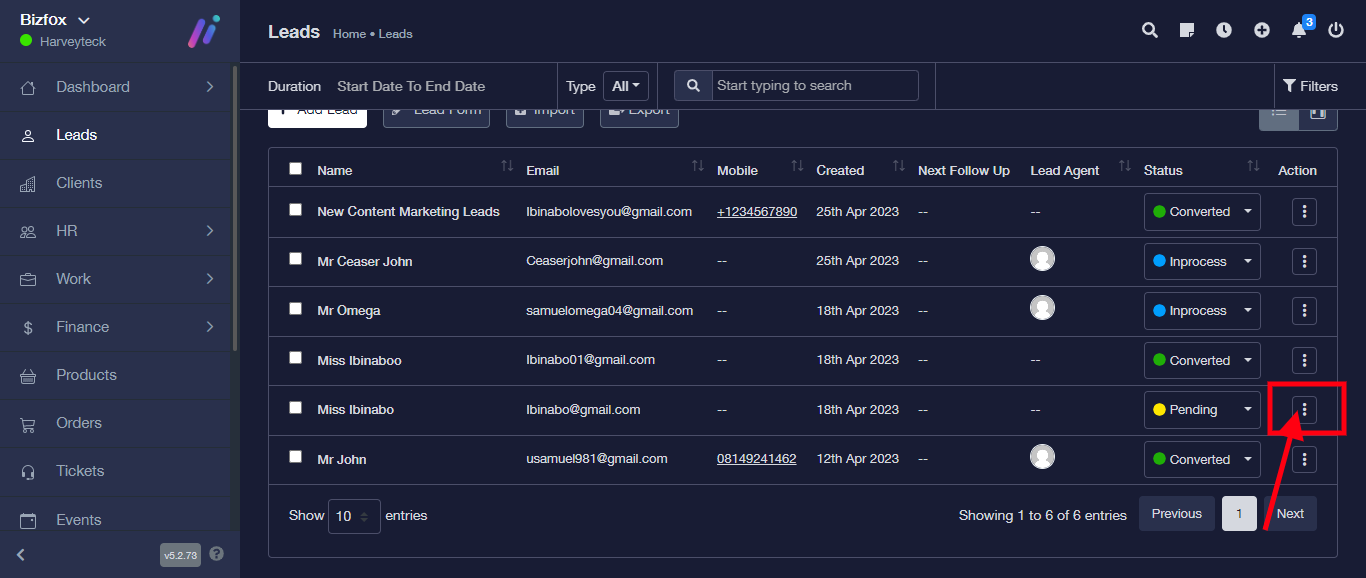
STEP 4: Click on “Edit” from the drop down.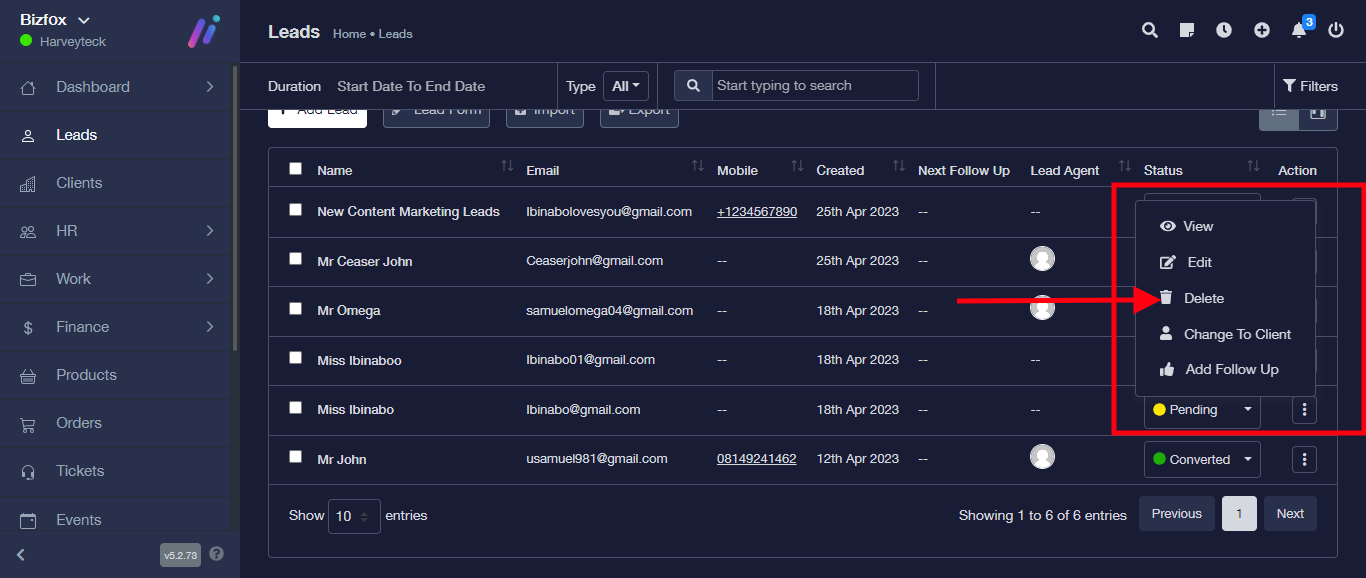
A confirmation question will pop up, click on the “yes, delete it”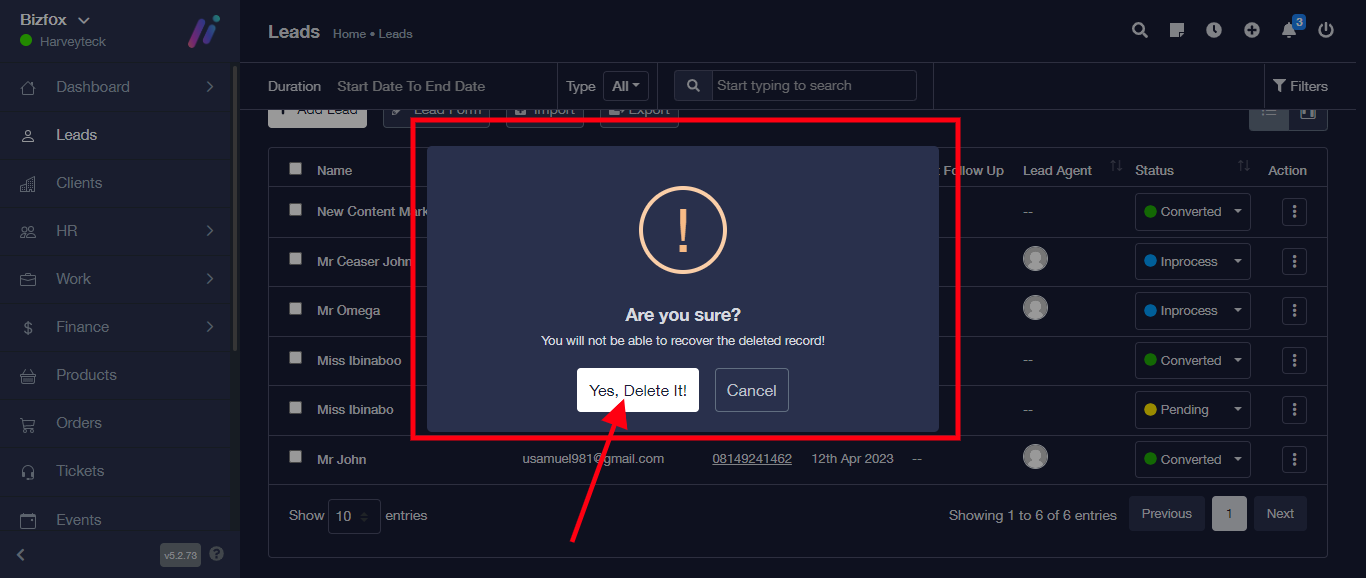
The Lead has been successfully deleted from table