
STEP 1: Log into your Bizfox account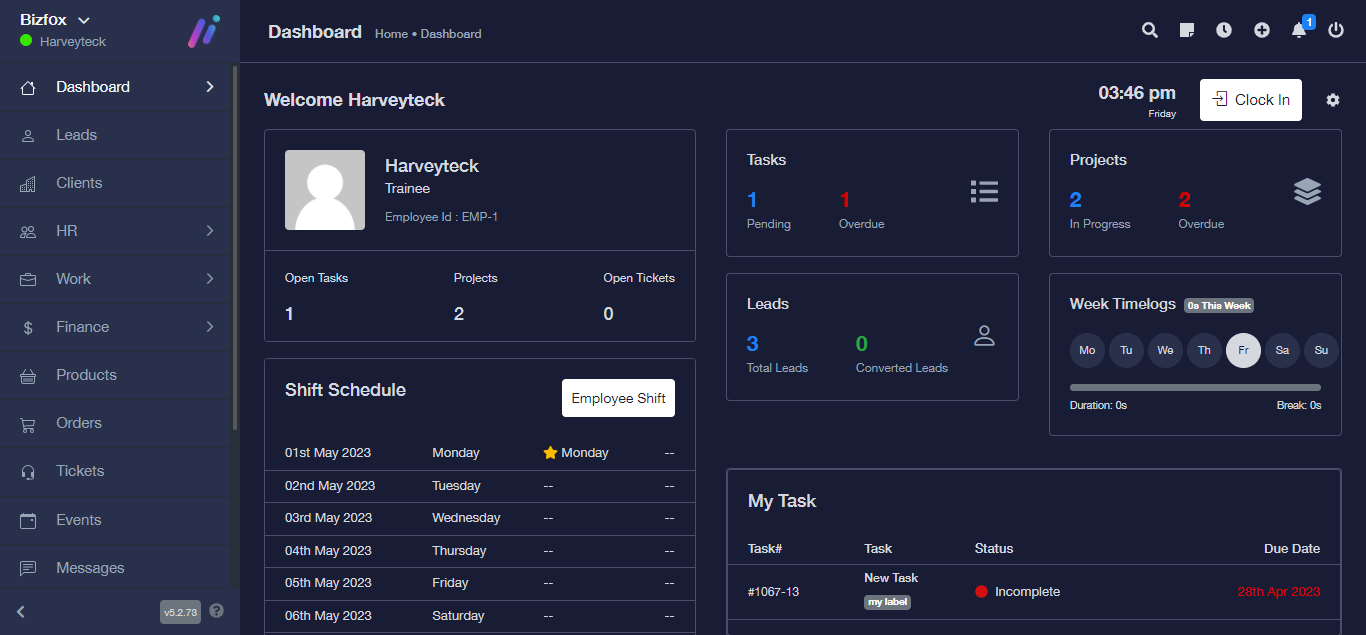
STEP 2: At the right side of your dashboard, click on “Leads”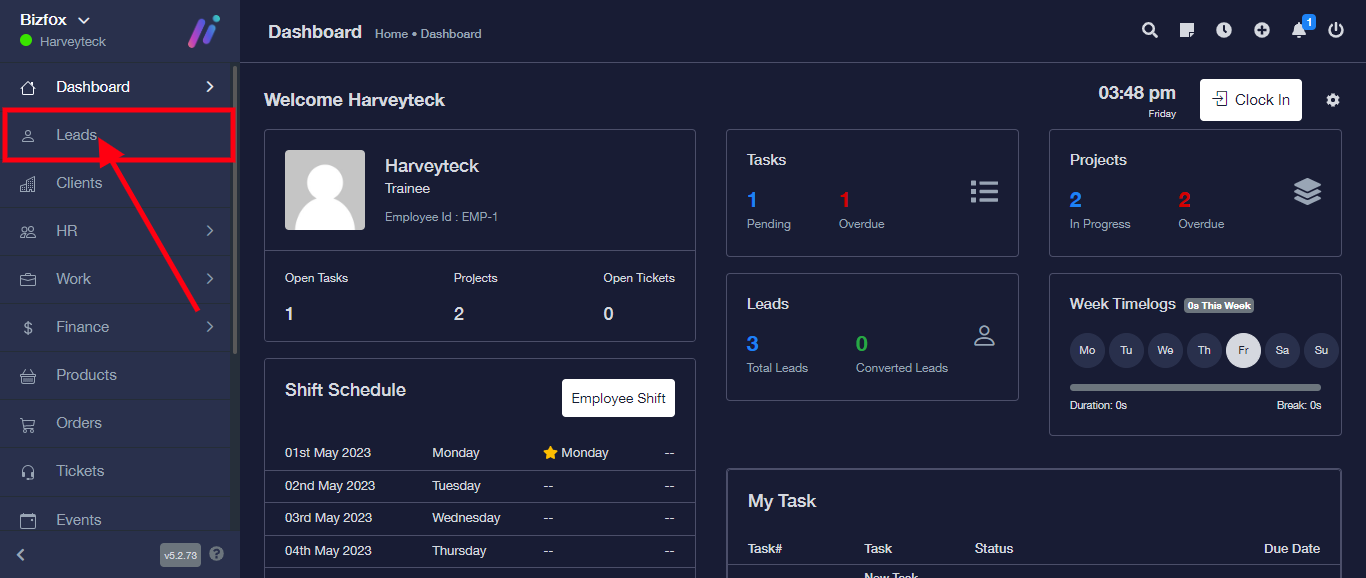
STEP 3: Select the lead you want to export. Also note that you can multi-select to export the leads you want.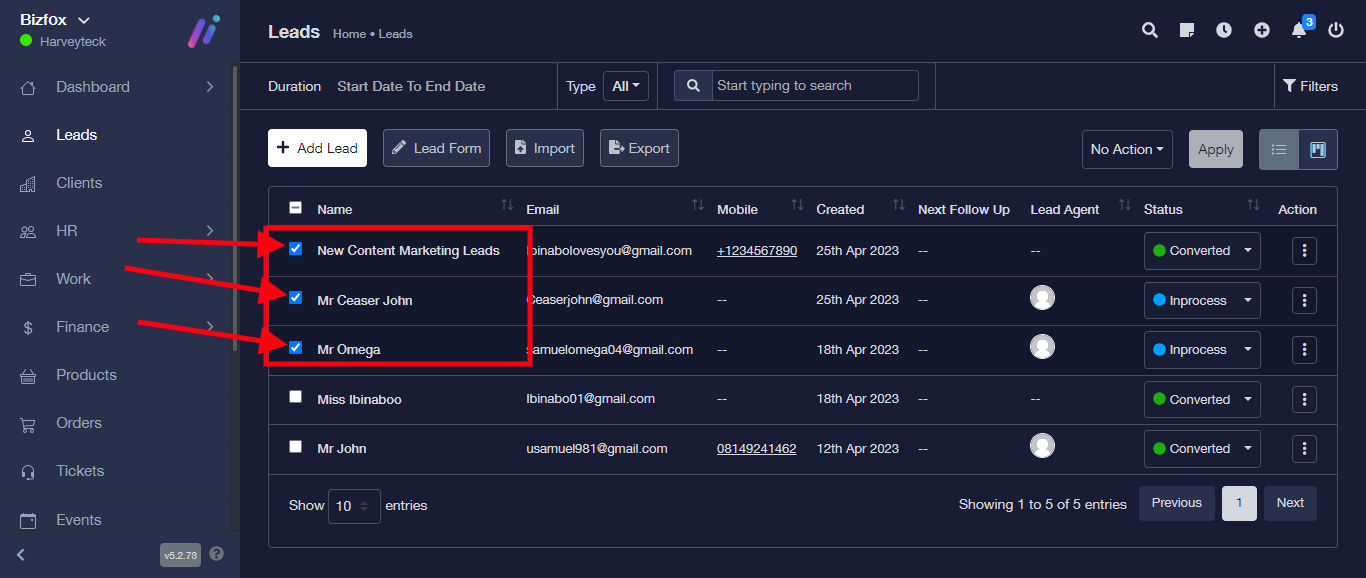
STEP 4: From the top menu, click on “Export”