STEP 1: After you’ve logged into your Business manager account, it leads you to the dashboard and there you get to see the left nav-bar and a table. On the left-nav bar click on clients.
STEP 2: A new page comes up after you’ve clicked on the clients button, There you will find an empty table with name, email, status, created and action at the top of the table, other options like add client, import and export would also be found on the page.
STEP 3: Click on the import button at the top.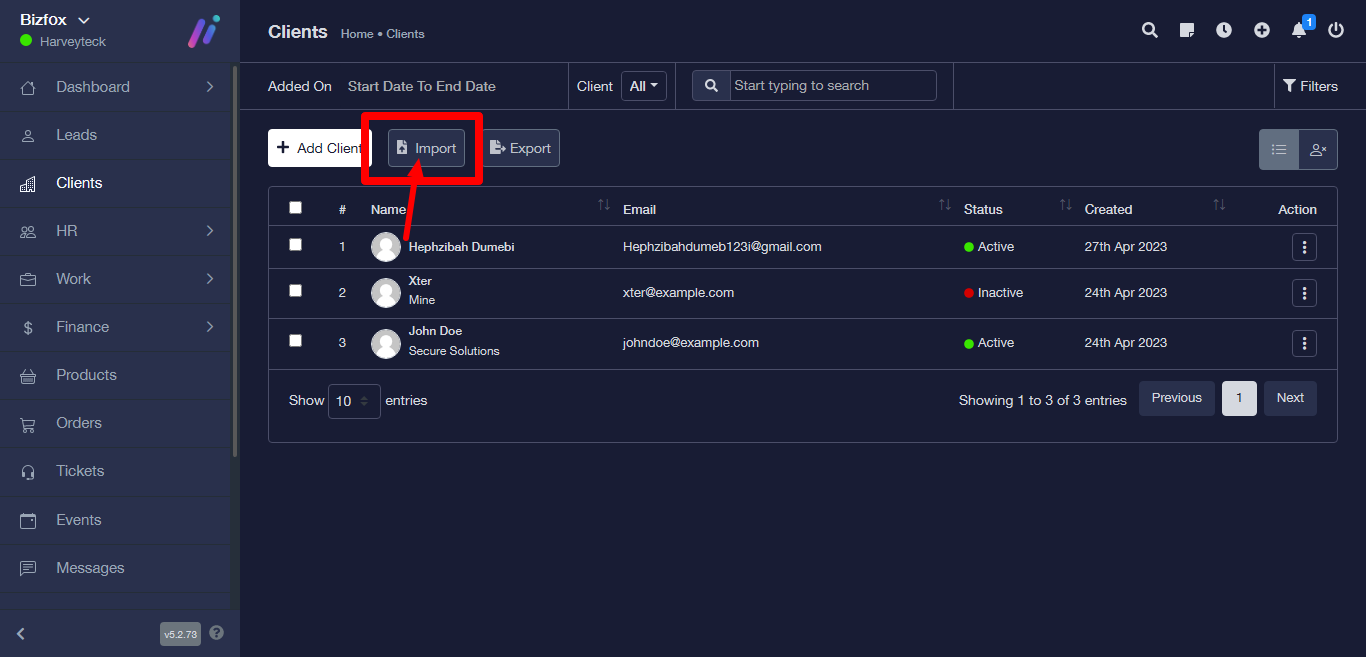
STEP 4: It takes you to the Import client page
STEP 5: Upload file by clicking on the choose a file then select whatever file you would want to upload.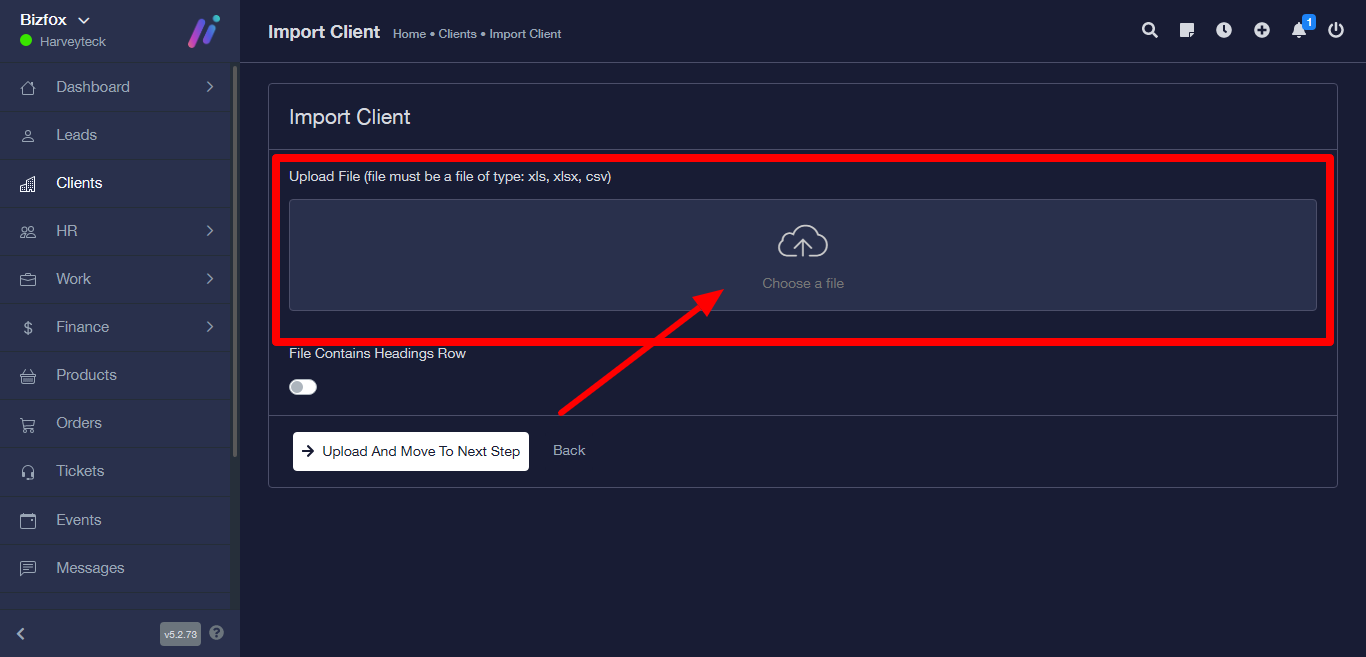
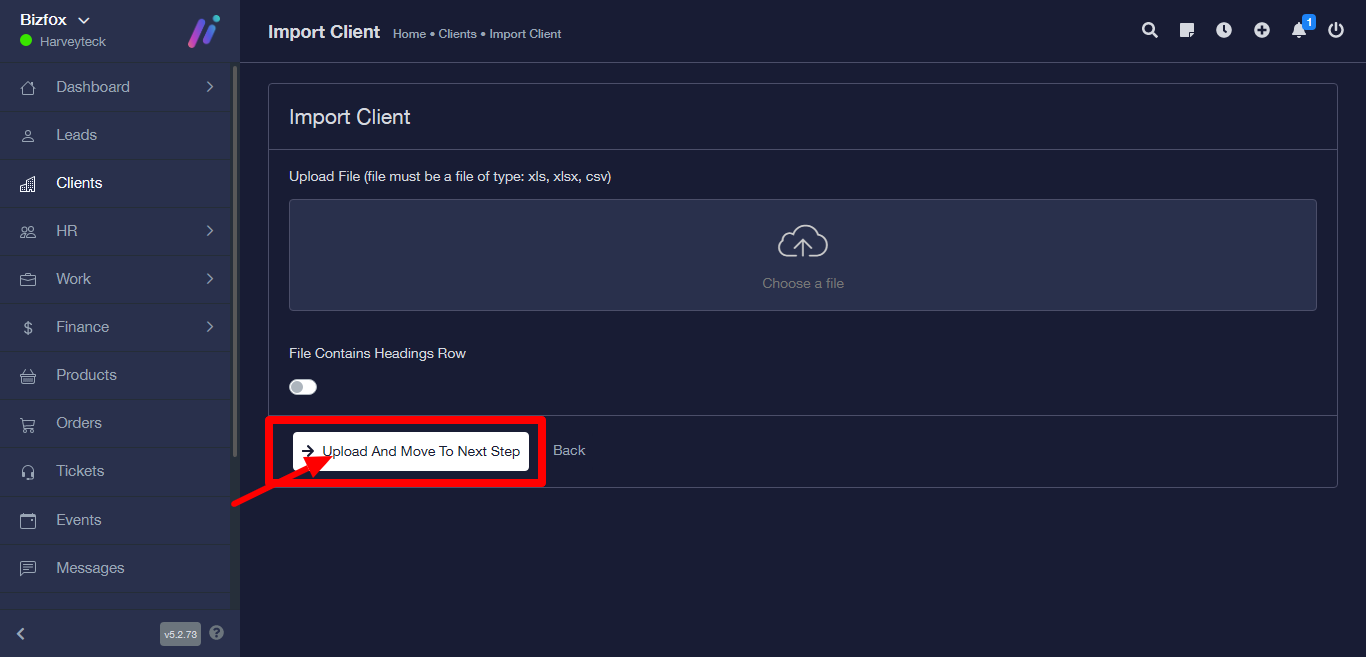
STEP 6: Click on upload and move to next step, then a success message will appear.