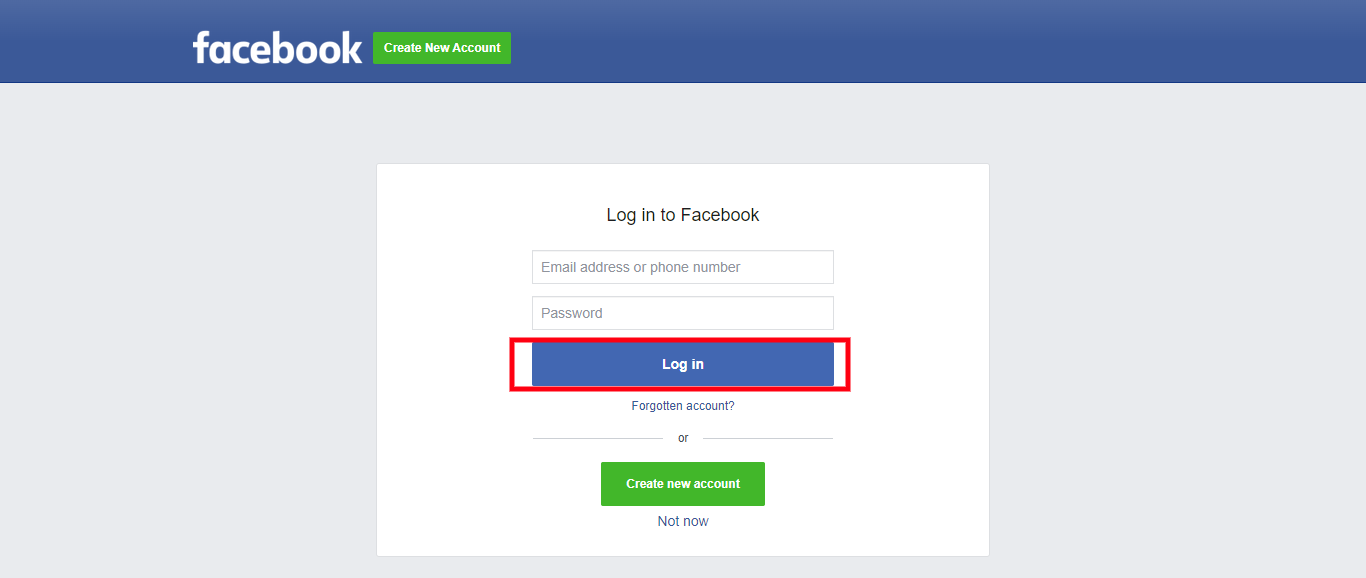
STEP 1: Log in to your iceleraite account.
STEP 2: Click on the “Menu Icon” at the top right of your dashboard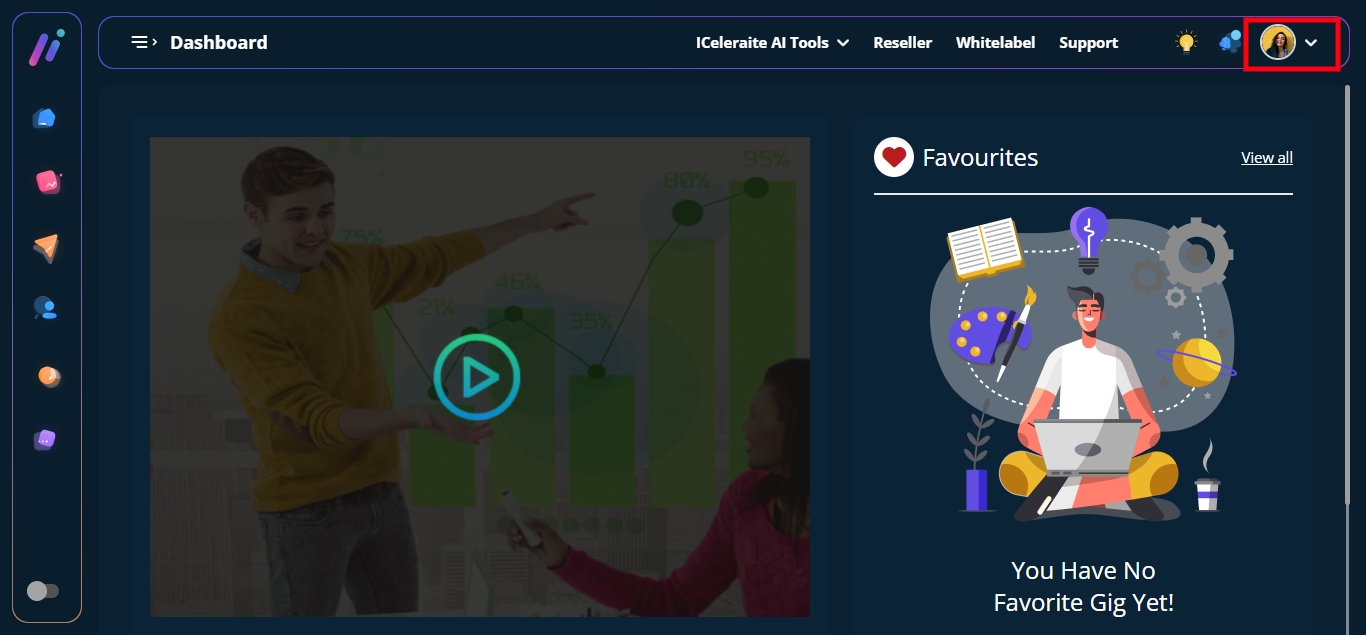
STEP 3: Click on “Integration” from the drop-down options.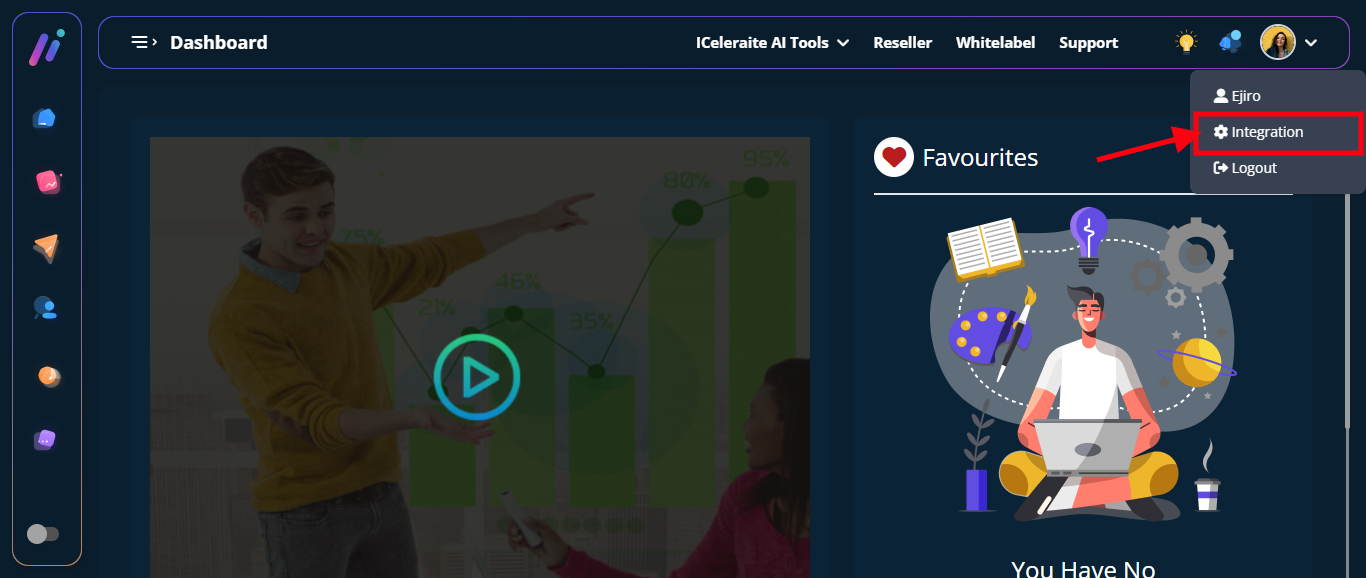
STEP 4: Click on “View Integration”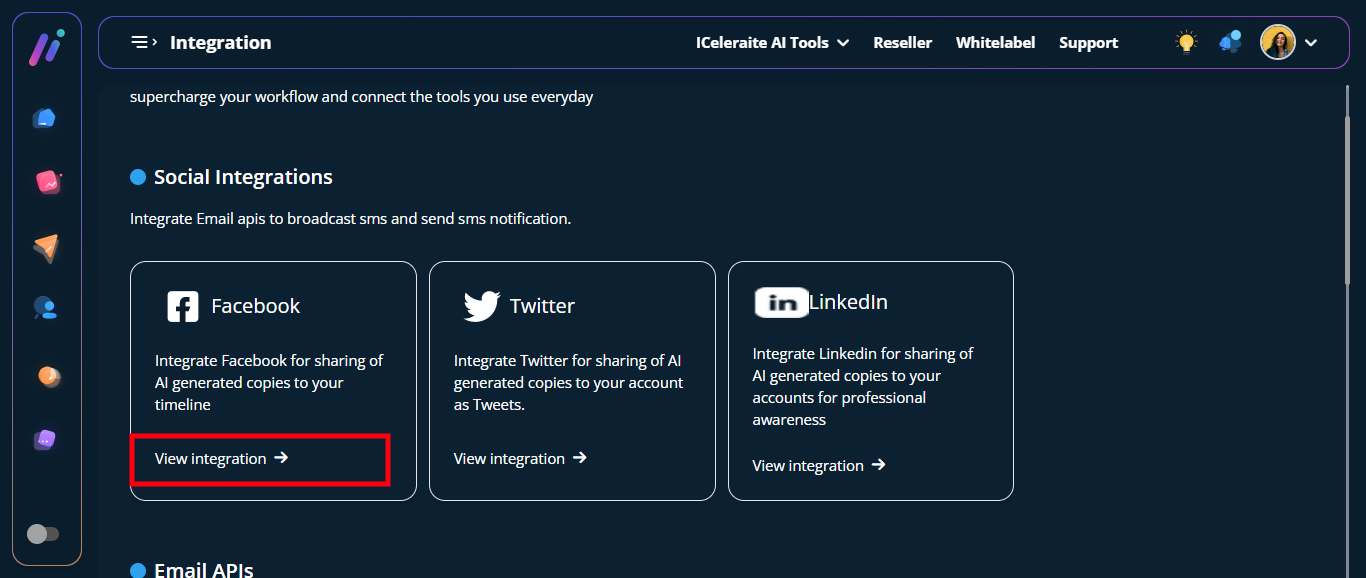
STEP 5: Click on the “Add” option
STEP 6: Input your “Facebook” Email address and Password in the field provided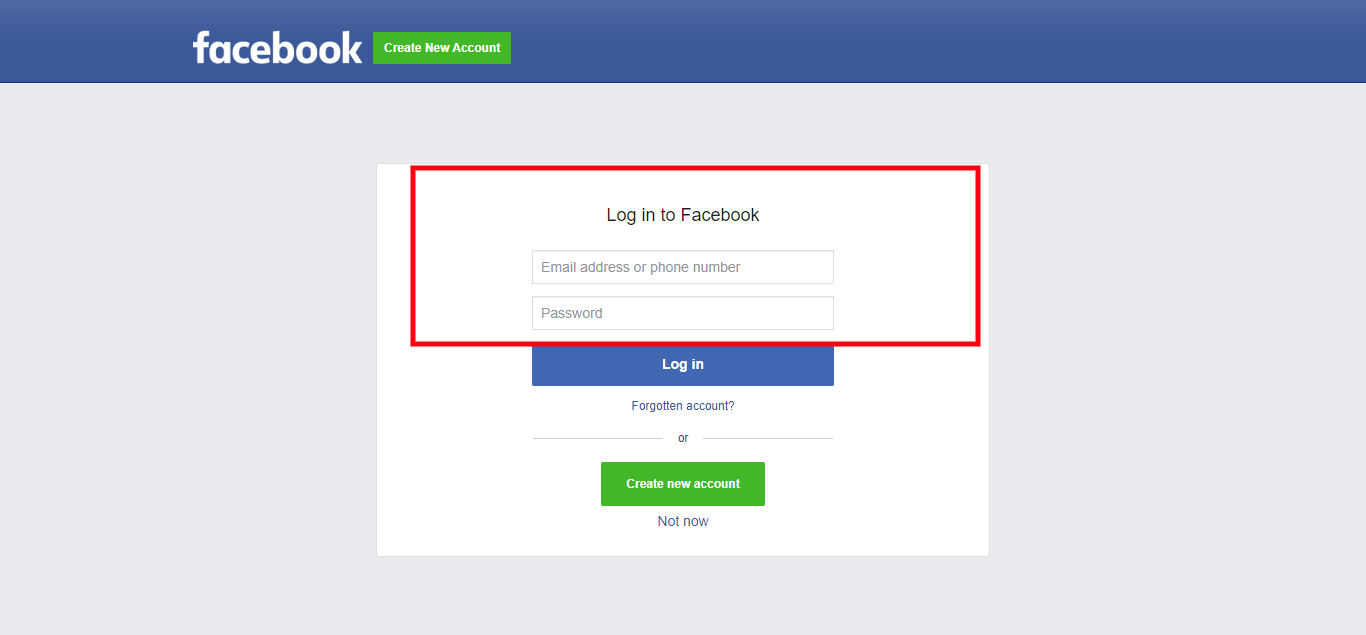
STEP 7: Click on the “Login” Option