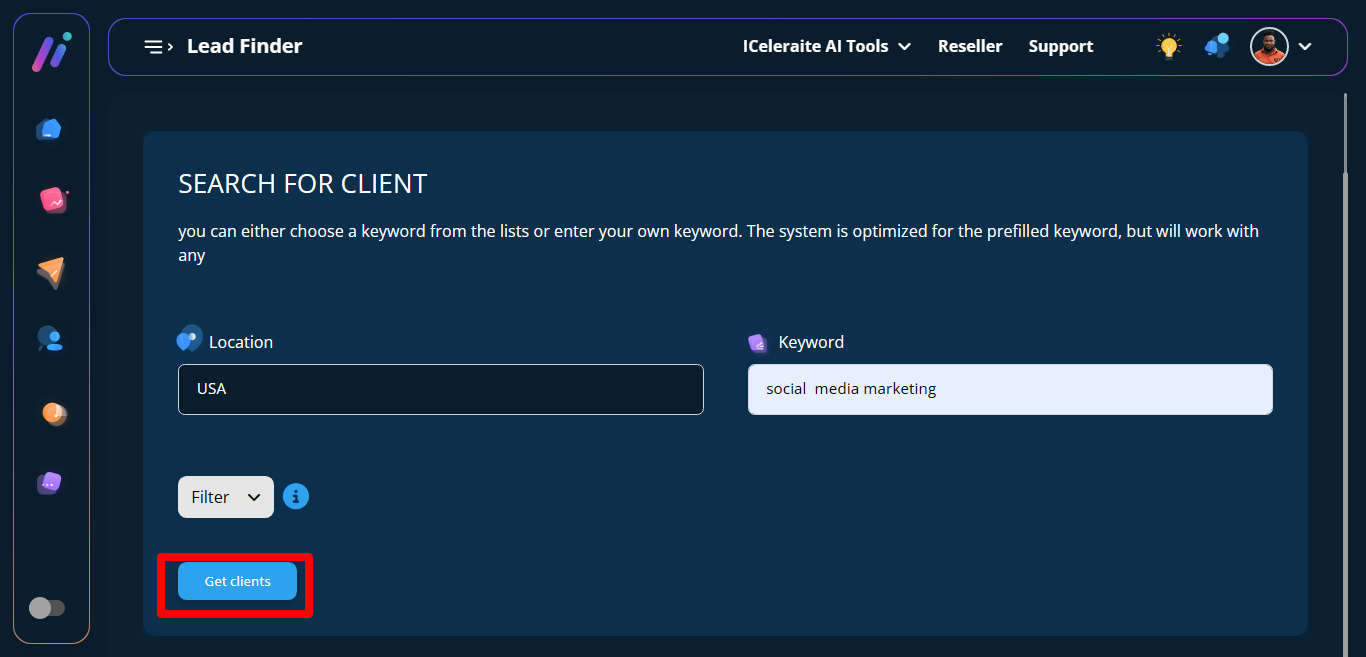
I will show you how to search for a client.
STEP 1: To search for client first go to the top section, click on Iceleriate AI Tools a dropdown will appear scroll down to leadfinder. 
STEP 2: Click on leadfinder and a new page opens.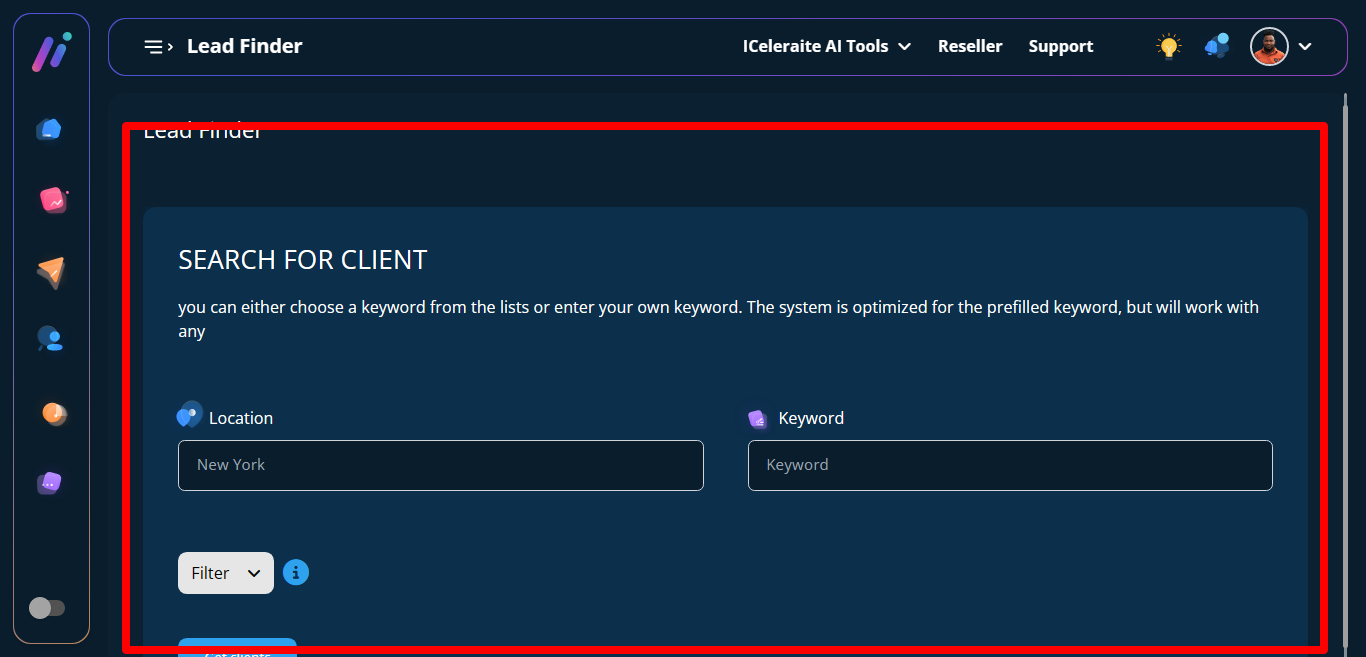
STEP 3: click on location and keyword input field, input details to enable the search process.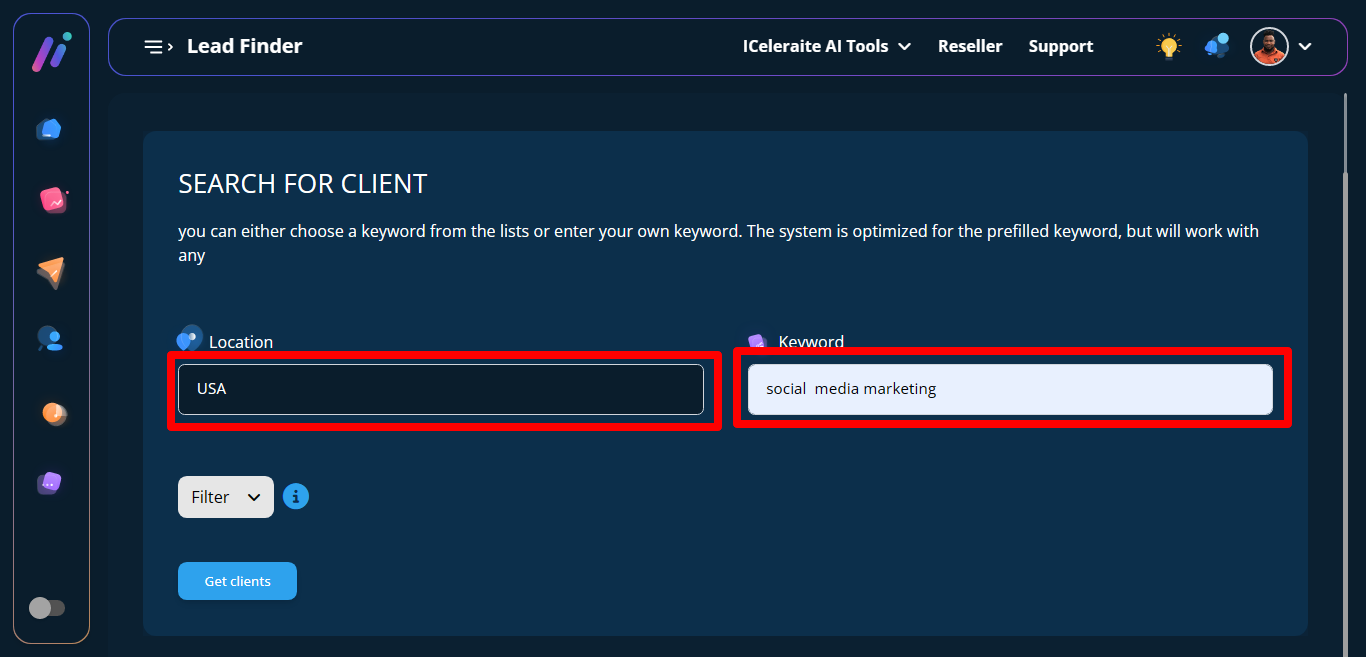
STEP 4: click on Get Client button below to get available search.