
To view sms campaign report you first have to go to the dashboards, click on sms on the broadcast campaign card.

A page showing a table will appear

click on the action button then select view report option to see the report.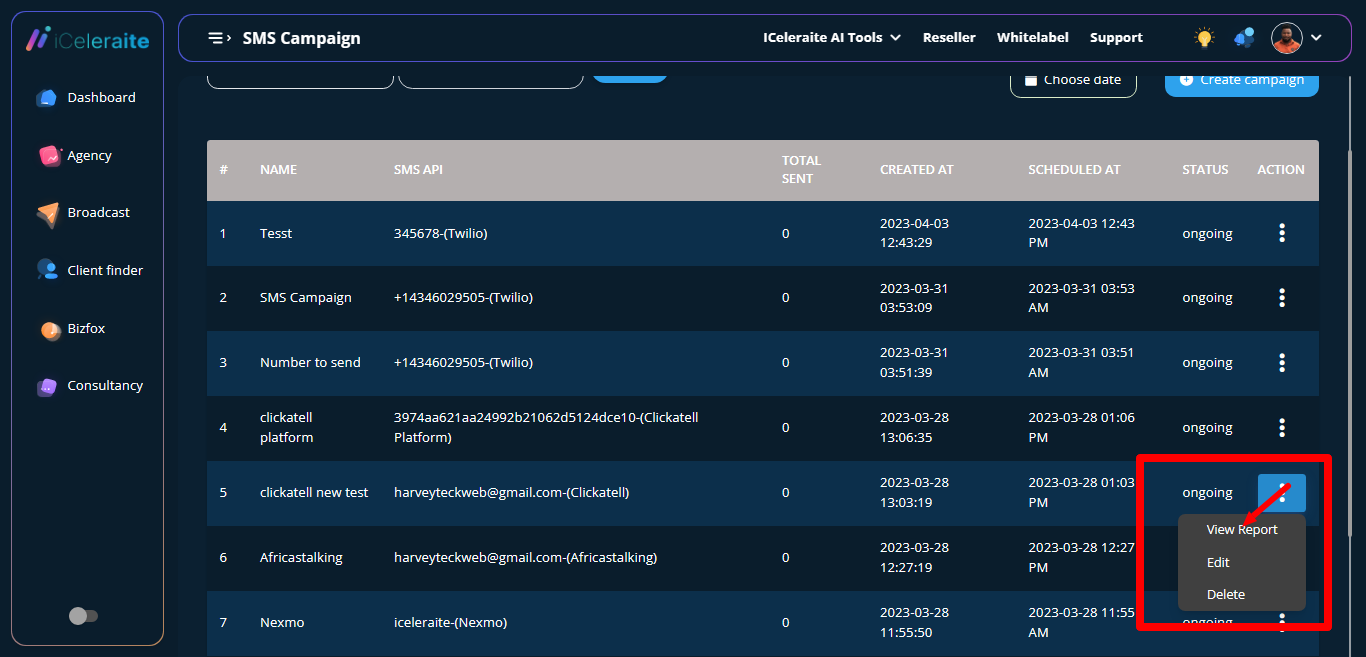
A page will appear with the already saved data on the report.
